



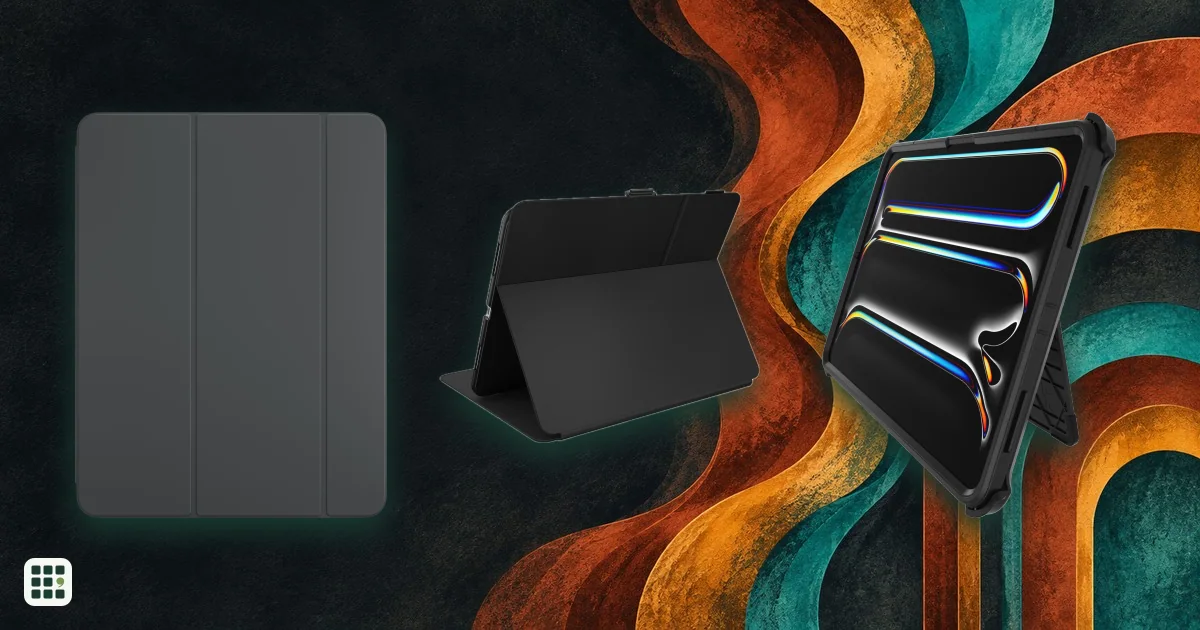
13-inch iPad Pro cases
Compare fitted folios, protective bumpers, and stand cases for the 13-inch iPad Pro. The key trade-offs are slimness versus drop protection, useful stand positions, Pencil storage and charging access, camera coverage, and the added weight. Check the exact M5 or M4 model before buying.
Last updated
How to choose
Start by checking the exact generation: the 13-inch iPad Pro M5 (2025) and M4 (2024) have similar dimensions, but a case should name your model. Thin magnetic folios protect the front and back while adding little bulk; rugged shells add edge protection and often a heavier stand. Check whether the camera opening or a movable shield protects the lens, whether your Apple Pencil attaches and charges while the case is on, and whether the stand suits typing as well as video. Makers rarely publish case weight, so do not assume a slim-looking case is light.
Answer
Browse the table. Filter to what matters.
Use the filters below, then sign in if you want to shortlist and decide with friends.
Sign in to vote, hide products and features, and reorder.
Verified: hover a cell and click its green dot for the source Estimate: no cited source Not stated: the maker doesn't publish it
| Feature | ⠿ | ⠿ | ⠿ | ⠿ | ⠿ | ⠿ |
|---|---|---|---|---|---|---|
|
⠿
Price
|
||||||
|
⠿
Compatibility
|
||||||
|
⠿
Protection
|
||||||
|
⠿
Stand
|
||||||
|
⠿
Pencil attachment and charging
|
||||||
|
⠿
Camera fit
|
Open camera cutout
|
Raised camera edge visible in maker product images
|
||||
|
⠿
Weight
|


Why these features matter
-
Price ($)
Case prices range from simple folios to premium rugged designs.
-
Compatibility
M4 and M5 model compatibility must be verified by the maker.
-
Protection
The protection claim helps distinguish slim covers from rugged cases.
-
Stand
A stand that fits your viewing or writing position can make the case more useful.
-
Pencil attachment and charging
Storage and charging are different functions; check both.
-
Camera fit
A proper cutout preserves camera access; a shield can protect the lens when not shooting.
-
Weight (g)
Added weight matters when carrying a large tablet.
About the products
-
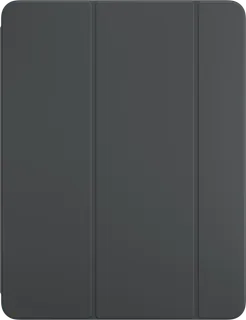
Smart Folio for iPad Pro 13-inch (M5) · Apple
Thin magnetic folio with front and back coverage and foldable viewing positions.
-
Shift Magnetic Case for iPad Pro 13-inch (2024) · ESR
Detachable magnetic case and multi-angle stand with a Pencil holder.
-
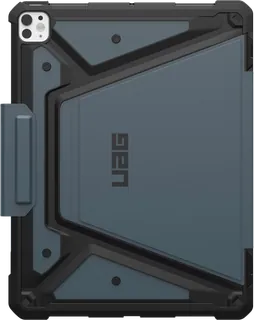
Metropolis SE Case for iPad Pro 13-inch · Urban Armor Gear
Rugged folio with a stand and Apple Pencil holder.
-
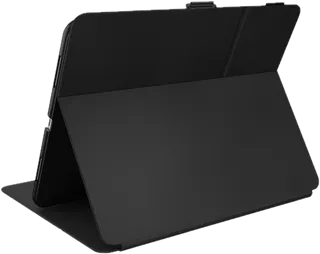
Balance Folio for iPad Pro 13-inch · Speck
Folio with multi-angle stand, integrated Pencil holder, and retractable camera shield.
-
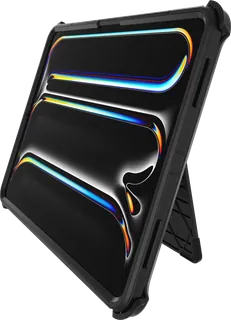
Defender Series Pro Case for iPad Pro 13-inch · OtterBox
Multi-layer rugged protection with a screen protector, port covers, and Pencil storage.
-
Ultra Hybrid Pro for iPad Pro 13-inch · Spigen
Clear-backed fitted case with a built-in kickstand and raised camera edges.
Suggest a change
Related comparisons
-
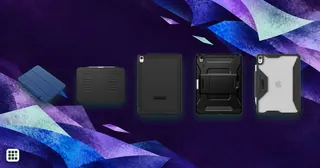 11-inch iPad Air cases
Compare current 11-inch iPad Air cases by exact model fit, camera access, Pencil attachment and charging, stand design, protection, price, and added weight.
-
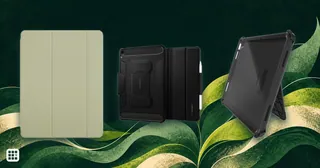 13-inch iPad Air cases
 range from thin magnetic folios to heavier rugged shells with adjustable stands. Check the exact Air generation first, then compare how much of the tablet is enclosed, the available viewing positions, Pencil storage and charging, and added weight.
-
 11-inch iPad Pro cases
Compare fitted folios, adjustable stands and rugged cases for the 11-inch iPad Pro. Exact generation fit matters: M4 and M5 cases are not interchangeable with older 11-inch Pro cases.
-
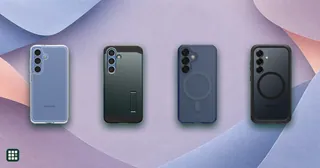 Galaxy S25 cases
Cases made for the standard Galaxy S25 range from slim and clear covers to rugged designs with built-in magnets. Check exact phone fit, charging and accessory compatibility, camera and button access, and the limits of each maker’s drop claim.
-
 Galaxy S26+ cases
Compare Galaxy S26+ phone cases by style, fit, magnets, wireless charging, and the protection claims each maker publishes.
-
 iPhone 17 Pro Max cases
 range from clear, slim shells to rugged and leather designs. Compare exact device fit, charging and magnetic support, camera and button access, and each maker’s impact claim; drop ratings use different methods.