



E-ink tablets
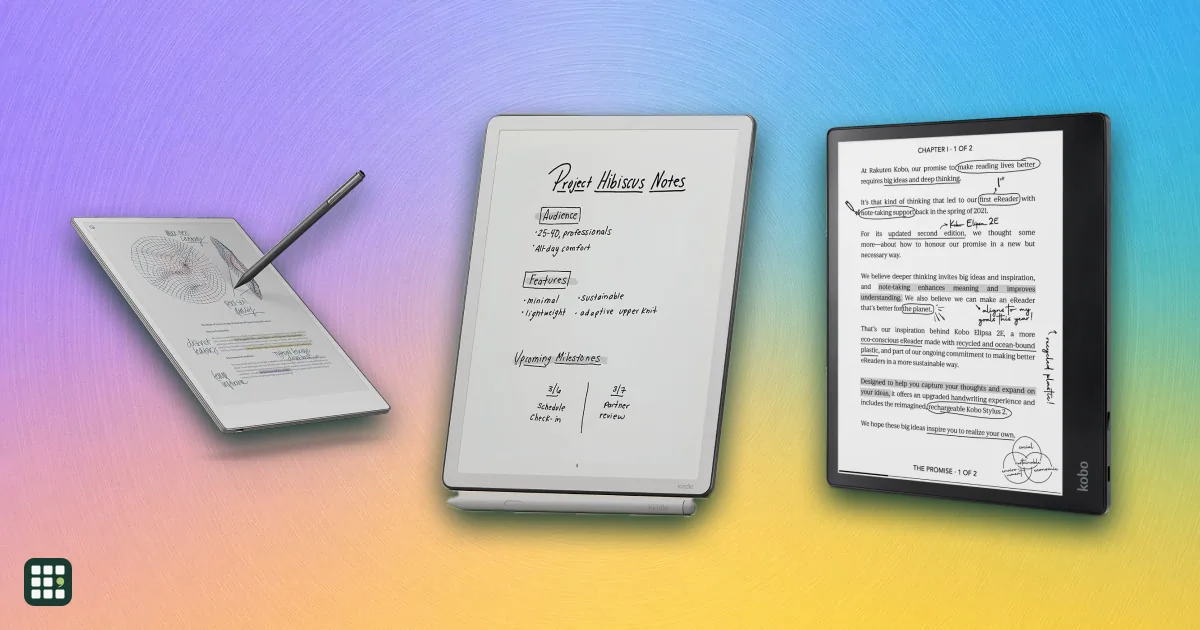
E Ink tablets let you write by hand and mark up PDFs on a paper-like, glare-free screen with a battery that lasts weeks. This grid compares note-taking E Ink tablets and reading models with stylus support from reMarkable, Amazon Kindle, Kobo, BOOX and Supernote. The main trade-offs are closed note-taking devices versus open Android tablets, color versus sharper black-and-white, and whether the pen and subscriptions cost extra.
Last updated
How to choose
Start with what you will do most: write and mark up documents, read books, or both. E Ink tablets (also called e-paper or digital paper notebooks) trade speed and video for a glare-free, easy-on-the-eyes screen and weeks of battery.
Rule out deal-breakers
- Books: if you buy Kindle or Kobo books, the Kindle Scribe or Kobo models read them natively. reMarkable and Supernote focus on your own PDFs and EPUBs.
- Apps: BOOX tablets run Android apps (Kindle, Libby, note apps); the others are closed and distraction-free.
- Front light: several models have none, so you need a lamp in dim rooms.
Compare the features that matter
- Screen size and weight: 10-12 inch screens suit full-page PDFs; 7-inch ones fit a bag but are cramped for documents.
- Color or black-and-white: color screens are usually half as sharp and a bit slower, so choose color only if you highlight or draw.
- Handwriting to text: check what is built in and what needs a subscription.
Count the full cost
Check whether the pen is in the box (Supernote and the Kobo Libra Colour sell it separately), and note optional paid plans such as reMarkable Connect or Kindle+. Covers and folios cost extra.
Before you buy
Look at the return window, the warranty length and how recently the model launched, since newer models usually get software updates for longer.
Answer
Browse the table. Filter to what matters.
Use the filters below, then sign in if you want to shortlist and decide with friends.
Sign in to vote, hide products and features, and reorder.
Verified: hover a cell and click its green dot for the source Estimate: no cited source Not stated: the maker doesn't publish it
| Feature | ⠿ | ⠿ | ⠿ | ⠿ | ⠿ | ⠿ | ⠿ | ⠿ | ⠿ | ⠿ | ⠿ | ⠿ | ⠿ | ⠿ | ⠿ | ⠿ | ⠿ | ⠿ | ⠿ | ⠿ | ⠿ | ⠿ | ⠿ | ⠿ | ⠿ | ⠿ | ⠿ | ⠿ |
|---|---|---|---|---|---|---|---|---|---|---|---|---|---|---|---|---|---|---|---|---|---|---|---|---|---|---|---|---|
|
⠿
Price
|
$429.99
|
$379.99
|
$529.99
|
$499.99
|
$499.99
|
|||||||||||||||||||||||
|
⠿
Stylus included
|
||||||||||||||||||||||||||||
|
⠿
Screen size
|
||||||||||||||||||||||||||||
|
⠿
Weight
|
||||||||||||||||||||||||||||
|
⠿
Thickness
|
||||||||||||||||||||||||||||
|
⠿
Color screen
|
||||||||||||||||||||||||||||
|
⠿
Screen sharpness
|
||||||||||||||||||||||||||||
|
⠿
Front light
|
||||||||||||||||||||||||||||
|
⠿
Storage
|
||||||||||||||||||||||||||||
|
⠿
Handwriting to text
|
Built in; Smart Scribe, lasso tool
|
Built in (Smart Scribe, lasso tool)
|
Built in (Smart Scribe, lasso tool)
|
Built in (lasso tool)
|
Built in (Smart Scribe, lasso tool)
|
Built in; AI-powered Smart Scribe
|
||||||||||||||||||||||
|
⠿
Reading apps and stores
|
||||||||||||||||||||||||||||
|
⠿
Runs Android apps
|
|
|
|
|
|
|
|
|
|
|
||||||||||||||||||
|
⠿
Subscription needed for core features
|
None
|
None; 10GB Onyx cloud is free
|
None; free 10GB cloud storage
|
None; free 10GB cloud storage included
|
None; free 10GB cloud storage included
|
None
|
None
|
None; free 10GB cloud storage included
|
None; free 10GB cloud storage included
|
None; free 10GB cloud storage included
|
None; free 10GB cloud storage included
|
None; free 10GB cloud storage included
|
None; free 10GB cloud storage
|
None; free 10GB cloud storage
|
None; free 10GB cloud storage included
|
None; free 10GB cloud storage
|
None; free 10GB cloud storage
|
None; free 10GB cloud storage
|
||||||||||
|
⠿
Cloud sync
|
||||||||||||||||||||||||||||
|
⠿
Battery life
|
||||||||||||||||||||||||||||
|
⠿
Page turn buttons
|
|
|
|
|
|
|
|
|||||||||||||||||||||
|
⠿
Waterproof
|
None
|
None
|
None
|
None
|
None
|
None
|
None (not waterproof)
|
None
|
None
|
None
|
None
|
None
|
None
|
None
|
None
|
None
|
None
|
None
|
None
|
None
|
||||||||
|
⠿
Warranty
|
||||||||||||||||||||||||||||
|
⠿
Release year
|
2026
|
2023
|
2024
|
2025
|
2026
|
2023
|
2025
|
2024
|
2023
|
2023
|
2022
|
2025
|
2025
|
2024
|
2025
|
Why these features matter
-
Price ($)
Sets your starting budget; stylus and cover often cost extra.
-
Stylus included
A $50-130 pen sold separately changes the real cost of a writing tablet.
-
Screen size (in)
Bigger screens suit PDFs and full-page notes; smaller ones fit a bag or a pocket.
-
Weight (g)
Heavy tablets tire your hand when you read or write for long sessions.
-
Thickness (mm)
Thin tablets feel like a notepad and slide into bags.
-
Color screen
Color helps with highlighting and charts but is usually less sharp and slower than black-and-white.
-
Screen sharpness (ppi)
Sharper text reads better, especially for small print and PDFs.
-
Front light
Without a light you need a lamp in dim rooms.
-
Storage (GB)
Limits how many notebooks, PDFs and books are kept on the device.
-
Handwriting to text
Turns notes into searchable, shareable text.
-
Reading apps and stores
Decides whether you can buy and borrow books directly or must load files yourself.
-
Runs Android apps
Opens the door to Kindle, Kobo, Libby, Notion or Drive apps but drains battery and adds distractions.
-
Subscription needed for core features
Recurring fees add up over the years you own the tablet.
-
Cloud sync
Backups and access from a phone or computer.
-
Battery life (weeks)
Longer battery means fewer charges and trips with a cable.
-
Page turn buttons
Handy for one-handed reading; matters less for writing.
-
Waterproof
Matters if you read by a pool or in the bath.
-
Warranty
Longer cover lowers repair risk.
-
Release year
Newer models get longer software support.
About the products
-
Paper Pro · reMarkable
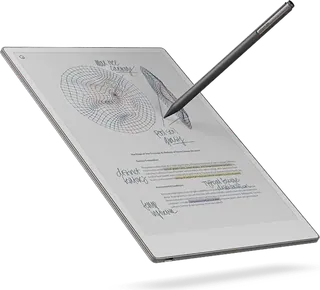
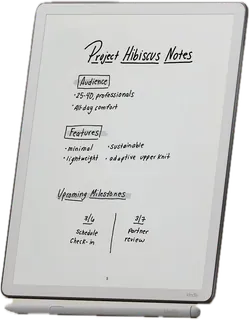
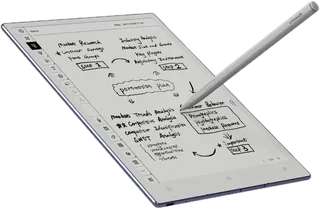
reMarkable's flagship: a large 11.8-inch color screen with a reading light and the Marker pen included. Built for writing and marking up documents, not for buying books, and it has no apps or bookstore.
-
Paper Pro Move · reMarkable
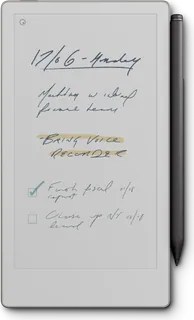
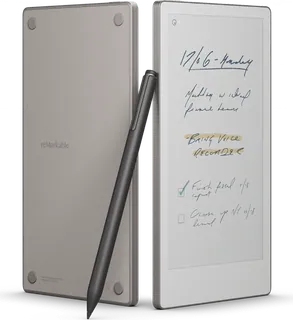
A pocketable 7.3-inch color version of the Paper Pro with a reading light and the Marker included. Great for notes on the go; the small screen is tight for full-size PDFs.
-
Paper Pure · reMarkable
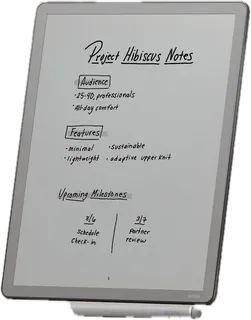
reMarkable's cheapest tablet: a 10.3-inch black-and-white screen with the Marker included. It has no reading light, bookstore or apps, so it suits distraction-free writing and PDF markup in good light.
-
Kindle Scribe (3rd gen) · Amazon
Amazon's 11-inch black-and-white Kindle with the Premium Pen included and a front light. Best if you buy books from the Kindle Store and also want to write; it has no page-turn buttons and is not waterproof.
-
Kindle Scribe without front light (3rd gen) · Amazon
Amazon's cheapest 11-inch black-and-white Kindle Scribe: the same screen, Premium Pen and AI notebook tools as the front-light model, minus the front light, which makes it lighter on cost and longer-lasting on a charge. Pick it if you read and write in good light; it has no page-turn buttons and is not waterproof.
-
Kindle Scribe Colorsoft · Amazon
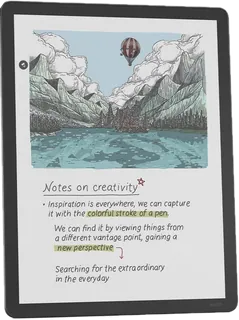
The 11-inch Scribe with a color screen for color notes and highlights, Premium Pen included. It costs more than the black-and-white Scribe and lasts fewer weeks per charge.
-
Kobo Elipsa 2E · Rakuten Kobo
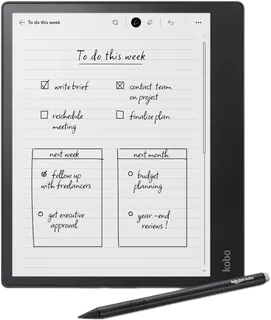
Kobo's 10.3-inch black-and-white note-taking reader with the Kobo Stylus 2 included. A good pick for Kobo and library readers who want to annotate ebooks; it is heavy and has no page buttons.
-
Kobo Libra Colour · Rakuten Kobo
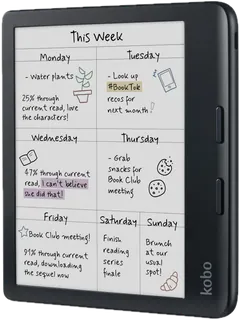
A 7-inch color e-reader that can also take handwritten notes with a separately sold Kobo Stylus 2. It is the cheapest and lightest here, waterproof, and has page-turn buttons, but the screen is small for PDFs.
-
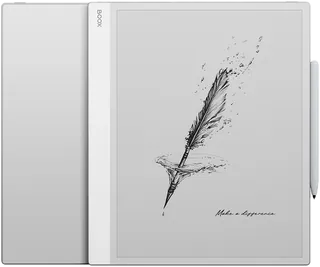
Go 10.3 (Gen II) · BOOX
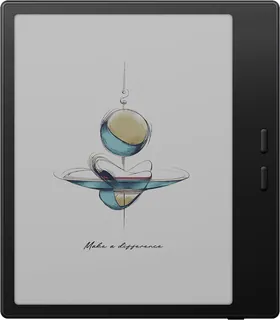
A thin, light 10.3-inch monochrome Android tablet with the InkSense Plus pen included. It runs Google Play apps but has no front light.
-
Go 10.3 · BOOX · Superseded
The original Go 10.3: a thin, light 10.3-inch black-and-white tablet with a Pen Plus but no front light. Sold out in BOOX's shop; replaced by the Gen II.
-
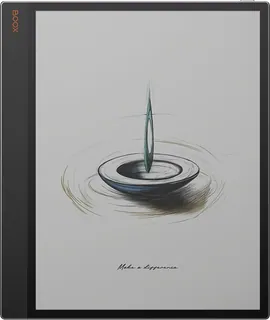
Note Air6 C · BOOX
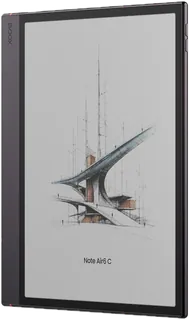
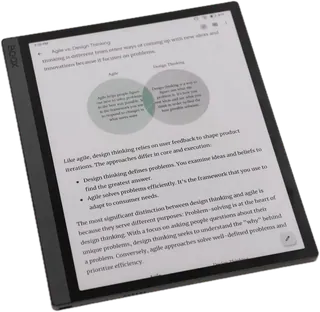
A 10.3-inch color E Ink Android tablet with the Pen3 included and a front light. It can install Kindle, Kobo and note apps, but color is half as sharp as black-and-white and it is heavy at 440 g.
-
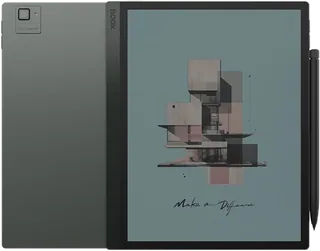
Tab Ultra C Pro · BOOX
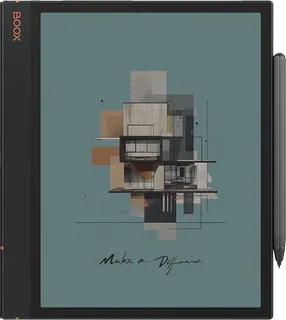
BOOX's most powerful 10.3-inch color E Ink tablet, with 128 GB and a pen included. It runs full Android apps, and carries the highest price in this grid.
-
Manta (A5 X2) · Supernote
A 10.7-inch black-and-white note-taking tablet focused on a paper-like writing feel and a 2-year warranty. The pen is sold separately ($75), there is no front light, and it reads PDFs and EPUBs plus the Kindle app.
-
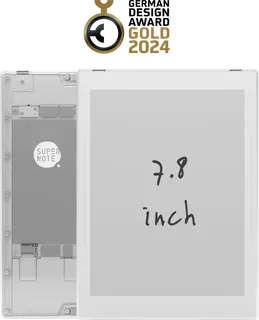
Nomad (A6 X2) · Supernote
A compact 7.8-inch black-and-white writing tablet with the same pen feel as the Manta. The pen is sold separately ($75) and there is no front light; it is light at 266 g.
-
Note Max · BOOX
BOOX's A4-sized 13.3-inch black-and-white E Ink notebook with a pen included. It runs Android apps and suits large PDFs, but has no front light.
-
Tab X C · BOOX
BOOX's 13.3-inch A4-sized color E Ink tablet with a stylus included. It runs full Android apps and is the largest, priciest color model in this grid.
-
Note Mini C · BOOX
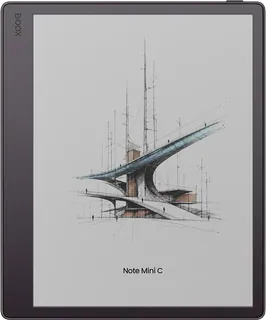
BOOX's compact 8.5-inch color E Ink notebook with a stylus, microSD slot and Android 16. It fits a bag easily and runs Android apps.
-
Tab Mini C · BOOX
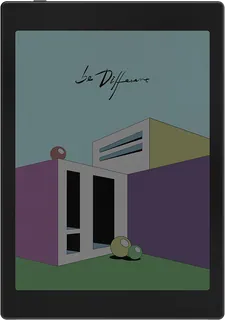
BOOX's pocketable 7.8-inch color E Ink tablet running Android 11 with Google Play. The $399.99 listing includes the pen; a $349.99 version has none.
-
Note Air5 C · BOOX
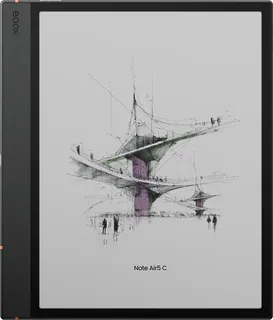
BOOX's 10.3-inch color E Ink notebook from 2025 with a pen included and microSD slot. The cheaper previous generation of the Note Air6 C, with Android 15.
-
Note Air4 C · BOOX · Superseded
A thin 10.3-inch color E Ink notebook with Android 13 and a Pen Plus in the box. Sold out in BOOX's shop; succeeded by the Note Air5 C.
-
Note Air3 C · BOOX · Superseded
An earlier 10.3-inch color E Ink notebook with 64 GB and a Pen Plus in the box. Sold out in BOOX's shop; replaced by the Note Air4 C.
-
Tab Ultra C · BOOX
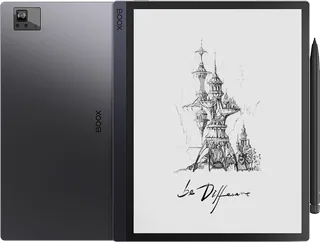
BOOX's 10.3-inch color E Ink tablet with 128 GB and a pen included. The 2023 model below the Tab Ultra C Pro, with Android 11 and a built-in camera.
-
Tab Ultra · BOOX · Superseded
BOOX's 10.3-inch black-and-white tablet with a 16 MP camera and a Pen2 Pro in the box. Sold out in BOOX's shop; replaced by the color Tab Ultra C.
-
Go 7 · BOOX
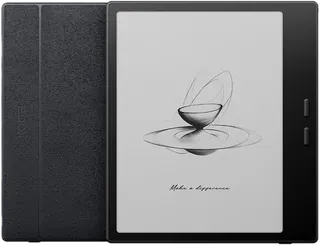
BOOX's pocketable 7-inch black-and-white E Ink tablet with Android 13, page-turn buttons and a 64 GB drive. It writes with the optional InkSense stylus, which is not in the box.
-
Go Color 7 (Gen II) · BOOX
The color version of the 7-inch Go with a Kaleido 3 screen, page-turn buttons and Android 13. Handwriting needs the separately sold InkSense stylus.
-
B7 · Bigme
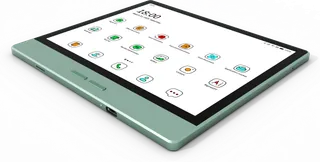
A 7-inch color Android e-paper tablet with 4G calling and 128 GB storage.
-
AiPaper · Viwoods
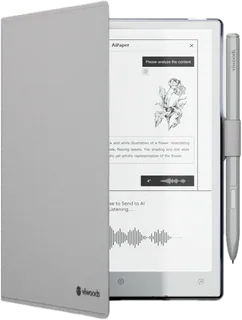
A 10.65-inch monochrome Android writing tablet with 128 GB, front-light-free Mobius screen, and W2 Stylus Pro plus case included. US buyers can order direct from Viwoods.
-
AiPaper Mini · Viwoods
An 8.2-inch monochrome Android tablet with an adjustable front light, 128 GB, and W2 Stylus Pro plus case included. Smaller and lighter than AiPaper; sold direct to US buyers.
Suggest a change
Related comparisons
-
 AI chatbots
 now do much more than answer questions: they search the web, write reports, create images, talk, remember you and carry out tasks. This grid compares popular chatbots side by side on what decides a choice: what you get free, what each paid plan costs, which models and tools are included, and how your chats are treated. The real trade-off is capability against price and privacy: the strongest features sit on higher-priced plans, and many chatbots use your conversations to improve their models unless you opt out.
-
 Reading and text-to-speech apps
Text-to-speech and reading apps compared: paid apps with natural AI voices like Speechify and ElevenReader, assistive reading software for school and work, and the free read-aloud tools already built into iPhones, Android, Windows, Edge and Chrome. The choice comes down to the documents you read, whether you need text recognition for print and scans, offline use, how natural the voices sound, and accessibility features for dyslexia or low vision.
-
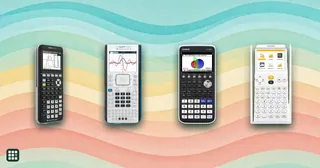 Graphing calculators
 plot equations, solve systems and run statistics, and most US math classes and entrance exams expect one. This grid compares the current TI, Casio, HP and NumWorks models on price, screen, whether they have a computer algebra system (CAS), Python, 3D graphing, battery type, and which exams allow them. The big trade-offs are exam rules (CAS models are banned on the SAT and ACT), how much your teacher teaches TI, and whether you want color and rechargeable or the cheapest option that works.
-
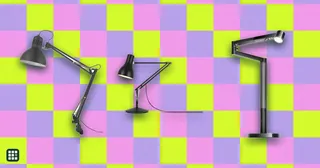 Desk lamps
A good desk lamp puts enough light on your work without glare in your eyes or on your screen. Options range from classic spring-balanced arm lamps to LED lamps with adjustable color temperature and automatic brightness, and monitor light bars that take no desk space. This grid compares brightness, color temperature, glare control, adjustability, mounting and price.
-
 Smartphones
Compare a broad set of current unlocked U.S. smartphones across iOS and Android, price tiers, and slab, flip, and book-style designs. Compare the parts that shape everyday use: software support, display and fit, camera reach, battery and charging, carrier compatibility, durability, and price.
-
 Laptops
Compare laptops sold in the US, from Chromebooks and everyday Windows laptops to MacBooks, 2-in-1 convertibles, and gaming and creator machines. The main choices are operating system, how much memory and storage you need, screen size against weight, battery life, and whether you need serious graphics power.