



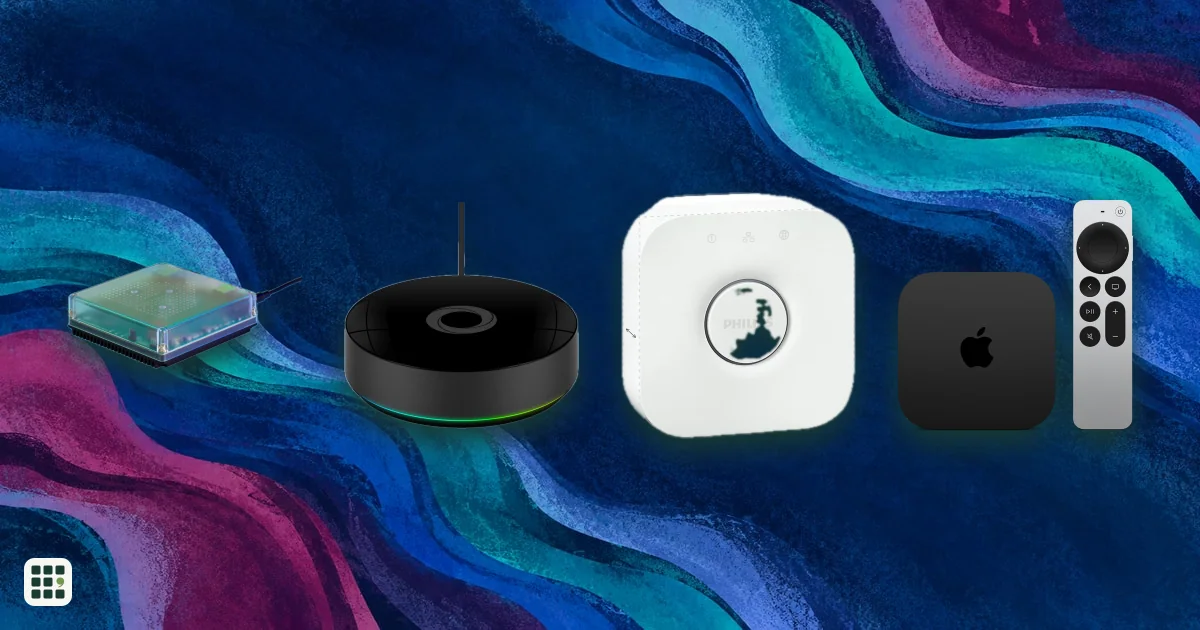
Smart home hubs
A smart home hub is the box that talks to your sensors, lights and locks, runs your automations and links them to your phone and voice assistant. This grid compares the dedicated hubs hobbyists and families use with the brand hubs for Philips Hue and Aqara and the Apple TV and HomePod mini that act as Apple Home hubs. The real choices are which radios you need (Zigbee, Z-Wave, Thread, Matter), whether you want everything to run locally, and how much tinkering you will tolerate.
Last updated
How to choose
1. Start with what you already own
List your devices and their radios. Zigbee runs many bulbs, plugs and sensors; Z-Wave runs many locks and switches sold in North America; Thread and Matter are the newer standards. A hub only helps if it has the radios your devices use, or an add-on that does.
2. Match your phone and voice assistant
- iPhone households can use an Apple TV or HomePod as the Apple Home hub, but neither has Zigbee or Z-Wave.
- Mixed households do better with an open hub (Home Assistant, Hubitat or Homey) that works with Alexa, Google and Apple.
- Single-brand setups (mostly Hue lights or Aqara sensors) are simplest with that brand's own hub.
3. Decide how much control you want
Home Assistant and Hubitat offer the deepest automations and the most local control, but expect a learning curve. Homey is easier, with visual Flows. Apple and brand hubs are quick to set up but cover fewer devices and automations.
4. Check Thread and Matter
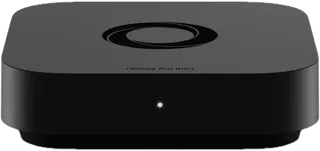
Battery-powered Matter devices that use Thread need a Thread border router. Apple TV, HomePod mini, Homey and the Aqara M3 and M200 have one. A Matter controller is a different job: it lets the hub add devices from many brands, which the Hue Bridge and the Aqara M2 do not do.
5. Prefer local automations
A hub that runs automations at home keeps lights, locks and sensors working when the internet drops, and responds faster. Check the Local automations row, and whether a subscription is required for remote access.
6. Count the full cost
- Add-ons can double a price: the Home Assistant Green needs a Zigbee stick, the Homey Pro needs an Ethernet adapter and the Homey Pro mini needs a bridge for Z-Wave.
- Hubs from Aqara and Hue make sense only if you will buy that brand's devices.
- Prices here are list prices; retailers discount often.
Answer
Browse the table. Filter to what matters.
Use the filters below, then sign in if you want to shortlist and decide with friends.
Sign in to vote, hide products and features, and reorder.
Verified: hover a cell and click its green dot for the source Estimate: no cited source Not stated: the maker doesn't publish it
| Feature | ⠿ | ⠿ | ⠿ | ⠿ | ⠿ | ⠿ | ⠿ | ⠿ | ⠿ | ⠿ |
|---|---|---|---|---|---|---|---|---|---|---|
|
⠿
Price
|
$199
|
$199.95
|
$129.99
|
$69.99
|
$69.97
|
$299
|
$149
|
|||
|
⠿
Hub type
|
Aqara ecosystem hub with Matter
|
|||||||||
|
⠿
Zigbee radio
|
|
|
|
|||||||
|
⠿
Z Wave radio
|
|
|
|
|
|
|||||
|
⠿
Thread border router
|
|
|
|
|||||||
|
⠿
Matter controller
|
|
|
|
|||||||
|
⠿
Infrared blaster
|
|
|
|
|
|
|||||
|
⠿
Wired Ethernet
|
|
|
|
|||||||
|
⠿
WiFi
|
|
|
|
|||||||
|
⠿
Bluetooth
|
|
|
||||||||
|
⠿
Local automations
|
|
|
|
|
||||||
|
⠿
Subscription required
|
|
|
|
|
|
|
||||
|
⠿
Works with
|
Apple Home, Alexa, SmartThings, Home Assistant
|
|||||||||
|
⠿
Built in voice assistant
|
|
|
|
|
|
|
|
|||
|
⠿
Device limit
|
||||||||||
|
⠿
Power
|
||||||||||
|
⠿
Warranty
|
||||||||||
|
⠿
Setup difficulty
|
Moderate
|
Easy
|
Easy
|
Easy
|
Easy
|
Easy
|
Easy
|
Easy
|
Why these features matter
-
Price ($)
The hub is the base cost, but add-on radios (Z-Wave stick, Ethernet adapter) and the devices you buy later usually cost more.
-
Hub type
Dedicated hubs give you more control; ecosystem hubs are simpler but tie you to one brand.
-
Zigbee radio
Zigbee runs a large share of low-cost sensors, bulbs and plugs, so no radio means no direct use of them.
-
Z Wave radio
Z-Wave is common in locks, switches and thermostats sold in North America.
-
Thread border router
Thread devices (many new Matter locks and sensors) need a border router in the house.
-
Matter controller
A Matter controller lets one hub run devices from many makers without proprietary apps.
-
Infrared blaster
Infrared lets you automate older TVs and AC units that have no smart features.
-
Wired Ethernet
Wired is more reliable than Wi-Fi, and it keeps working if your Wi-Fi drops.
-
WiFi
Wi-Fi lets you place the hub anywhere, but wired connections are steadier.
-
Bluetooth
Bluetooth is used to commission Matter devices and control some sensors and locks.
-
Local automations
Local processing makes routines faster and keeps lights and locks working in an outage.
-
Subscription required
A required subscription turns a one-time price into an ongoing cost.
-
Works with
Make sure the hub fits the voice assistant and phone your household already uses.
-
Built in voice assistant
A built-in assistant removes the need for a separate smart speaker.
-
Device limit
A hub with a low cap forces a second hub in a large home.
-
Power
PoE or USB-C power makes installation easier; a Wi-Fi hub still needs a nearby outlet.
- PoE
- : Power over Ethernet runs the hub from one network cable, so no outlet is needed nearby. Useful for ceiling or closet installs.
-
Warranty
A hub runs for years; a longer warranty cuts replacement cost.
-
Setup difficulty
Powerful hubs can take weekends to master; simple ones work in minutes.
About the products
-
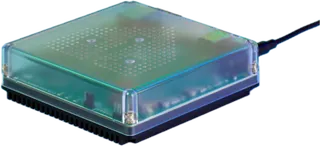
Home Assistant Green · Nabu Casa
A plug-and-play box that runs the open-source Home Assistant software, the most flexible hub for mixing brands. Zigbee and Thread need the separate Connect ZBT-2 stick, and Z-Wave needs another USB add-on.
-
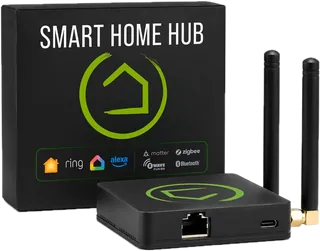
Hubitat Elevation C-8 Pro · Hubitat
A local-first hub with built-in Zigbee, Z-Wave (including Long Range) and Matter control, with no subscription. It suits tinkerers who want deep rules and custom drivers, and it has a learning curve.
-
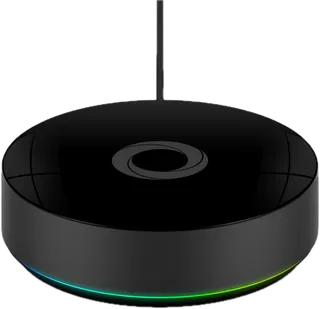
Homey Pro · Homey
The most radio-packed hub here: Zigbee, Z-Wave, Thread, Matter, Bluetooth, infrared and 433 MHz in one box, with an easy app and visual Flows. Pricey, and wired Ethernet is a paid add-on.
-
Homey Pro mini · Homey
The cheaper Homey with the same software, but only Zigbee, Thread and Matter built in. Z-Wave, Bluetooth, infrared and 433 MHz need the separate Homey Bridge, and it has no Wi-Fi.
-
Hue Bridge · Philips Hue
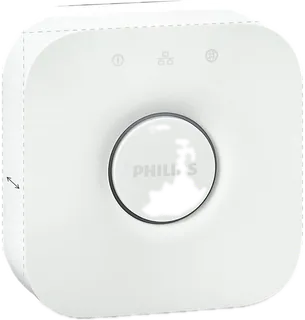
The hub for Hue lights and accessories, with Zigbee, Apple Home, Alexa and Google support. Good if lighting is your smart home; it does not control other brands.
-
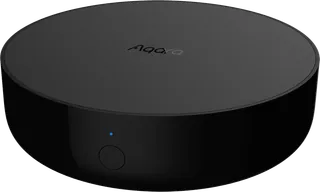
Hub M3 · Aqara
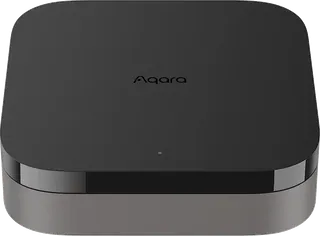
Aqara's flagship hub: Zigbee, Thread border router, Matter controller, infrared and PoE, built for the largest Aqara setups. Best if most of your devices are Aqara.
-
Hub M200 · Aqara
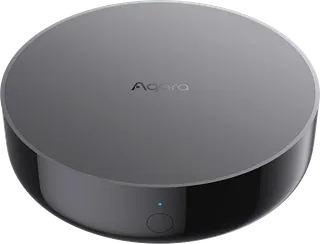
A cheaper Aqara hub that adds Matter controller and Thread border router to Zigbee and infrared, with PoE or USB-C power. Handles fewer devices than the M3.
-
Hub M2 · Aqara
The older, low-cost Aqara Zigbee and infrared hub with Ethernet and HomeKit support. No Matter or Thread, so it suits a basic Aqara sensor setup.
-
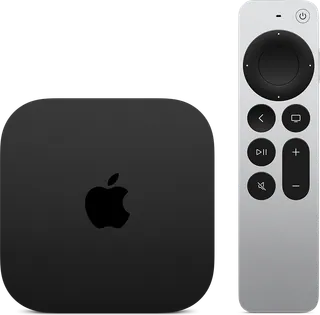
Apple TV 4K · Apple
A streaming box that doubles as an Apple Home hub with Thread and Matter, a good fit if your household uses iPhones. It has no Zigbee or Z-Wave, and works only with Apple Home.
-
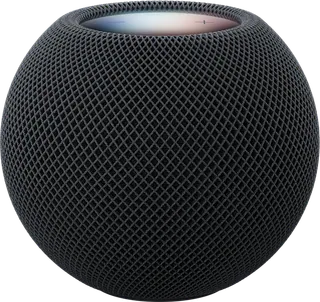
HomePod mini 2 · Apple
A small Siri speaker that is also an Apple Home hub with Thread and Matter support. The cheapest way to get a hub for Apple Home, though only for iPhone households.
Suggest a change
Related comparisons
-
 Mesh Wi-Fi systems
 spread one network across your home with two or more units, so far rooms and upper floors get a strong signal. This grid compares current kits from eero, NETGEAR Orbi, TP-Link Deco, ASUS ZenWiFi, Google Nest, Linksys and Tenda on price, Wi-Fi standard, coverage, bands, wired ports and subscriptions. The main trade-offs are cost against speed and range, and simple app-only systems against ones with more ports and settings.
-
 Wi-Fi routers
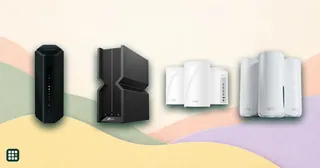
Compare Wi-Fi routers and mesh Wi-Fi systems sold in the US, from budget Wi-Fi 6 routers to Wi-Fi 7 mesh and gaming routers from eero, Google, Netgear, TP-Link, ASUS, Linksys, Ubiquiti and others. The main choices are a single router or mesh, which Wi-Fi generation your devices can use, coverage for your home, wired ports for fast internet plans, and whether useful features need a subscription.
-
 Window film
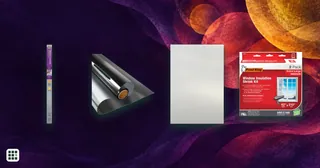
 is a thin layer you stick to glass to change what the window does: reflect heat, hide the view in, soften light, or insulate against drafts. This grid compares do-it-yourself films for home windows on price, privacy day and night, heat and UV blocked, how they attach, and whether you can take them off and reuse them.
-
 Cookie consent management platforms
Compare cookie consent platforms by entry price, free plan limits, site and traffic limits, scanning, regional banners, supported frameworks (IAB TCF, Google Consent Mode), mobile SDKs, languages and banner testing. Some vendors publish self-serve tiers; enterprise pricing often needs a sales quote.
-
 Encrypted messaging apps
Compare 41 messaging apps and plan variants across end-to-end encryption defaults, backups, account identity, metadata, recovery, devices, and team controls.
-
 Password managers
Compare 9 password managers, from free open-source Bitwarden and Proton Pass to paid 1Password, Dashlane and Keeper, on yearly price, family plans, free tiers, passkeys, 2FA codes, emergency access, audits and past security incidents.