



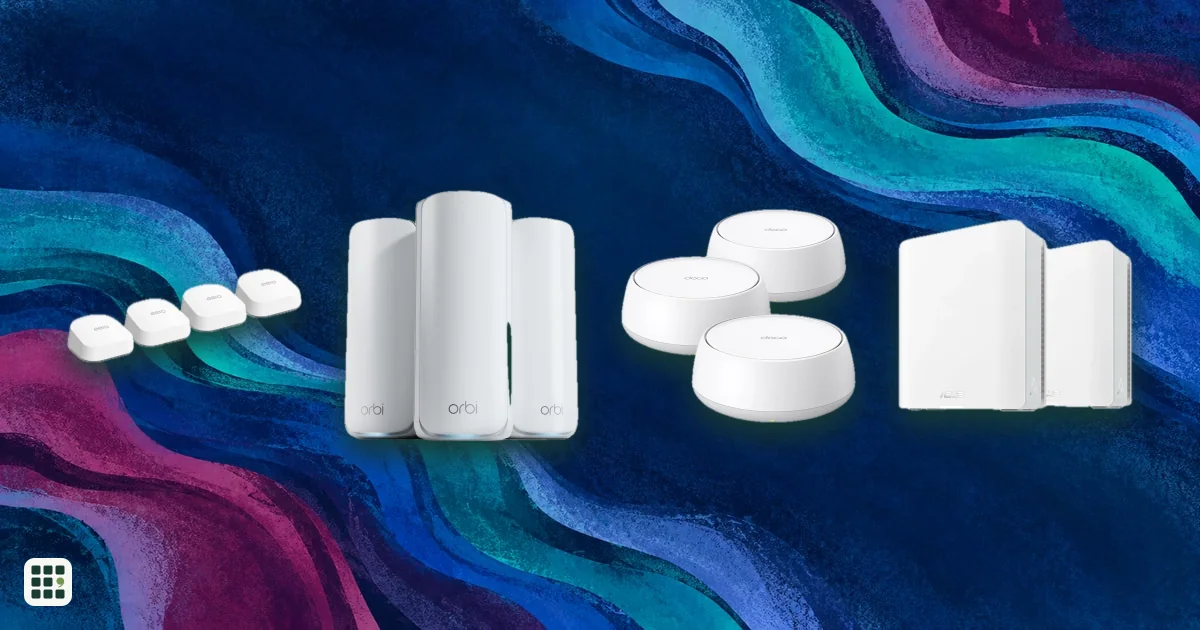
Mesh Wi-Fi systems
Mesh Wi-Fi systems spread one network across your home with two or more units, so far rooms and upper floors get a strong signal. This grid compares current kits from eero, NETGEAR Orbi, TP-Link Deco, ASUS ZenWiFi, Google Nest, Linksys and Tenda on price, Wi-Fi standard, coverage, bands, wired ports and subscriptions. The main trade-offs are cost against speed and range, and simple app-only systems against ones with more ports and settings.
Last updated
How to choose
Start with your internet plan and your home
Check your internet speed and the size and layout of your home. A plan under 1 Gbps and an average home are well served by an affordable Wi-Fi 6 or dual-band Wi-Fi 7 kit. Multi-gig plans (2 Gbps and up) need a system with 2.5 Gbps or faster ports, or you will never see the speed you pay for.
Rule out deal-breakers
- Ports: count the devices you want to wire in. Some systems have just two ports per unit, one of which goes to the modem.
- Ethernet in the walls: if you have it, pick a system that supports wired backhaul; it beats any wireless link.
- Subscriptions: if you want content filters, ad blocking or advanced security, check whether they are free or part of a paid plan.
- Control: if you want port forwarding, custom DNS or a VPN server, prefer a system with a web admin page; app-only systems are simpler but limited.
Compare the key features
- Bands: tri-band and quad-band systems keep satellites faster because one band can carry traffic between units. Dual-band kits slow down more with each wireless hop.
- Wi-Fi standard: Wi-Fi 7 and 6E add the 6 GHz band, which only newer devices use. If most of your devices are a few years old, a Wi-Fi 6 kit may serve you just as well for less.
- Coverage and pack size: maker coverage figures are best-case. Plan roughly one unit per floor or per 1,500 to 2,000 sq ft, more with thick walls.
- Smart home: a built-in Thread or Zigbee hub saves buying a separate one for Matter devices, locks and sensors.
Understand the full cost
Compare prices for the same pack size, add any subscription you want, and check whether you can add cheaper units later. Mesh makers discount often, so a premium kit on sale can cost less than a mid-range one at full price.
Placing the units
Put the main unit near your modem and each satellite about halfway between the main unit and the dead zone, in the open, not in a cabinet or on the floor. Most apps show the link quality, so you can move a unit if the signal is weak.
Answer
Browse the table. Filter to what matters.
Use the filters below, then sign in if you want to shortlist and decide with friends.
Sign in to vote, hide products and features, and reorder.
Verified: hover a cell and click its green dot for the source Estimate: no cited source Not stated: the maker doesn't publish it
| Feature | ⠿ | ⠿ | ⠿ | ⠿ | ⠿ | ⠿ | ⠿ | ⠿ | ⠿ | ⠿ | ⠿ | ⠿ | ⠿ | ⠿ | ⠿ | ⠿ | ⠿ | ⠿ | ⠿ | ⠿ | ⠿ | ⠿ | ⠿ | ⠿ | ⠿ | ⠿ | ⠿ | ⠿ | ⠿ | ⠿ | ⠿ | ⠿ | ⠿ | ⠿ |
|---|---|---|---|---|---|---|---|---|---|---|---|---|---|---|---|---|---|---|---|---|---|---|---|---|---|---|---|---|---|---|---|---|---|---|
|
⠿
Price
|
$429.99
|
$199.99
|
$299.99
|
$1,299.99
|
$1,499.99
|
$299.99
|
$369.99
|
$999.99
|
$449.99
|
$999.99
|
$499.99
|
$298.85
|
$184.99
|
|||||||||||||||||||||
|
⠿
Pack size
|
3 units
|
3 units
|
2 units
|
3 units
|
||||||||||||||||||||||||||||||
|
⠿
Wireless standard
|
||||||||||||||||||||||||||||||||||
|
⠿
Coverage
|
6,500 sq ft, 3-pack
|
8,100 sq ft, 3-pack
|
||||||||||||||||||||||||||||||||
|
⠿
Bands
|
||||||||||||||||||||||||||||||||||
|
⠿
Max combined speed
|
||||||||||||||||||||||||||||||||||
|
⠿
Dedicated backhaul
|
||||||||||||||||||||||||||||||||||
|
⠿
Max devices
|
||||||||||||||||||||||||||||||||||
|
⠿
Ethernet ports
|
2 ports
|
|||||||||||||||||||||||||||||||||
|
⠿
Fastest Ethernet port
|
||||||||||||||||||||||||||||||||||
|
⠿
Wired backhaul
|
|
|
|
|
|
|||||||||||||||||||||||||||||
|
⠿
USB port
|
|
|
|
|
|
|
|
|
|
|
|
|
|
|
|
|
|
|
|
|
|
|
|
|||||||||||
|
⠿
Smart home hub
|
None
|
None
|
None
|
None
|
None
|
None
|
None
|
None
|
None
|
None
|
None
|
None
|
None
|
None
|
None
|
None
|
None
|
None
|
None
|
None
|
None
|
None
|
None
|
None
|
None
|
None
|
None
|
None
|
||||||
|
⠿
Subscription
|
Optional, NETGEAR Armor from $99.99/year
|
None
|
None
|
None
|
None
|
None
|
None
|
None
|
||||||||||||||||||||||||||
|
⠿
Free parental controls
|
|
|
||||||||||||||||||||||||||||||||
|
⠿
Web admin page
|
|
|
|
|
|
|
|
|
|
|
|
|
|
|
||||||||||||||||||||
|
⠿
Mixes with other models
|
Same Orbi series only
|
Same Orbi series only
|
Same Orbi series only
|
Same Orbi series only
|
Any Deco model
|
Any Deco model
|
||||||||||||||||||||||||||||
|
⠿
Warranty
|
1 years
|
1 years
|
Why these features matter
-
Price ($)
Mesh kits range from about $150 to well over $1,500. Compare the same pack size, and remember you can often start with fewer units and add more later.
-
Pack size (units)
More units cover more floor area and get around walls, but each adds cost. Small apartments rarely need more than two; large or multi-story homes often need three or more.
-
Wireless standard
Wi-Fi 7 and 6E add the uncrowded 6 GHz band and faster multi-gig speeds, but only newer phones and laptops can use them. Wi-Fi 6 is still plenty for internet plans under 1 Gbps.
-
Coverage (sq ft)
A rough guide to how much home the pack can cover. Real coverage depends on walls, floors and materials, so treat these maker figures as best-case and compare them with each other, not with your floor plan.
-
Bands
A third band (a second 5 GHz or a 6 GHz band) gives the units more room to talk to each other and to fast devices, which keeps speeds up farther from the main unit. Dual-band kits are cheaper but slow down more over wireless hops.
-
Max combined speed (Mbps)
The class number (AX3000, BE10000) adds up every band at its theoretical best. No single device gets close to it, but higher classes generally mean more headroom for busy homes.
-
Dedicated backhaul
A band reserved for traffic between units means satellites do not compete with your devices, so far rooms stay faster. It matters most when you cannot run Ethernet between units.
-
Max devices (devices)
Smart homes with dozens of plugs, cameras and speakers can strain cheaper systems. Maker figures are optimistic, but a higher number suggests more capable hardware.
-
Ethernet ports (ports)
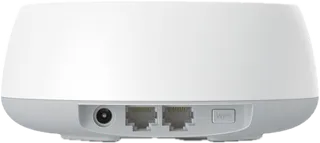
Ports let you plug in a TV, console, desktop or a switch. Count what you will wire, and remember one port on the main unit goes to your modem.
-
Fastest Ethernet port
Internet plans faster than 1 Gbps need a 2.5 Gbps or faster port to get their full speed into the home. If your plan is 1 Gbps or less, gigabit ports are enough.
-
Wired backhaul
Linking units by Ethernet gives the fastest, most reliable connection between them. Worth it if your home already has Ethernet in the walls.
-
USB port
A USB port can share a drive on your network or connect a backup cellular modem on some models. Many people never use it.
-
Smart home hub
A built-in Thread border router or Zigbee hub lets smart-home gadgets (locks, sensors, Matter devices) join without a separate hub. Skip it if you have no such devices.
-
Subscription
Some makers keep advanced security, ad blocking, VPN or detailed parental controls behind a monthly or yearly plan. Add it to the real cost if you want those features.
-
Free parental controls
Families who want schedules, pausing or content filters can avoid a subscription by choosing a system that includes them for free.
-
Web admin page
A browser admin page gives tinkerers deeper settings (port forwarding, DNS, VPN). App-only systems are simpler but offer fewer controls.
-
Mixes with other models
Systems that mix with the maker's other units let you add a cheaper node later or upgrade one unit at a time instead of replacing the whole kit.
-
Warranty (years)
Mesh units run around the clock for years. A longer warranty protects against early hardware failure.
About the products
-
eero 6+ · eero
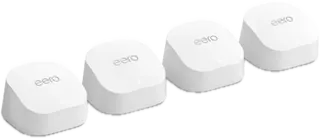
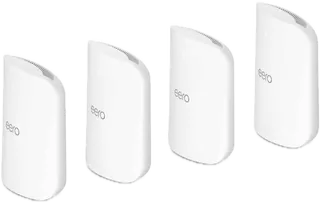
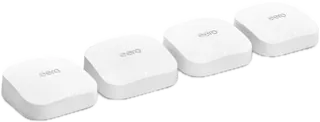
eero's cheapest mesh kit: dual-band Wi-Fi 6 for internet plans up to about 1 Gbps, with a built-in Thread, Zigbee and Matter hub. Only two gigabit ports per unit, no 6 GHz band, a 1-year warranty, and app-only management.
-
eero 7 · eero
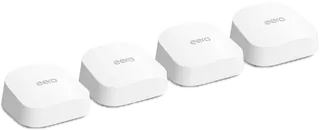
Affordable dual-band Wi-Fi 7 from eero with two 2.5 GbE ports per unit, suited to plans up to about 2 Gbps. No 6 GHz band, so it gives up some of Wi-Fi 7's speed; ad blocking and advanced security need eero Plus.
-
eero Pro 7 · eero
Tri-band Wi-Fi 7 mesh with 6 GHz and two 5 GbE ports per unit, for multi-gig plans up to about 5 Gbps and busy smart homes. Only two wired ports per unit and app-only management, with no web settings page.
-
eero Max 7 · eero
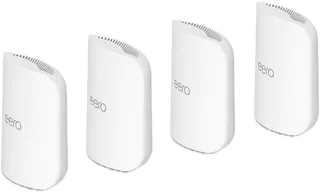
eero's flagship: tri-band Wi-Fi 7 with two 10 GbE and two 2.5 GbE ports per unit, for 10 Gbps fiber and large homes. Very expensive as a 3-pack; advanced security and ad blocking still need eero Plus.
-
eero Pro 6E · eero
Previous-generation tri-band Wi-Fi 6E eero with a 6 GHz band and one 2.5 GbE port per unit. Still sold, but the cheaper eero 7 and the eero Pro 7 now offer faster ports and a longer 3-year warranty.
-
Orbi 370 (RBE373) · NETGEAR
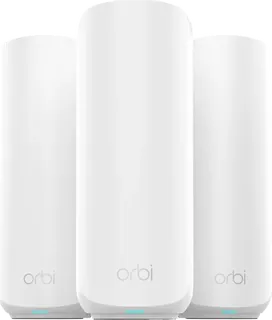
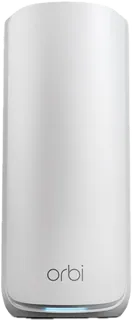
Budget dual-band Wi-Fi 7 (BE5000) Orbi kit: a router and two satellites with 2.5 Gig internet ports, rated for 6,000 sq ft. Only two ports on the router and no 6 GHz band; NETGEAR Armor security is a paid add-on after the trial.
-
Orbi 770 (RBE773) · NETGEAR
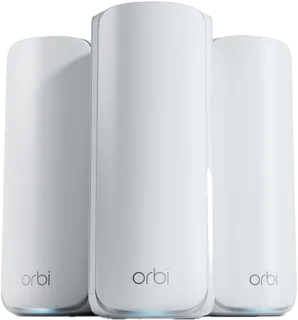
Tri-band Wi-Fi 7 (BE11000) Orbi kit for larger homes, rated for 8,000 sq ft and 100 devices, with a 2.5 Gig internet port. No dedicated backhaul band (NETGEAR keeps that for the Orbi 970) and only a 1-year warranty.
-
Orbi 870 · NETGEAR
Tri-band Wi-Fi 7 (BE21000) Orbi with a 10 Gig internet port, for multi-gig plans. Priced here as the 2-pack (the 3-pack was out of stock at NETGEAR); backhaul shares the 5 and 6 GHz bands rather than having its own.
-
Orbi 970 (RBE973S) · NETGEAR
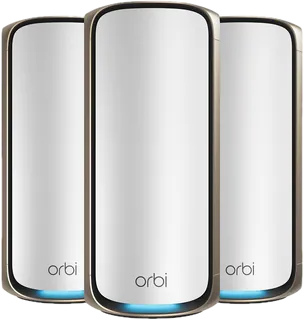
NETGEAR's top quad-band Wi-Fi 7 (BE27000) Orbi with a dedicated backhaul band and a 10 Gig internet port, rated for 10,000 sq ft and 200 devices. Among the most expensive kits here, with only a 1-year warranty.
-
Orbi 750 Series (RBK753) · NETGEAR · Superseded
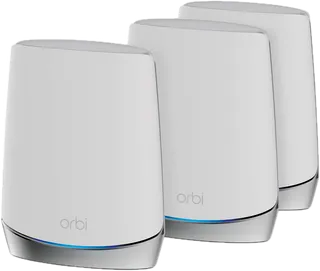
Older tri-band Wi-Fi 6 (AX4200 class, up to 5.2 Gbps) Orbi with a dedicated 5 GHz backhaul band, rated for 7,500 sq ft. Gigabit ports only; shown out of stock at NETGEAR's store and replaced by the Wi-Fi 7 Orbi line, though retailers may still carry it.
-
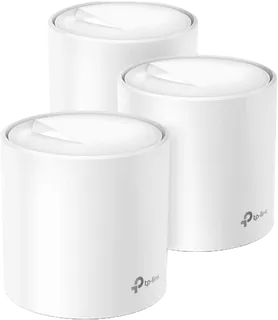
Deco X55 · TP-Link
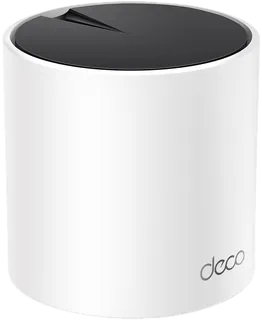
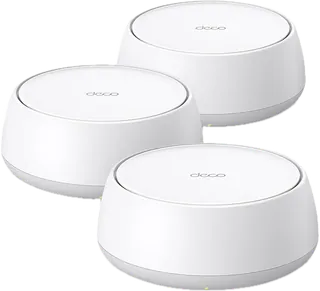
Low-cost dual-band Wi-Fi 6 (AX3000) Deco kit rated for 6,500 sq ft, with three gigabit ports per unit and a web settings page. Fine for plans under 1 Gbps; no 6 GHz band or multi-gig ports. Not sold on TP-Link's own US store, so buy from retailers.
-
Deco X20 · TP-Link
Budget dual-band Wi-Fi 6 (AX1800) Deco kit rated for 5,800 sq ft as a 3-pack, with two gigabit ports per unit and optional Ethernet backhaul. Slower than AX3000 kits and not sold on TP-Link's own US store, so buy from retailers.
-
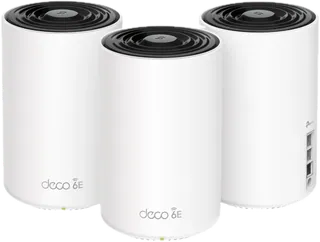
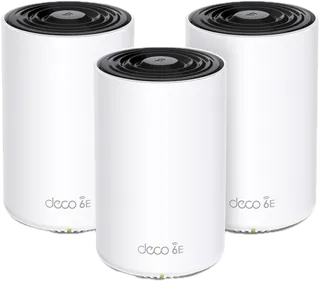
Deco XE75 · TP-Link
Tri-band Wi-Fi 6E (AXE5400) Deco with a 6 GHz band, rated for 7,200 sq ft as a 3-pack. Gigabit ports only, so it can't pass multi-gig speeds. Often discounted at TP-Link's US store ($229.99 against $349.99 when checked).
-
Deco XE75 Pro · TP-Link
Tri-band Wi-Fi 6E (AXE5400) Deco rated for 7,200 sq ft as a 3-pack. Adds one 2.5 Gbps port per unit over the XE75, so it can carry a faster-than-gigabit internet plan to a wired device. Best Buy US sells it as a best seller.
-
Deco BE23 · TP-Link
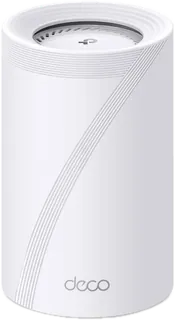
TP-Link's cheapest Wi-Fi 7 Deco: dual-band (BE3600) with two 2.5 Gbps ports per unit, rated for 6,500 sq ft as a 3-pack. Fine for plans up to about 2 Gbps in a typical home; no 6 GHz band, no USB port, and narrower 160 MHz channels than the Deco BE25.
-
Deco BE25 · TP-Link
Budget dual-band Wi-Fi 7 (BE5000) Deco with two 2.5 Gbps ports per unit, rated for 6,600 sq ft as a 3-pack. A cheap route to multi-gig wired speeds; no 6 GHz band and only two ports per unit.
-
Deco BE63 · TP-Link
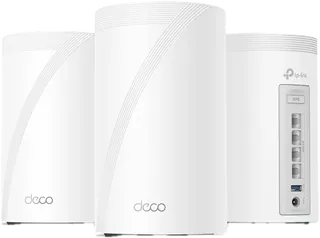
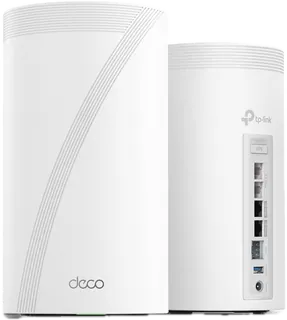
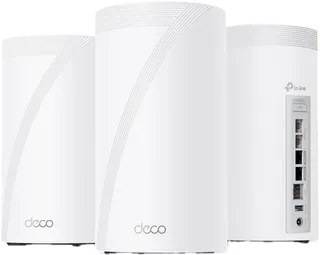
Tri-band Wi-Fi 7 (BE10000) Deco with four 2.5 Gbps ports and a USB port on every unit. Strong value for multi-gig plans, especially on sale ($396.99 against $599.99 when checked); no 10 Gbps ports.
-
Deco BE67 · TP-Link
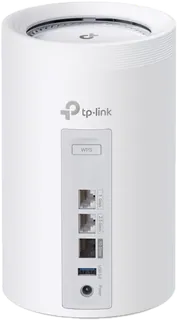
Tri-band Wi-Fi 7 (BE14000) Deco 7 Pro with a 10 Gbps, a 2.5 Gbps and a 1 Gbps port plus USB 3.0 on every unit, rated for 8,100 sq ft. A cheaper route to 10 Gig internet than the Deco BE85 or BE95, though with only three Ethernet ports; often on sale at TP-Link's US store ($599.99 against $699.99 when checked).
-
Deco BE77 · TP-Link
TP-Link's tri-band Wi-Fi 7 (BE17000) Deco, sold as the Deco 7 Pro, with a 10 Gbps RJ45/SFP+ combo port, a 2.5 Gbps port and USB 3.0 on every unit, rated for 8,500 sq ft as a 3-pack. A step up from the BE67 for multi-gig internet; not on TP-Link's own US store, so buy from retailers such as B&H.
-
Deco BE85 · TP-Link
TP-Link's high-end tri-band Wi-Fi 7 (BE22000) Deco with a 10 Gbps SFP+/RJ45 combo port and USB 3.0, rated for 9,600 sq ft as a 3-pack. Overkill for plans under 2 Gbps; not sold on TP-Link's own US store, so buy from retailers.
-
Deco BE95 · TP-Link
TP-Link's flagship quad-band Wi-Fi 7 (BE33000) Deco with two 6 GHz bands, two 10 Gbps ports (one an SFP+/RJ45 combo), two 2.5 Gbps ports and USB 3.0 on every unit, rated for 9,600 sq ft as a 3-pack. Overkill without multi-gig internet; not found on TP-Link's own US store, so buy from retailers.
-
ZenWiFi BD4 · ASUS
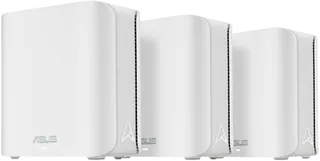
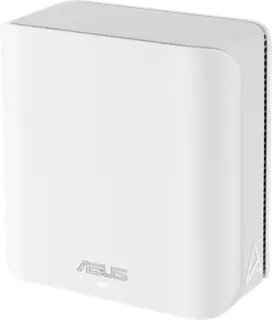
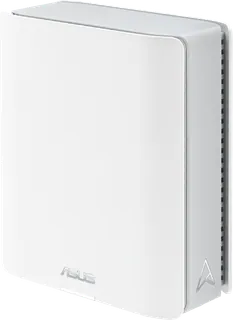
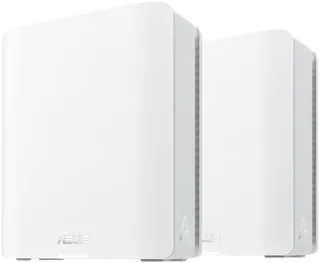
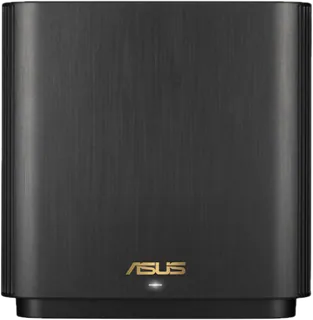
Budget dual-band Wi-Fi 7 (BE3600) ASUS kit with two 2.5G ports per unit, rated for 6,500 sq ft as a 3-pack. Includes ASUS's subscription-free security and parental controls; no 6 GHz band and only two ports per unit.
-
ZenWiFi BD5 · ASUS
Dual-band Wi-Fi 7 (BE5000) ASUS kit with two 2.5G ports per unit, rated for 6,800 sq ft as a 3-pack. Faster than the BD4 it sits above, with ASUS's subscription-free security and parental controls; no 6 GHz band, no USB port, and only two ports per unit.
-
ZenWiFi BT6 · ASUS
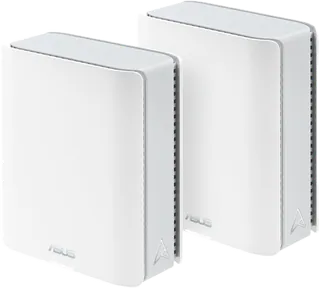
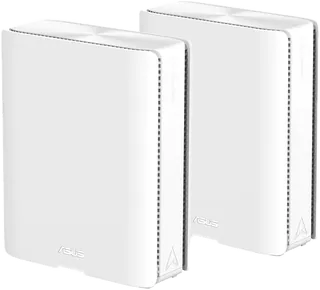
Mid-range tri-band Wi-Fi 7 (BE9400) ASUS mesh with a 6 GHz band, a 2.5G WAN port, three gigabit LAN ports and USB 3.0, rated for 5,800 sq ft as a 2-pack. Cheaper than the BT8; the gigabit LAN ports cap each wired device at 1 Gbps.
-
ZenWiFi BT8 · ASUS
Tri-band Wi-Fi 7 (BE14000) ASUS mesh with 2.5G WAN and LAN ports and USB, rated for 5,900 sq ft as a 2-pack. Security and parental controls need no subscription, and the full ASUS web settings suit tinkerers.
-
ZenWiFi BT10 · ASUS
Tri-band Wi-Fi 7 (BE18000) ASUS mesh with two 10G ports per unit, for 10 Gbps fiber or a 10G wired backhaul. Only three Ethernet ports in total; ASUS rates a 2-pack for 6,000 sq ft.
-
ZenWiFi BQ16 Pro · ASUS
ASUS's flagship quad-band Wi-Fi 7 (BE30000) mesh with two 6 GHz bands, a dedicated backhaul and dual 10G ports, rated for 8,000 sq ft as a 2-pack. The most expensive kit here as a 3-pack.
-
ZenWiFi AX (XT8) · ASUS · Superseded
Older tri-band Wi-Fi 6 (AX6600) ASUS mesh with a second 5 GHz band that can be set as dedicated backhaul, a 2.5G WAN port and USB. Out of stock at ASUS's US store, so availability is limited to retailers.
-
Nest Wifi Pro · Google
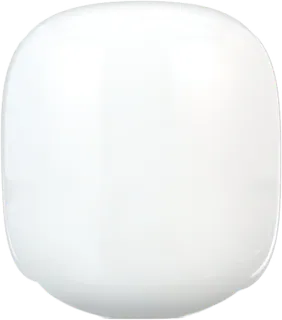
Simple tri-band Wi-Fi 6E mesh run from the Google Home app, with a Thread border router, Matter support and free parental controls. Only two 1 Gbps ports per unit, no web settings page, and it can't mesh with older Google Wifi or Nest Wifi units.
-
Velop Pro 7 · Linksys
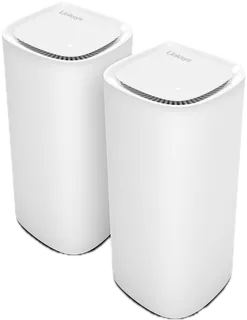
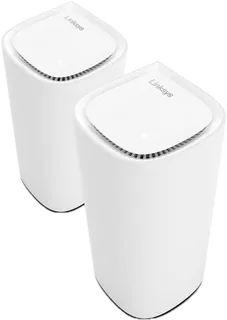
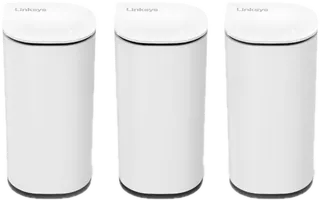
Tri-band Wi-Fi 7 (BE11000) Linksys mesh with a 2.5 Gbps internet port and four gigabit LAN ports per node, rated for 9,000 sq ft as a 3-pack and backed by a 3-year warranty. Linksys doesn't sell it on its own US site, so buy from retailers.
-
Velop Pro 6E · Linksys
Tri-band Wi-Fi 6E (AXE5400) Linksys mesh with a 6 GHz band and wired or wireless backhaul. Gigabit ports only. Sold through retailers, not on Linksys's own US site.
-
Velop Micro 6 · Linksys
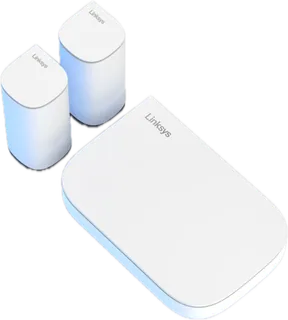
Compact dual-band Wi-Fi 6 (AX3000) Linksys router plus two small satellites, with one 2.5 Gbps internet port on the router for multi-gig plans. Satellites have no Ethernet port, so no wired backhaul, and Linksys sells it mainly through retailers in the US.
-
Velop Micro 7 · Linksys
Compact dual-band Wi-Fi 7 (BE5000) Linksys nodes rated for 6,600 sq ft as a 3-pack, with a single 2.5 Gbps port each. Very few wired ports and a 1-year warranty; sold through retailers.
-
Nova ME3 Pro · Tenda
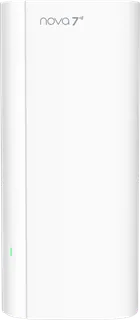
The cheapest kit here: a dual-band Wi-Fi 7 (BE3600) 3-pack with app or web management and parental time limits. Gigabit-class ports and no 6 GHz band; Tenda sells it through Amazon rather than its own store.
Suggest a change
Related comparisons
-
 Wi-Fi routers
Compare Wi-Fi routers and mesh Wi-Fi systems sold in the US, from budget Wi-Fi 6 routers to Wi-Fi 7 mesh and gaming routers from eero, Google, Netgear, TP-Link, ASUS, Linksys, Ubiquiti and others. The main choices are a single router or mesh, which Wi-Fi generation your devices can use, coverage for your home, wired ports for fast internet plans, and whether useful features need a subscription.
-
 Smart home hubs
A smart home hub is the box that talks to your sensors, lights and locks, runs your automations and links them to your phone and voice assistant. This grid compares the dedicated hubs hobbyists and families use with the brand hubs for Philips Hue and Aqara and the Apple TV and HomePod mini that act as Apple Home hubs. The real choices are which radios you need (Zigbee, Z-Wave, Thread, Matter), whether you want everything to run locally, and how much tinkering you will tolerate.
-
 5G home internet
Compare 5G home internet plans from T-Mobile, Verizon, AT&T and Cricket: wireless broadband that uses a carrier gateway instead of a cable or fiber line. Prices, typical speeds, price guarantees and phone-bundle discounts differ more than the marketing suggests, and speeds depend heavily on your address.
-
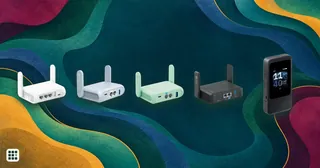 Travel routers
A travel router turns a hotel Ethernet jack, public Wi-Fi or a phone's tethering into your own private network for all your devices. The decision is between cheap and tiny, fast Wi-Fi 7 with a fast VPN, or a model with its own 5G modem.
-
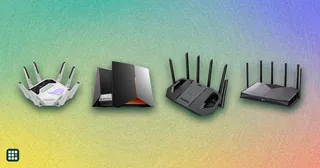 Gaming routers
 add game-traffic priority, multi-gig ports, and often a 6 GHz band to ordinary Wi-Fi. This grid compares ASUS ROG and TUF and TP-Link Archer models on price, Wi-Fi generation, ports, gaming features, and mesh and security terms, so you can see what the extra money actually buys.
-
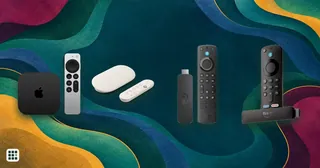 Streaming devices
 (sticks and boxes) add Netflix, YouTube, Disney+ and other apps to any TV with an HDMI port, or replace a slow smart-TV interface. This grid compares current Roku, Amazon Fire TV, Google TV, Apple TV, onn. and Nvidia Shield players sold in the US on price, platform, 4K and HDR support (Dolby Vision, HDR10+), Dolby Atmos, Wi-Fi and Ethernet, remote features, home-screen ads and casting. The real trade-offs are which platform and assistant you want to live with, how much you mind ads, and whether your TV and sound system can use premium formats.