



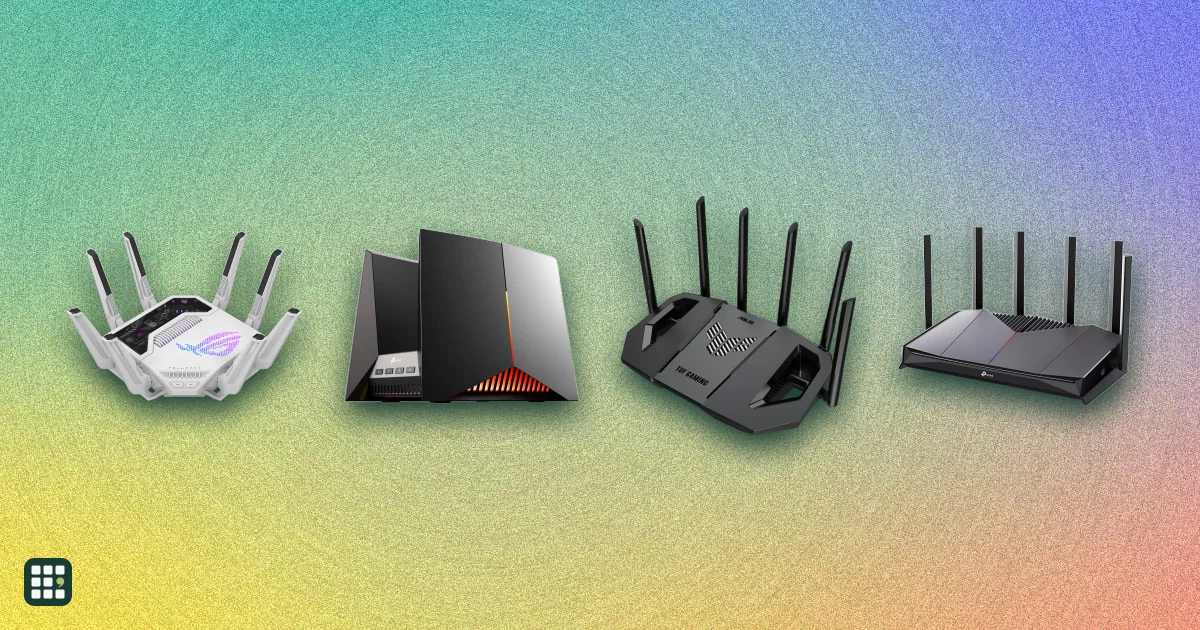
Gaming routers
Gaming routers add game-traffic priority, multi-gig ports, and often a 6 GHz band to ordinary Wi-Fi. This grid compares ASUS ROG and TUF and TP-Link Archer models on price, Wi-Fi generation, ports, gaming features, and mesh and security terms, so you can see what the extra money actually buys.
Last updated
How to choose
Start with how you play. If your console or PC can be wired, put it on Ethernet: a plain wired connection beats any Wi-Fi for latency, and a gaming router mostly helps by giving that port priority and enough multi-gig ports for your gear. If you play over Wi-Fi, the Wi-Fi generation of your device matters more than the router: a Wi-Fi 7 router helps only Wi-Fi 7 clients.
Rule out the deal-breakers
- Internet speed. A 2.5 Gbps or 10 Gbps plan needs a matching WAN port; a router whose fastest port is 1 Gbps (or 2.5) will cap it.
- Wired gear. Count the consoles, PCs, and NAS drives you want to plug in, then check the number of multi-gig ports.
- Subscriptions. Some security and parental controls need a paid plan; ASUS lists its own as free, TP-Link HomeShield has paid advanced features.
- 6 GHz. It is uncrowded and fast, but short range and only useful if your device supports Wi-Fi 6E or 7.
Compare the features that change a choice
Look at the dedicated gaming port, mobile game mode, dual WAN failover, link aggregation, mesh support (AiMesh works only with ASUS, EasyMesh with compatible brands), and RGB lighting if appearance matters. The combined speed rating is a marketing sum across bands; use it only to compare routers against each other.
Check the full cost
Flagships cost three to four times what a capable budget model does, and the cheaper models share most of the gaming software. Prices change often: the list prices here are the regular ones, and sales are common.
Before you buy
Confirm the model is still sold new by the maker, that its ports match your plan, and that the size and fan noise suit where it will sit. Big flagships are bulky and not wall-mount ready.
Answer
Browse the table. Filter to what matters.
Use the filters below, then sign in if you want to shortlist and decide with friends.
Sign in to vote, hide products and features, and reorder.
Verified: hover a cell and click its green dot for the source Estimate: no cited source
| Feature | ⠿ | ⠿ | ⠿ | ⠿ | ⠿ | ⠿ | ⠿ | ⠿ | ⠿ | ⠿ | ⠿ | ⠿ | ⠿ |
|---|---|---|---|---|---|---|---|---|---|---|---|---|---|
|
⠿
Price
|
$599.99
|
$299.99
|
$279.99
|
$219.99
|
$259.99
|
$449.99
|
|||||||
|
⠿
WiFi standard
|
|||||||||||||
|
⠿
Combined speed rating
|
|||||||||||||
|
⠿
Bands
|
|||||||||||||
|
⠿
Fastest Ethernet port
|
|||||||||||||
|
⠿
Multigig ports
|
|||||||||||||
|
⠿
Dedicated gaming port
|
|
|
|||||||||||
|
⠿
Mobile game mode
|
|
|
|
|
|
||||||||
|
⠿
Dual WAN
|
|
|
|
||||||||||
|
⠿
Link aggregation
|
|
|
|
|
|
|
|
||||||
|
⠿
USB port
|
|||||||||||||
|
⠿
Mesh support
|
|||||||||||||
|
⠿
Security subscription
|
Free (no subscription)
|
Free (no subscription)
|
Free (no subscription)
|
Free (no subscription)
|
Free (no subscription)
|
||||||||
|
⠿
RGB lighting
|
|
|
|
|
|
||||||||
|
⠿
6 GHz band
|
|
|
|||||||||||
|
⠿
320 MHz channels
|
|
Why these features matter
-
Price ($)
The biggest dividing line in this category: flagships cost 3 to 4 times as much as capable budget gaming routers, and the gaming extras are similar across the line.
-
WiFi standard
Your console, PC, and phone need to support the same generation to get its speed and latency gains; older clients still connect but gain nothing.
- Wi-Fi 8 draft
- : The next generation after Wi-Fi 7, still a draft standard. Few devices support it yet, so you mostly pay for headroom.
- Wi-Fi 6E
- : Wi-Fi 6 with the uncrowded 6 GHz band added. A good fit if your PC or console has Wi-Fi 6E; skip it if everything you play on is wired.
-
Combined speed rating (Mbps)
Useful only for comparing routers against each other: no single device reaches it. Latency, wired ports, and band count matter more for gaming.
-
Bands
More bands let the router give your gaming device a less crowded channel, which helps most in homes with many devices.
- Quad-band
- : Four radios, usually two on 6 GHz or two on 5 GHz. Gives the router a spare channel for gaming devices; overkill in a small home.
-
Fastest Ethernet port (Gbps)
Matters if you have a multi-gig internet plan or a wired gaming PC and NAS; 1 Gbps ports are enough for most game traffic itself.
-
Multigig ports (ports)
Each one lets a wired console, PC, or switch connect without the 1 Gbps ceiling; fewer than 3 limits how much gear you can wire at full speed.
-
Dedicated gaming port
A simple way to put a console or PC first without learning QoS settings; matters less if you set device priorities manually.
-
Mobile game mode
Helps if the household games on phones or handhelds over Wi-Fi; irrelevant for wired console and PC players.
-
Dual WAN
A backup connection keeps ranked matches alive when the main line drops; skip it if you have one reliable connection.
-
Link aggregation
Only useful for a wired setup with a NAS or switch that also supports it; ignore it otherwise.
-
USB port
Lets you share a drive or tether a mobile modem; irrelevant for pure gaming.
-
Mesh support
Lets you add nodes later if one router does not cover the house; mixing different mesh standards does not work.
- AiMesh
- : ASUS's system for linking compatible ASUS routers into one network, so you can add nodes later. Works only with ASUS gear.
- EasyMesh
- : An industry standard that lets compatible routers from several brands join one mesh. Check the other router supports it.
-
Security subscription
A paid tier is a recurring cost you may not want; free security means the protection never lapses.
-
RGB lighting
Purely cosmetic, but a deciding factor for some gaming setups; it can be turned off.
-
6 GHz band
The 6 GHz band is uncrowded and has the lowest latency to a nearby client, but its range is shorter and clients must support Wi-Fi 6E or 7.
-
320 MHz channels
Doubles the channel width for a Wi-Fi 7 client; helps large downloads more than game latency.
About the products
-
ROG Rapture GT-BN98 Pro · ASUS
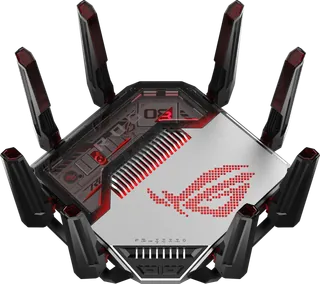
ASUS's Wi-Fi 8 (draft) flagship: quad-band with two 6 GHz radios, two 10G ports, and ROG's gaming features. Early-adopter pick for a house with 10G wiring and a Wi-Fi 8 client roadmap.
-
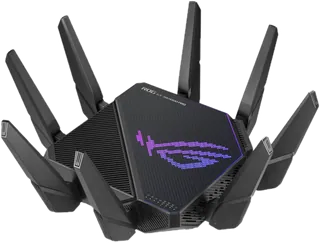
ROG Rapture GT-BE98 Pro · ASUS
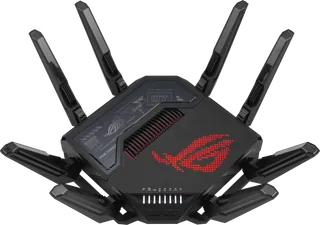
Quad-band Wi-Fi 7 flagship with two 10G ports and a dedicated gaming port; the router most Wi-Fi 7 gaming roundups measure others against.
-
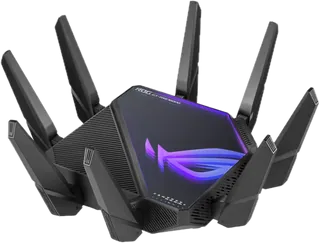
ROG Rapture GT-BE19000AI · ASUS
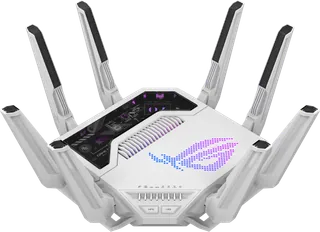
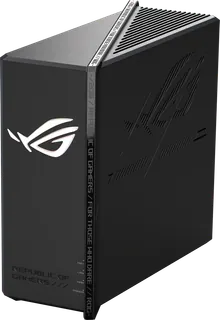
Tri-band Wi-Fi 7 router with two 10G ports and an on-board AI core for ASUS's AI gaming and security features; the priciest tri-band option here.
-
Archer GE800 · TP-Link
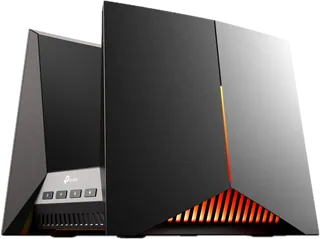
TP-Link's Wi-Fi 7 flagship gaming router: tri-band, two 10G ports, four 2.5G ports, dedicated gaming port, and a game dashboard.
-
ROG Strix GS-BE12000 · ASUS
Tri-band Wi-Fi 7 gaming router with eight 2.5G ports and Aura RGB: the wired-heavy choice if you have several consoles and PCs to plug in.
-
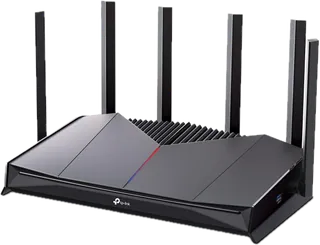
Archer GE650 · TP-Link
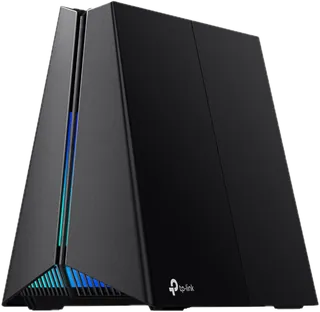
Tri-band Wi-Fi 7 gaming router with a 5G WAN and 5G LAN port plus three 2.5G ports; the value step down from the GE800.
-
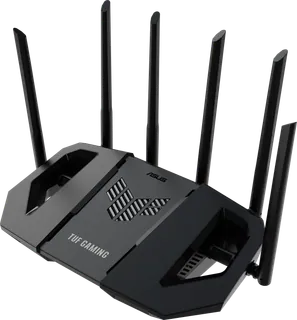
TUF Gaming BE9400 · ASUS
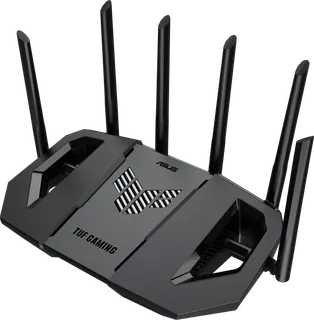
Compact tri-band Wi-Fi 7 router with a 6 GHz band, four 2.5G ports, and a dedicated gaming port at a mid-range price.
-
Archer GE400 · TP-Link
Budget dual-band Wi-Fi 7 gaming router with two 2.5G ports and a dedicated gaming port; no 6 GHz band.
-
TUF Gaming BE6500 · ASUS
Dual-band Wi-Fi 7 budget gaming router with four 2.5G ports and a dedicated gaming port; no 6 GHz band.
-
ROG Rapture GT-AXE16000 · ASUS
Quad-band Wi-Fi 6E router with two 10G ports, still sold and often discounted; the choice if you want 6 GHz and 10G without paying Wi-Fi 7 prices.
-
ROG Rapture GT-AX11000 Pro · ASUS
Tri-band Wi-Fi 6 router with a 10G and a 2.5G port; an older design that is now cheap, with no 6 GHz band.
-
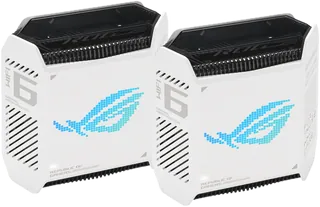
ROG Rapture GT6 (2-pack) · ASUS
Wi-Fi 6 gaming mesh system sold as a 1- or 2-pack, with a 2.5G WAN port and AiMesh. Priced here as the 2-pack.
-
ROG Strix GS-BE18000 · ASUS
Tri-band Wi-Fi 7 gaming router with eight 2.5G Ethernet ports, two dedicated gaming ports, and AiMesh; a wired-heavy choice below the ROG Rapture flagships.
Suggest a change
Related comparisons
-
 5G home internet
Compare 5G home internet plans from T-Mobile, Verizon, AT&T and Cricket: wireless broadband that uses a carrier gateway instead of a cable or fiber line. Prices, typical speeds, price guarantees and phone-bundle discounts differ more than the marketing suggests, and speeds depend heavily on your address.
-
 Wi-Fi routers
Compare Wi-Fi routers and mesh Wi-Fi systems sold in the US, from budget Wi-Fi 6 routers to Wi-Fi 7 mesh and gaming routers from eero, Google, Netgear, TP-Link, ASUS, Linksys, Ubiquiti and others. The main choices are a single router or mesh, which Wi-Fi generation your devices can use, coverage for your home, wired ports for fast internet plans, and whether useful features need a subscription.
-
 Smart home hubs
A smart home hub is the box that talks to your sensors, lights and locks, runs your automations and links them to your phone and voice assistant. This grid compares the dedicated hubs hobbyists and families use with the brand hubs for Philips Hue and Aqara and the Apple TV and HomePod mini that act as Apple Home hubs. The real choices are which radios you need (Zigbee, Z-Wave, Thread, Matter), whether you want everything to run locally, and how much tinkering you will tolerate.
-
 Mesh Wi-Fi systems
 spread one network across your home with two or more units, so far rooms and upper floors get a strong signal. This grid compares current kits from eero, NETGEAR Orbi, TP-Link Deco, ASUS ZenWiFi, Google Nest, Linksys and Tenda on price, Wi-Fi standard, coverage, bands, wired ports and subscriptions. The main trade-offs are cost against speed and range, and simple app-only systems against ones with more ports and settings.
-
 Travel routers
A travel router turns a hotel Ethernet jack, public Wi-Fi or a phone's tethering into your own private network for all your devices. The decision is between cheap and tiny, fast Wi-Fi 7 with a fast VPN, or a model with its own 5G modem.
-
 Smart TVs
Compare current smart TVs by picture technology, HDR, brightness, reflections, motion, gaming, streaming platform, ports, audio, connectivity, power, warranty, and price. Panel technology and processing affect picture quality, while room lighting, viewing angle, gaming inputs, and built-in apps can matter just as much.