



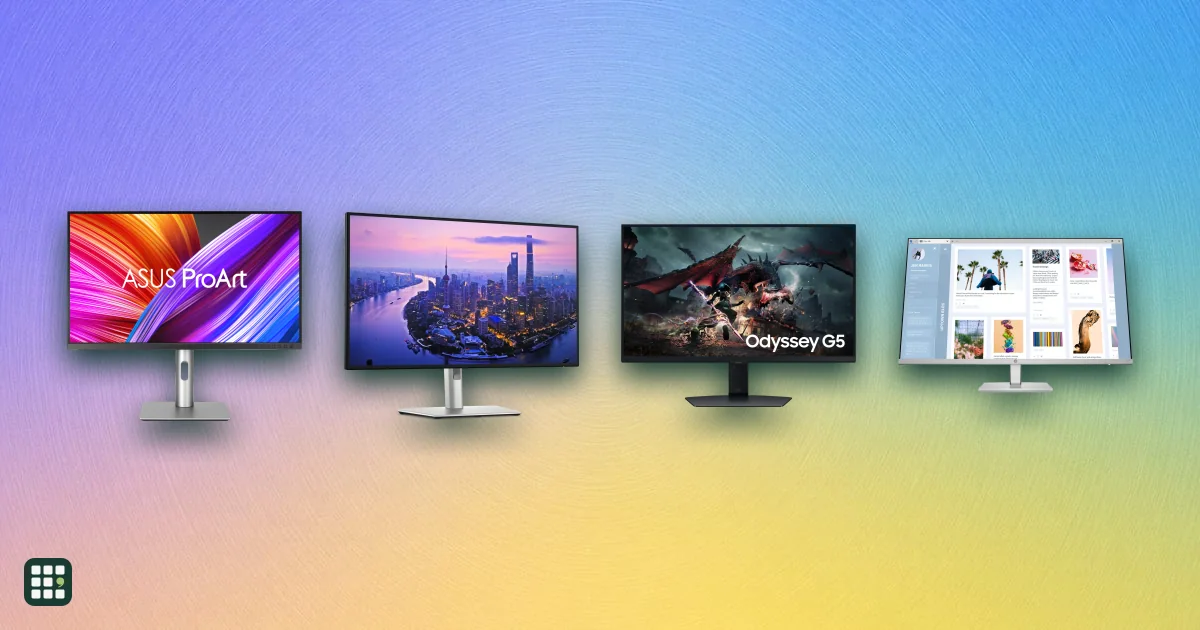
Computer monitors
Compare computer monitors sold in the US, from budget office screens to 4K and 5K displays for creative work, ultrawides, and fast OLED and IPS gaming monitors. The main choices are size and resolution, panel type, refresh rate for gaming, and whether one USB-C cable can charge and connect your laptop.
Last updated
How to choose
Specs here are makers' figures. Measure your desk and check what your computer can drive: a laptop's ports and graphics decide which resolutions and refresh rates you can actually use.
1. Pick size and resolution together
- 24 inches at 1080p suits basic office work on a budget.
- 27 inches at 1440p is the sweet spot for most people and for gaming.
- 27 inches at 4K or 5K gives the sharpest text for Mac users and creative work.
- Ultrawides replace two monitors for spreadsheets, editing and immersive games.
2. Choose the panel type
IPS panels have accurate color and wide viewing angles; VA panels have deeper contrast for movies; OLED offers perfect blacks and very fast response but can suffer burn-in with static content, so check the burn-in warranty.
3. Match refresh rate to your use
60 Hz is fine for work. Gamers should look for 144 Hz or more with adaptive sync (G-SYNC or FreeSync) that matches their graphics card.
4. Think about connections
A USB-C or Thunderbolt monitor with enough power delivery can charge a laptop and carry video, USB and network over one cable. A built-in KVM lets two computers share one keyboard and mouse.
5. Check ergonomics and warranty
A height-adjustable stand is worth having if you sit at the screen all day; otherwise budget for a monitor arm. Look for at least a three-year warranty on expensive models.
Answer
Browse the table. Filter to what matters.
Use the filters below, then sign in if you want to shortlist and decide with friends.
Sign in to vote, hide products and features, and reorder.
Verified: hover a cell and click its green dot for the source Estimate: no cited source Not stated: the maker doesn't publish it
| Feature | ⠿ | ⠿ | ⠿ | ⠿ | ⠿ | ⠿ | ⠿ | ⠿ | ⠿ | ⠿ | ⠿ | ⠿ | ⠿ | ⠿ | ⠿ | ⠿ | ⠿ | ⠿ | ⠿ |
|---|---|---|---|---|---|---|---|---|---|---|---|---|---|---|---|---|---|---|---|
|
⠿
Price
|
$229.99
|
||||||||||||||||||
|
⠿
Screen size
|
26.5 in
|
||||||||||||||||||
|
⠿
Resolution
|
|||||||||||||||||||
|
⠿
Panel type
|
IPS
|
VA
|
IPS
|
IPS (IPS Black)
|
|||||||||||||||
|
⠿
Refresh rate
|
60 Hz
|
60 Hz
|
120 Hz
|
||||||||||||||||
|
⠿
Curved
|
|
|
|
|
|
|
|
|
|
|
|
|
|
||||||
|
⠿
HDR
|
None
|
None
|
None
|
DisplayHDR 400
|
None
|
None
|
|||||||||||||
|
⠿
Brightness
|
250 nits
|
||||||||||||||||||
|
⠿
USB C power delivery
|
0 W, No USB-C
|
0 W, No USB-C
|
0 W, USB-C for data only
|
0 W, No USB-C
|
0 W, No USB-C
|
0 W, No USB-C
|
0 W, No USB-C
|
||||||||||||
|
⠿
Built in KVM
|
|
|
|
|
|
|
|
|
|
|
|
|
|
|
|
|
|||
|
⠿
Height adjustable stand
|
|
|
|
|
|||||||||||||||
|
⠿
Adaptive sync
|
None
|
G-SYNC Compatible, FreeSync Premium Pro
|
None
|
FreeSync Premium
|
|||||||||||||||
|
⠿
Speakers
|
|
|
|
|
|
|
|
|
|
|
|
||||||||
|
⠿
Warranty
|
1 year parts and labor
|
3 years, includes burn-in
|
1 year
|
1 year
|
|||||||||||||||
|
⠿
Response time
|
|||||||||||||||||||
|
⠿
HDMI ports
|
|||||||||||||||||||
|
⠿
DisplayPort ports
|
|||||||||||||||||||
|
⠿
Thunderbolt port
|
|
||||||||||||||||||
|
⠿
VESA mount
|
|||||||||||||||||||
|
⠿
Tilt adjustable
|
|||||||||||||||||||
|
⠿
Swivel adjustable
|
|
||||||||||||||||||
|
⠿
Pivot adjustable
|
|||||||||||||||||||
|
⠿
Color gamut
|
|||||||||||||||||||
|
⠿
Webcam
|
|
|


Why these features matter
-
Price ($)
Monitors range from about $100 for a basic office screen to over $1,500 for 5K creative displays and high-end OLED gaming monitors.
-
Screen size (in)
Larger screens fit more windows side by side; 27 inches is the most popular size for desks.
-
Resolution
Higher resolution gives sharper text and more workspace, but needs a more capable computer for gaming.
-
Panel type
IPS has accurate color and wide viewing angles; VA has deeper contrast; OLED has perfect blacks and fast response but can burn in.
-
Refresh rate (Hz)
60 Hz is fine for office work; 144 Hz and up makes games and scrolling noticeably smoother.
-
Curved
Curves help on very wide screens by keeping the edges in view; flat screens suit design work and multi-monitor setups.
-
HDR
HDR makes highlights brighter in supported games and movies; low-level certifications like HDR400 make little difference.
-
Brightness (nits)
Brighter screens are easier to see in sunny rooms; 300 to 400 nits is plenty for most offices.
-
USB C power delivery (W)
One-cable docking charges a laptop and carries video and USB, which keeps a desk tidy.
-
Built in KVM
A KVM lets two computers share one keyboard and mouse through the monitor.
-
Height adjustable stand
A height-adjustable stand helps ergonomics; otherwise you may need a VESA arm.
-
Adaptive sync
Adaptive sync removes screen tearing and stutter in games.
-
Speakers
Built-in speakers save desk space but usually sound thin.
-
Warranty
Longer coverage and burn-in protection matter most for expensive OLED monitors.
-
Response time (ms)
Faster pixels mean less ghosting in fast games; it matters little for office work.
-
HDMI ports (ports)
More HDMI inputs let you connect consoles and extra PCs without a switch.
-
DisplayPort ports (ports)
DisplayPort carries the highest refresh rates from a PC; more inputs help with multiple computers.
-
Thunderbolt port
Thunderbolt gives one-cable video, data and charging for laptops and daisy-chaining; plain USB-C does less.
-
VESA mount
VESA lets you swap the stand for an arm or wall mount; check the pattern matches your arm.
-
Tilt adjustable
Tilt lets you set the screen angle to cut glare and neck strain.
-
Swivel adjustable
Swivel helps share the screen or angle it at a desk corner.
-
Pivot adjustable
Portrait mode suits coding, documents and long web pages.
-
Color gamut
Wider, accurate gamut matters for photo and video work; it matters less for office tasks.
-
Webcam
A built-in webcam saves buying one for video calls.
About the products
-
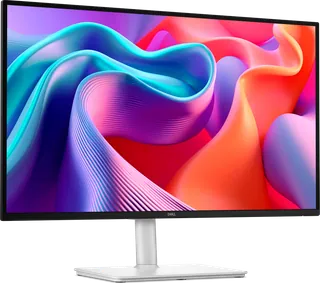
27 Plus QHD S2725DSM · Dell
An inexpensive 27-inch 1440p IPS monitor for home and office use, with a 144Hz refresh rate, AMD FreeSync, dual 3W speakers and a height/tilt/swivel/pivot stand. It has no USB-C, no HDR rating and only HDMI plus DisplayPort inputs, and Dell covers it for 1 year rather than the 3 years on its UltraSharp and Alienware lines. Dell currently shows $189.99 against a $219.99 "Estimated Value".
-
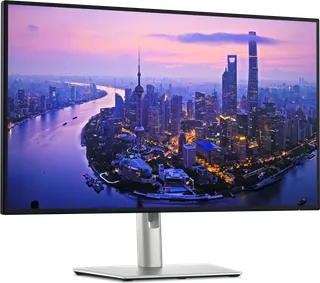
UltraSharp 27 4K U2725QE · Dell
A 27-inch 4K productivity monitor for laptop desks: one Thunderbolt 4 cable carries video, data and up to 140W of charging, and it adds a KVM, 2.5GbE Ethernet, a USB hub and daisy-chaining. Its IPS Black panel runs at 120Hz with DisplayHDR 600, but it has no speakers and no FreeSync/G-SYNC listing. Dell currently shows $799.99 against an $849.99 "Estimated Value".
-
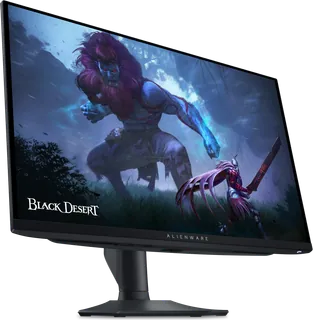
Alienware AW2725DF · Dell
A 27-inch 1440p QD-OLED gaming monitor for fast competitive play, at 360Hz with FreeSync Premium Pro and DisplayHDR True Black 400. Its 3-year warranty explicitly covers OLED burn-in. It has no speakers and no USB-C video input, and like other OLEDs its full-screen SDR brightness is lower than IPS office monitors.
-
Studio Display · Apple
A 27-inch 5K (218 ppi) display for Mac users who want sharp text plus a 12MP Center Stage camera, three mics and six speakers in one unit. This version adds Thunderbolt 5 with 96W laptop charging and a downstream Thunderbolt 5 port for daisy-chaining. It runs at 60Hz and Apple lists no HDR or variable refresh support, and the base $1,599 price includes a tilt-only stand: the height-adjustable stand costs $400 more and nano-texture glass $300 more.
-
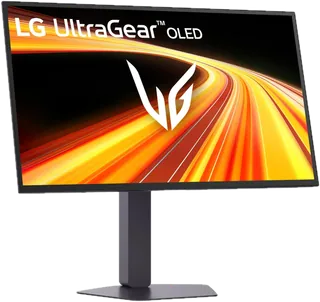
UltraGear OLED 27GX790B-B · LG
A 27-inch 1440p OLED esports monitor using LG's 4th-gen Primary RGB Tandem panel, at 540Hz (or 720Hz in a 720p dual mode), with 335 nits typical brightness and DisplayHDR True Black 500. It has a full height/tilt/swivel/pivot stand and a 2-year warranty that covers the OLED panel, but no built-in speakers listed. On sale at $799.99 ($200 off its $999.99 list) on LG.com at the time of research.
-
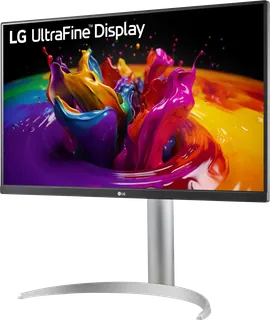
UltraFine 27UP850K-W · LG
A budget 27-inch 4K IPS monitor for laptop users who want single-cable USB-C with up to 90W charging, plus DisplayHDR 400, built-in stereo speakers and a height/tilt/pivot stand. It runs at 60Hz and carries a 1-year warranty. On sale at $349.99 ($30 off its $379.99 list) on LG.com at the time of research.
-
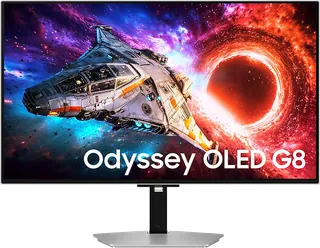
Odyssey OLED G8 32-inch (G80SH) · Samsung
A 32-inch 4K QD-OLED gaming monitor with a 240Hz refresh rate, DisplayPort 2.1 (UHBR20) and a USB-C port that charges a laptop at 98W. It suits people who game and work on one screen. Samsung lists it as FreeSync Premium Pro, with G-Sync listed as "No". Samsung.com had it on sale at $999.99 (regular $1,299.99) when checked.
-
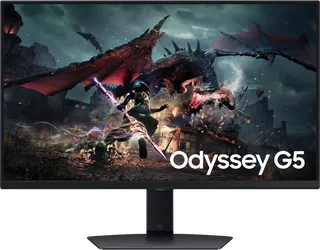
Odyssey G5 27-inch (G50D) · Samsung
A budget 27-inch QHD IPS gaming monitor with a 180Hz refresh rate, DisplayHDR 400 and a stand that adjusts for height, tilt, swivel and pivot. It has no USB-C port, and Samsung's US warranty for this model is 12 months.
-
Smart Monitor M8 32-inch (M80F) · Samsung
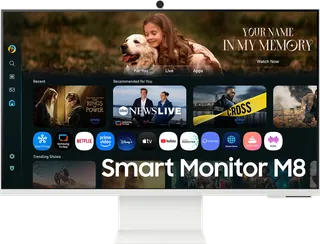
A 32-inch 4K smart monitor that runs Samsung's Tizen streaming apps without a PC. It includes a camera, a remote, speakers, Wi-Fi and a USB-C port that charges a laptop at 65W. The 60Hz VA panel is not meant for fast gaming, and the US warranty is 12 months.
-
ROG Swift OLED PG32UCWM · ASUS
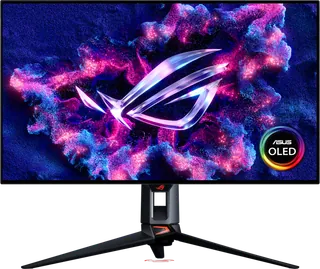
A 31.5-inch 4K Tandem RGB-stripe WOLED gaming monitor with a glossy coating. It runs at 240Hz in 4K or 480Hz in FHD through Dual Mode, and has 90W USB-C. The ASUS warranty runs 3 years and covers panel burn-in. ASUS does not list a typical SDR brightness.
-
ProArt PA279CRV · ASUS
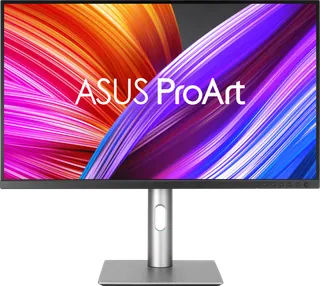
An affordable 27-inch 4K IPS monitor for photo, video and design work. It is factory calibrated (Calman Verified), covers 99% of DCI-P3 and Adobe RGB, and has 96W USB-C, DisplayPort daisy-chaining and built-in speakers. It runs at only 60Hz.
-
PD2706U · BenQ
A 27-inch 4K IPS designer monitor with 95% P3 color, 90W USB-C, a built-in KVM switch and the Hotkey Puck G2, aimed at Mac and PC creatives on a budget. It runs at 60Hz and is certified only to DisplayHDR 400.
-
Series 5 527sh · HP
An everyday 27-inch 1080p IPS office monitor with a 100Hz refresh rate and a stand that adjusts 100 mm in height. It connects over HDMI or VGA only (no USB-C or DisplayPort) and carries a one-year warranty.
-
Series 7 Pro 727pu · HP
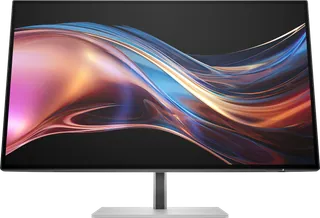
A 27-inch QHD business docking monitor with an IPS Black panel, 120Hz refresh, and a Thunderbolt 4 port that charges a laptop at up to 100 W, plus Ethernet, a USB hub, daisy-chaining and a smart KVM. Suits hybrid workers with one laptop cable; it is not a gaming monitor.
-
ThinkVision P27QD-40 · Lenovo
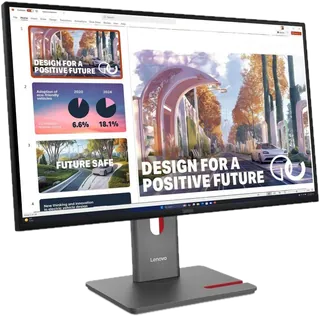
A 27-inch QHD IPS USB-C docking monitor for business laptops, with a 24-120Hz refresh rate, up to 140W USB-C power delivery, 2.5GbE Ethernet, a KVM switch, and daisy-chaining. It has no built-in speakers (an optional MS30 soundbar is sold separately). Lenovo lists it at $549 but was selling it for $289 in November 2026.
-
Nitro KG271U N3 · Acer
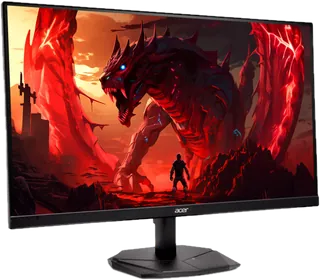
A budget 27-inch 1440p IPS gaming monitor with up to 180Hz over DisplayPort (144Hz over HDMI), FreeSync and small built-in speakers. The stand only tilts, and brightness is a modest 250 nits. On sale on Acer's site for $144.99 in November 2026 (regular $179.99).
-
GS27QA · GIGABYTE
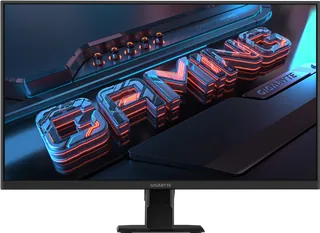
A budget 27-inch 1440p SS IPS gaming monitor running at up to 180Hz with Adaptive-Sync. It has a tilt-only stand, no speakers, no USB-C, and only "HDR Ready" support.
-
MAG 272QP QD-OLED X24 · MSI
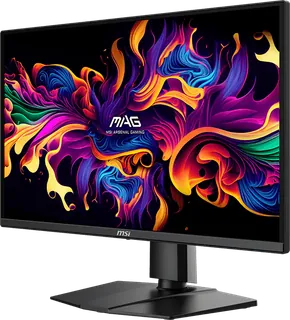
A 26.5-inch 1440p QD-OLED gaming monitor at 240Hz with G-SYNC Compatible/FreeSync Premium, a height-adjustable stand, and a 3-year warranty that covers OLED burn-in. Typical SDR brightness is only 200 nits, there is no DisplayHDR certification ("HDR ready"), and its USB-C input supplies just 15W.
-
E275W-FP100T · Sceptre
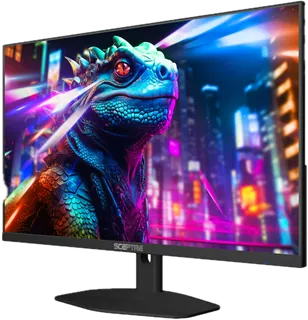
A budget 27-inch 1080p IPS monitor at 100Hz with HDMI, DisplayPort, a USB-C video input, Adaptive Sync and built-in 2W speakers. The USB-C port supplies only about 2.6W, so it will not charge a laptop, and the warranty is one year.
Suggest a change
Related comparisons
-
 Laptops
Compare laptops sold in the US, from Chromebooks and everyday Windows laptops to MacBooks, 2-in-1 convertibles, and gaming and creator machines. The main choices are operating system, how much memory and storage you need, screen size against weight, battery life, and whether you need serious graphics power.
-
 Portable monitors
 add a second screen to a laptop, console, or phone. Compare 35 models from ASUS, ViewSonic, Dell, HP, Lenovo, LG, MSI, Acer, AOC, ARZOPA, UPERFECT, espresso, and INNOCN on size, weight, brightness, refresh rate, touch, power, ports, and color.
-
 PC power supplies
A PC power supply converts wall power to the steady voltages every part in a desktop needs. This grid compares popular ATX and SFX units on wattage, efficiency, connectors, noise features and warranty.
-
 Game controllers
Compare game controllers by platform support, wired and wireless connections, stick sensing, rear controls, triggers, battery life, and US price. The best fit depends on what you play and which features matter to you.
-
 Racing wheels
 range from $130 gear-driven sets to premium direct-drive bases. This grid compares popular wheel kits for PC, PlayStation and Xbox on torque, drive type, pedals, platform support and full cost, so you can match a wheel to how you race and what you already own.
-
 Arcade sticks
 let you play fighting games like Street Fighter 6 and Tekken 8 with a lever and buttons, or with a leverless all-button layout, instead of a pad. The main choices are lever or leverless, which consoles it works on, and how much you pay for build and parts.