



Computers
Laptops, monitors, keyboards, docks and power backups, compared so the pieces of your computer setup work together.
Choosing computer gear is rarely about one box. The laptop, the screen, the keyboard and the cables and power behind them all have to work together, and a mismatch (a monitor your laptop can't drive, a dock that can't charge it) costs more than a slightly weaker spec. The grids here cover the computer itself and the things that connect to it.
A few questions cut across all of them. What will you actually do on it? Browsing and documents need far less than video editing or gaming, and paying for power you won't use is the most common mistake. What does it have to connect to? Ports and video outputs, especially USB-C and Thunderbolt, decide what works with what. How many hours a day will you sit at it? Screen quality, keyboard comfort and fit matter more the longer you use them. And how long should it last? Memory, storage and battery are hard or impossible to upgrade later on many laptops, so buy for where your needs are going.
Use each grid's features as a way to find your deal-breakers first, then compare what is left on price and warranty.
Where to start
- Need a computer? Laptops
- Want a bigger or sharper screen? Computer monitors
- Typing a lot? Ergonomic keyboards
- Connecting a laptop to monitors and accessories with one cable? USB-C docking stations
- Sharing one keyboard, mouse and screen between two computers? KVM switches
- Want to protect your work from power cuts? Uninterruptible power supplies
-
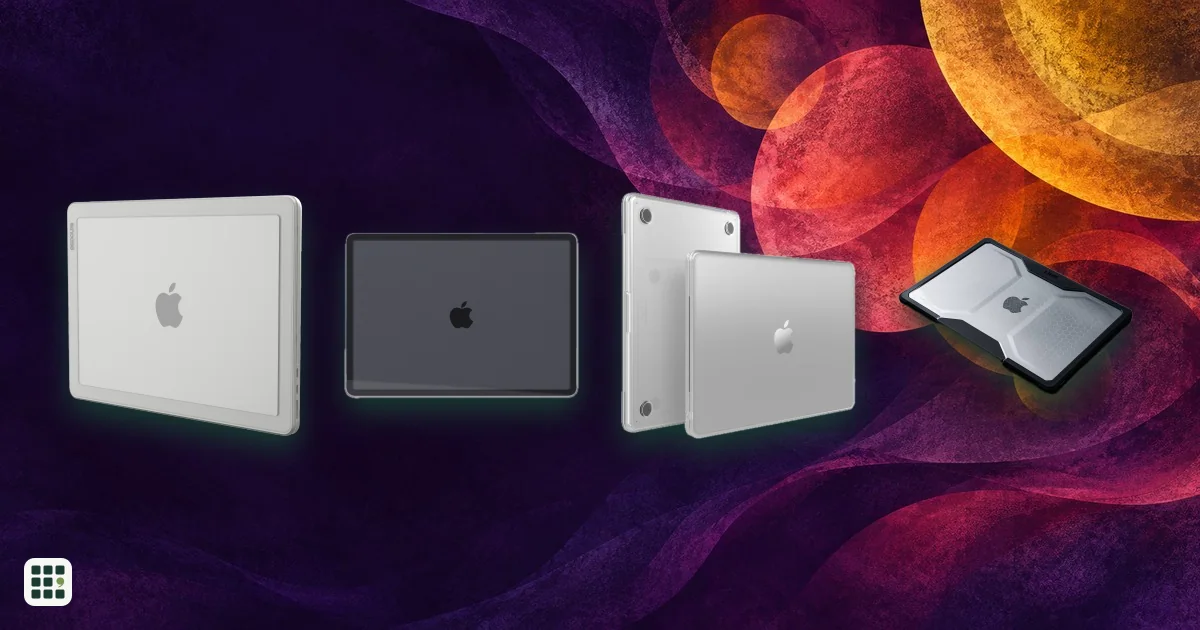 13-inch MacBook Air cases
6 products · Updated Nov 17, 2026
Fitted hard shells and bumpers stay on the MacBook during use and can guard against scratches or bumps, but add weight and may affect port or airflow clearance. Match the maker’s supported generation and model number before ordering.
-
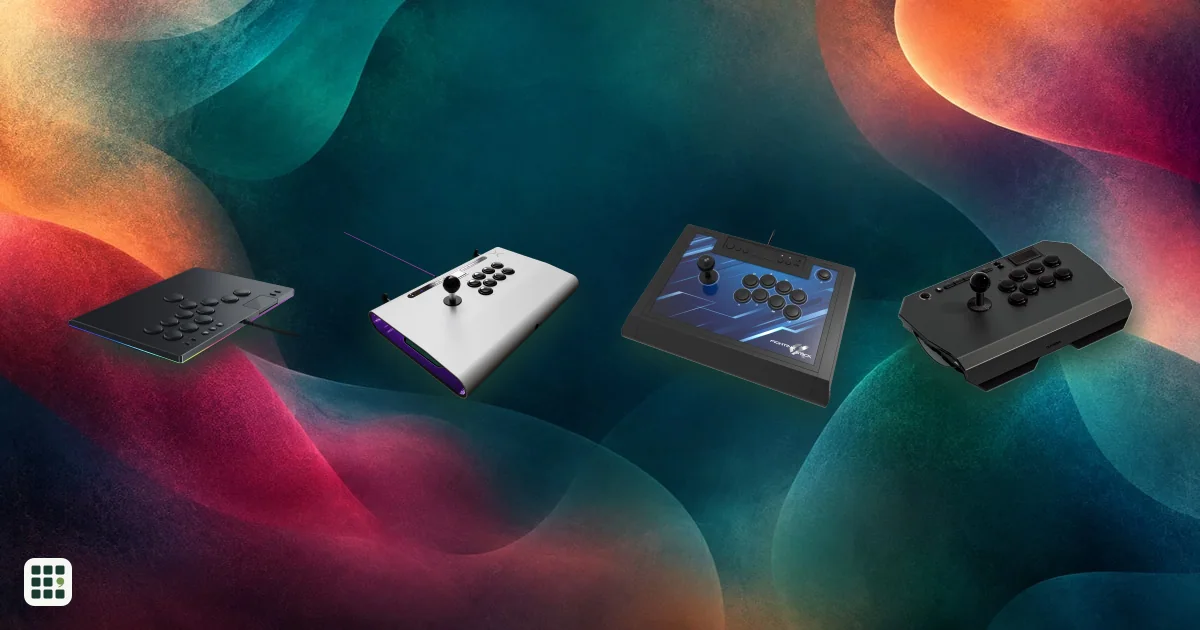 Arcade sticks
18 products · Updated Nov 17, 2026
Arcade sticks let you play fighting games like Street Fighter 6 and Tekken 8 with a lever and buttons, or with a leverless all-button layout, instead of a pad. The main choices are lever or leverless, which consoles it works on, and how much you pay for build and parts.
-
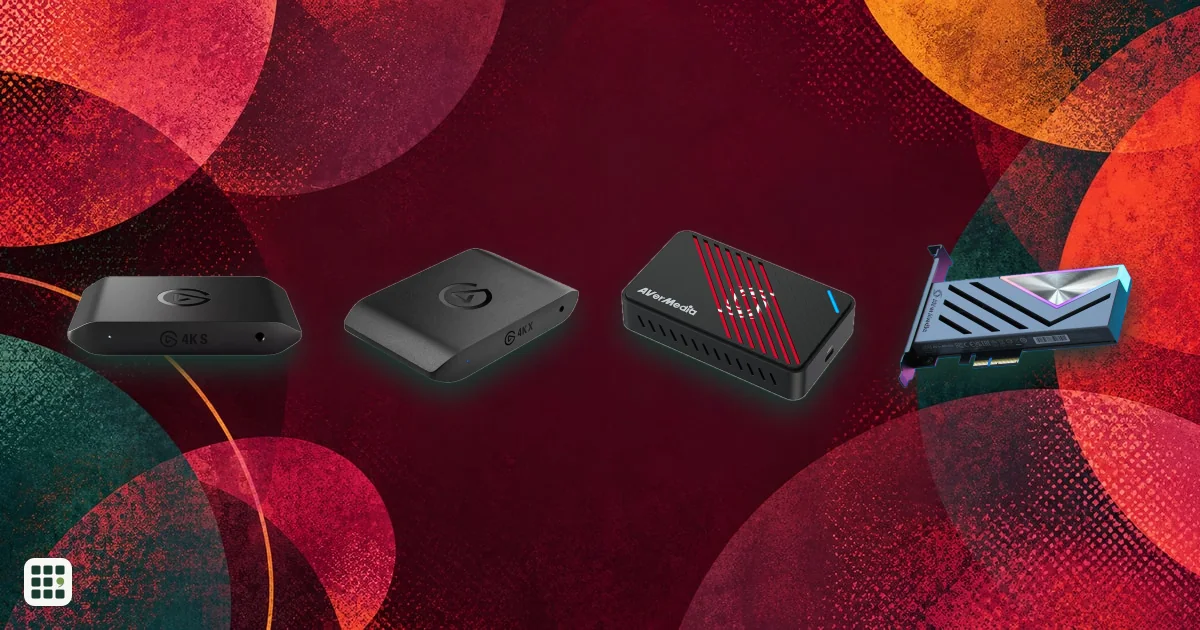 Capture cards
11 products · Updated Nov 16, 2026
A capture card sends console or PC video to a computer for recording or streaming while passing gameplay to a display. Compare recording limits separately from passthrough: a card can let you play at a higher resolution or refresh rate than it captures.
-
 Computer monitors
19 products · Updated Nov 15, 2026
Compare computer monitors sold in the US, from budget office screens to 4K and 5K displays for creative work, ultrawides, and fast OLED and IPS gaming monitors. The main choices are size and resolution, panel type, refresh rate for gaming, and whether one USB-C cable can charge and connect your laptop.
-
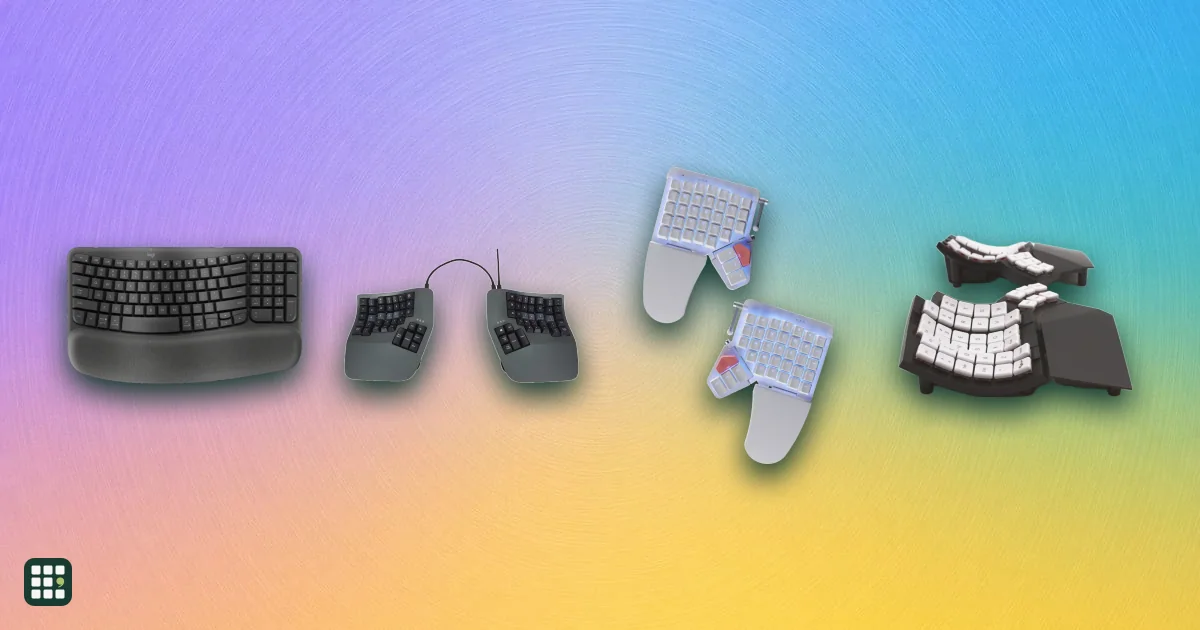 Ergonomic keyboards
19 products · Updated Nov 9, 2026
Ergonomic keyboards change the angle of your hands and wrists to reduce strain from long typing sessions. They range from gently curved one-piece boards that feel familiar on day one to fully split, tented, programmable keyboards that take weeks to learn. This grid compares layout, split and tenting adjustment, key switches, compatibility, and the learning curve, so you can match the amount of change to your needs and budget.
-
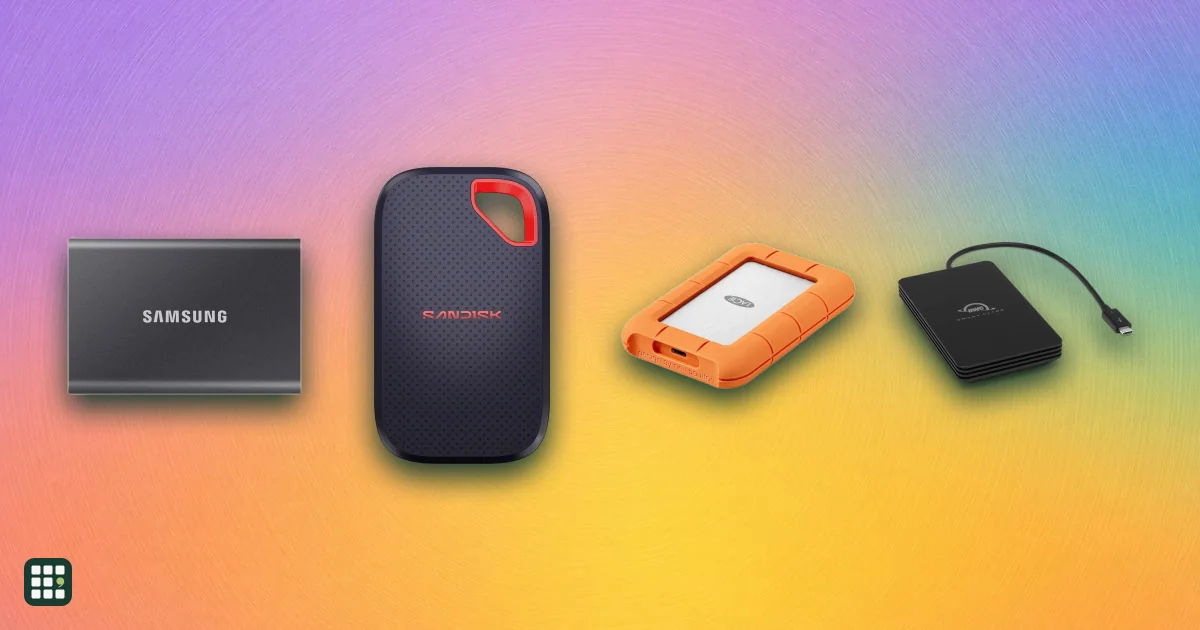 External SSDs
19 products · Updated Nov 15, 2026
Portable external SSDs compared at 2 TB: Samsung T7 and T9, SanDisk Extreme, WD, Crucial, Kingston, LaCie, Seagate, Lexar, Sabrent and Thunderbolt/USB4 drives. Headline speeds depend on your port, so the real differences are sustained write speed on big copies, ruggedness, hardware encryption, and how long the warranty lasts.
-
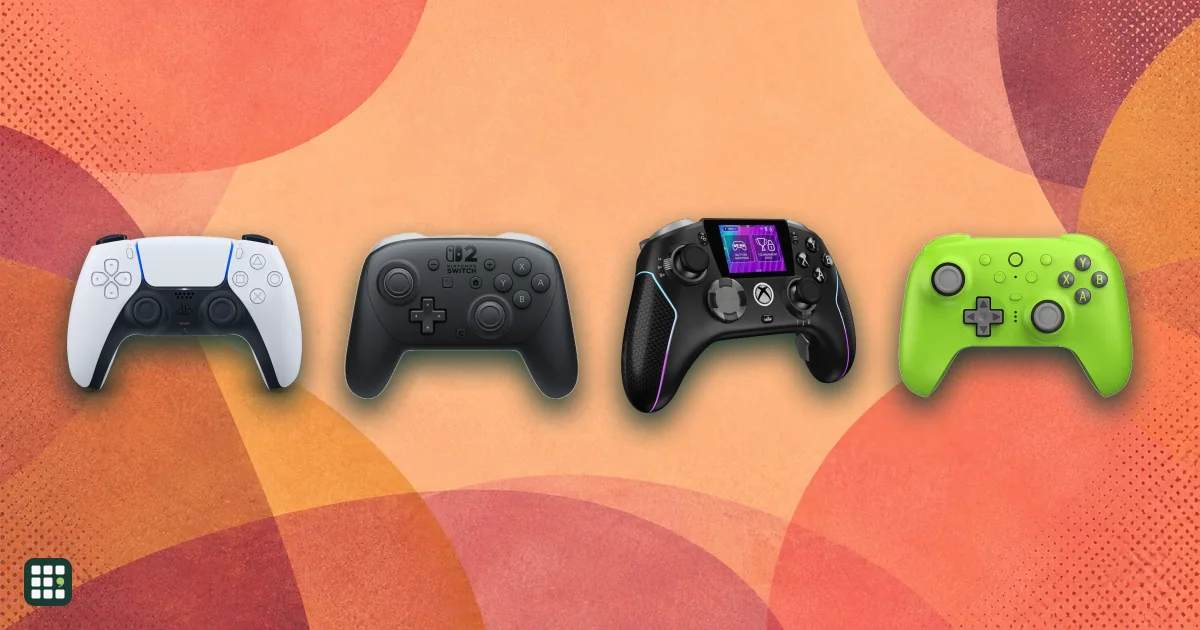 Game controllers
13 products · Updated Nov 17, 2026
Compare game controllers by platform support, wired and wireless connections, stick sensing, rear controls, triggers, battery life, and US price. The best fit depends on what you play and which features matter to you.
-
 Gaming mice
18 products · Updated Nov 16, 2026
Gaming mice differ mostly in weight, sensor, connection and shape rather than raw DPI. This grid compares popular wired and wireless models side by side so you can match a mouse to your grip, game type and budget.
-
 Gaming monitors
15 products · Updated Nov 15, 2026
A gaming monitor decides how smooth, sharp and colorful your games look. This grid compares popular OLED, IPS and VA gaming monitors by resolution, refresh rate, HDR, ports and price, so you can match a screen to your PC or console and your budget.
-
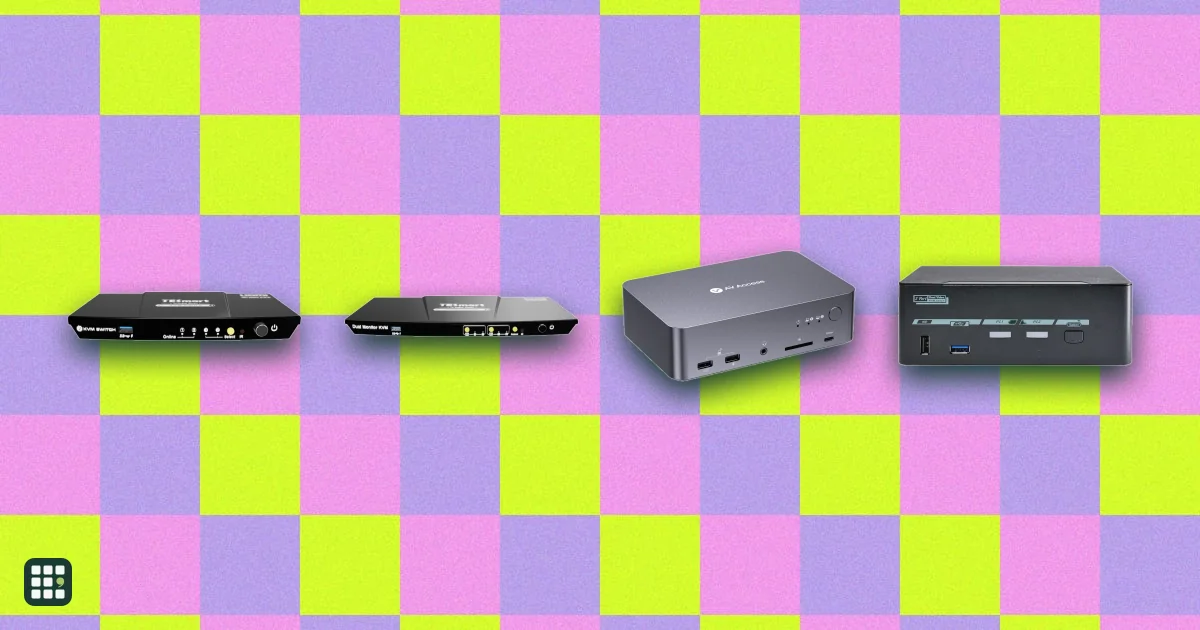 KVM switches
13 products · Updated Nov 9, 2026
Compare desktop KVM switches for sharing one desk between two computers, such as a work laptop and a personal PC. The real choices are how many monitors you need, which video connections your computers have (HDMI, DisplayPort or USB-C), refresh rate, EDID emulation so windows stay put, USB speed, and whether the switch can charge a laptop.
-
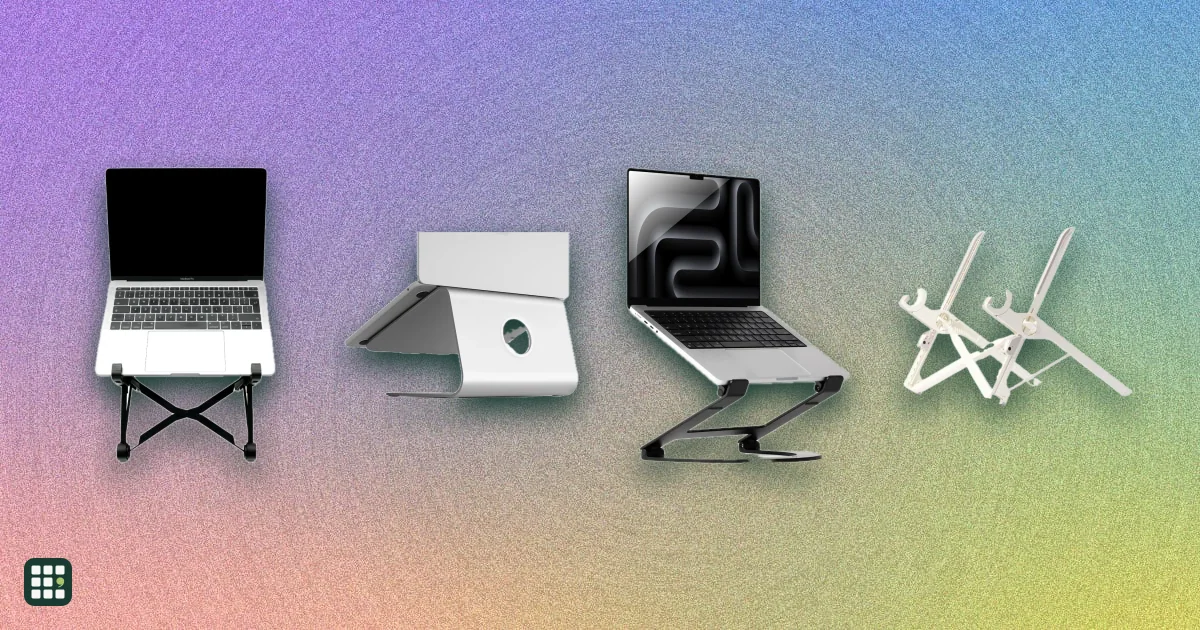 Laptop stands
15 products · Updated Nov 14, 2026
Compare fixed, adjustable, and folding laptop stands by how high they lift the screen, how they adjust, what they weigh and fold down to, what size laptop they hold, and the warranty. The trade-off is between solid desk stands that stay put and light folding stands you can carry, and between a fixed height and one you can tune.
-
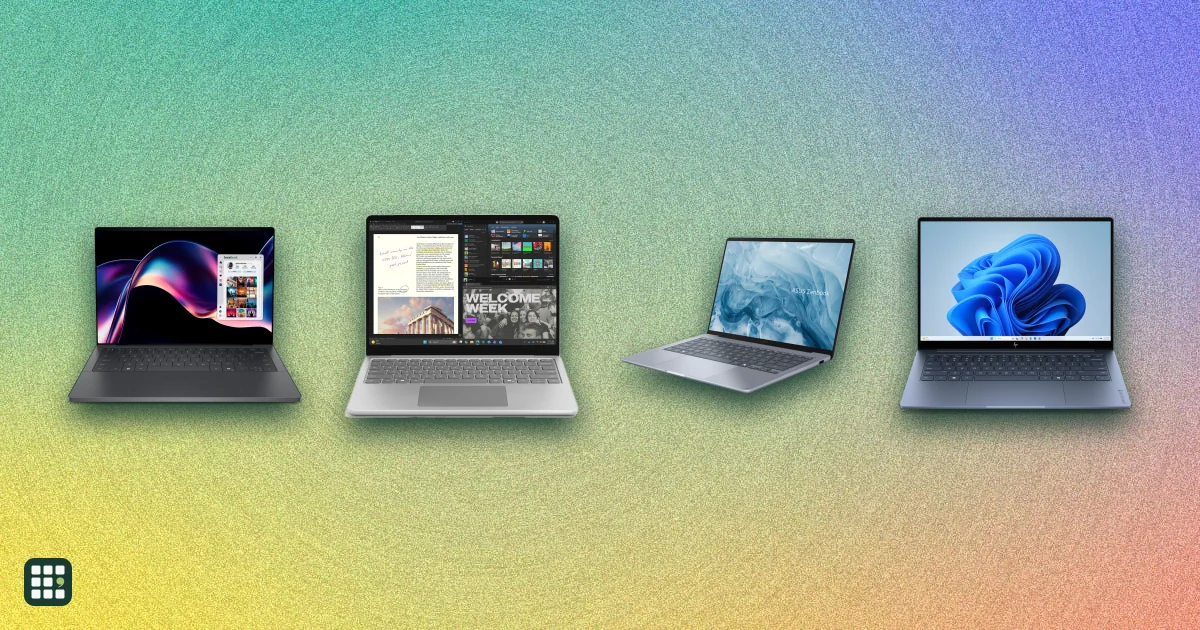 Laptops
26 products · Updated Nov 11, 2026
Compare laptops sold in the US, from Chromebooks and everyday Windows laptops to MacBooks, 2-in-1 convertibles, and gaming and creator machines. The main choices are operating system, how much memory and storage you need, screen size against weight, battery life, and whether you need serious graphics power.
-
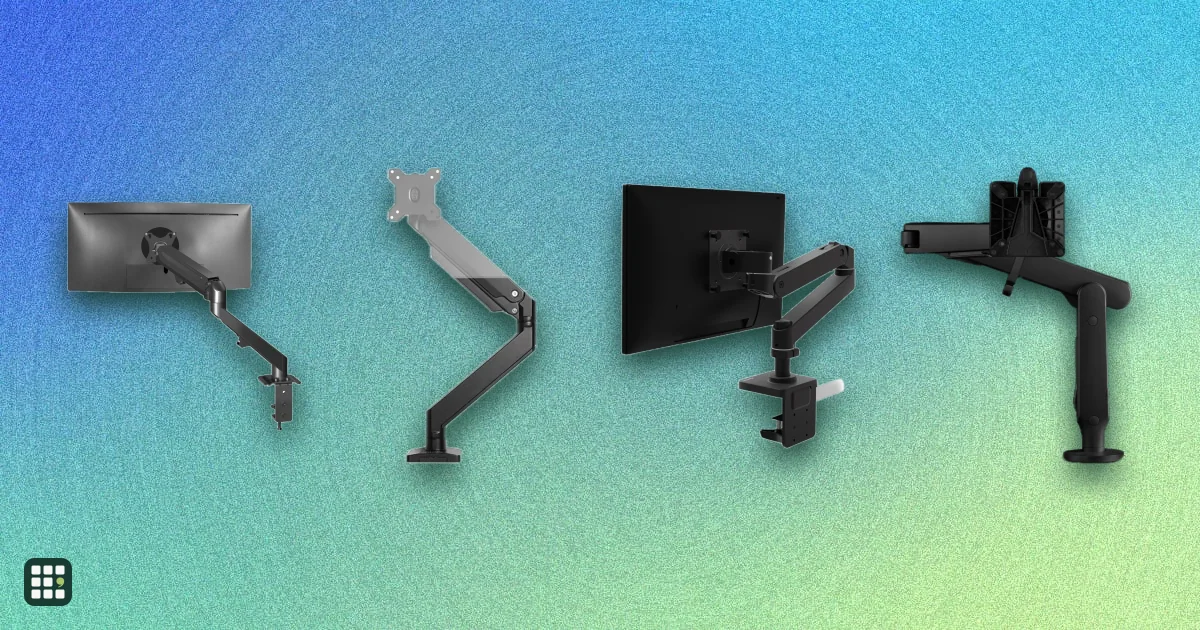 Monitor arms
15 products · Updated Nov 13, 2026
Compare single, dual, and heavy-duty monitor arms by the weight and screen size they hold, how far they reach and lift, how they attach to a desk, and the warranty. The real trade-off is between cheap gas-spring arms that work well within a narrow weight band and premium arms with longer reach, wider weight ranges, and longer warranties.
-
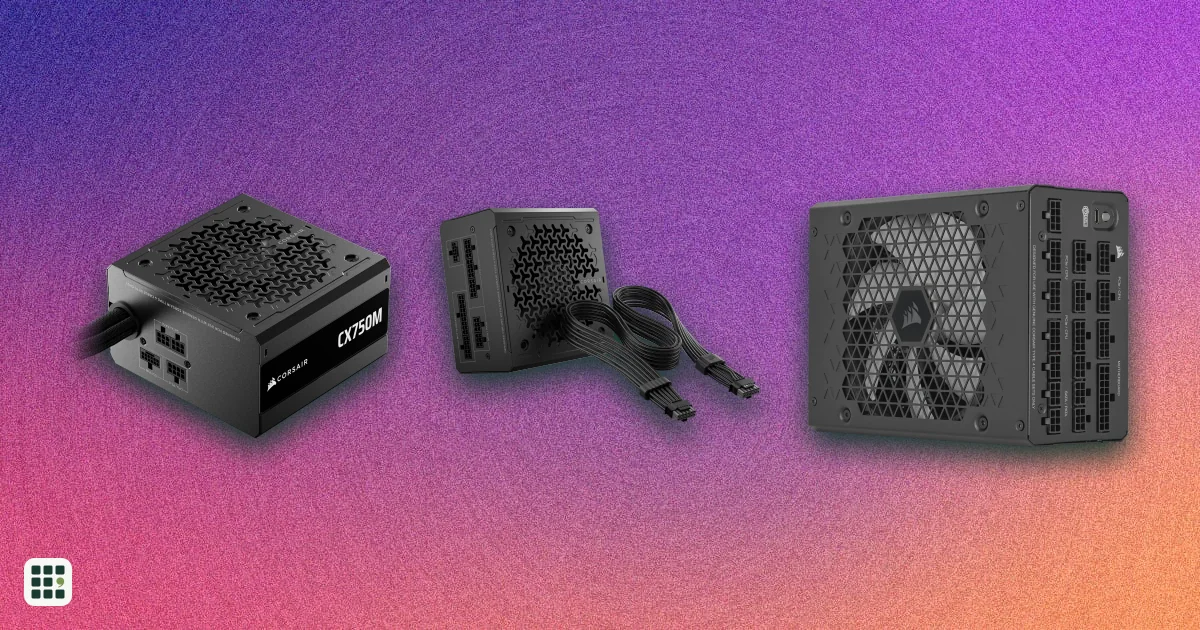 PC power supplies
16 products · Updated Nov 17, 2026
A PC power supply converts wall power to the steady voltages every part in a desktop needs. This grid compares popular ATX and SFX units on wattage, efficiency, connectors, noise features and warranty.
-
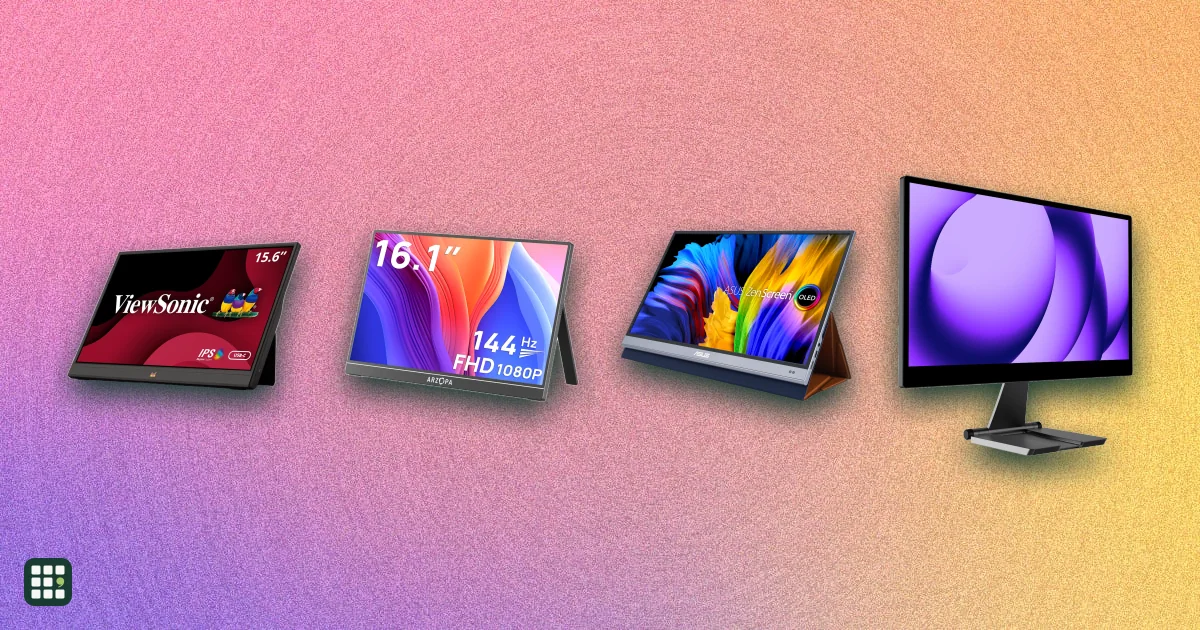 Portable monitors
35 products · Updated Nov 15, 2026
Portable monitors add a second screen to a laptop, console, or phone. Compare 35 models from ASUS, ViewSonic, Dell, HP, Lenovo, LG, MSI, Acer, AOC, ARZOPA, UPERFECT, espresso, and INNOCN on size, weight, brightness, refresh rate, touch, power, ports, and color.
-
 Racing wheels
22 products · Updated Nov 17, 2026
Racing wheels range from $130 gear-driven sets to premium direct-drive bases. This grid compares popular wheel kits for PC, PlayStation and Xbox on torque, drive type, pedals, platform support and full cost, so you can match a wheel to how you race and what you already own.
-
 Uninterruptible power supplies
16 products · Updated Nov 9, 2026
Compare desktop and tower uninterruptible power supplies (UPS) from CyberPower, APC and Eaton for a home office, home network or small business. A UPS keeps your computer, monitor, router and modem running through short outages and gives you time to save work and shut down. The real trade-offs are output power, pure sine wave versus simulated output, runtime at your actual load, and how easily you can replace the battery when it wears out.
-
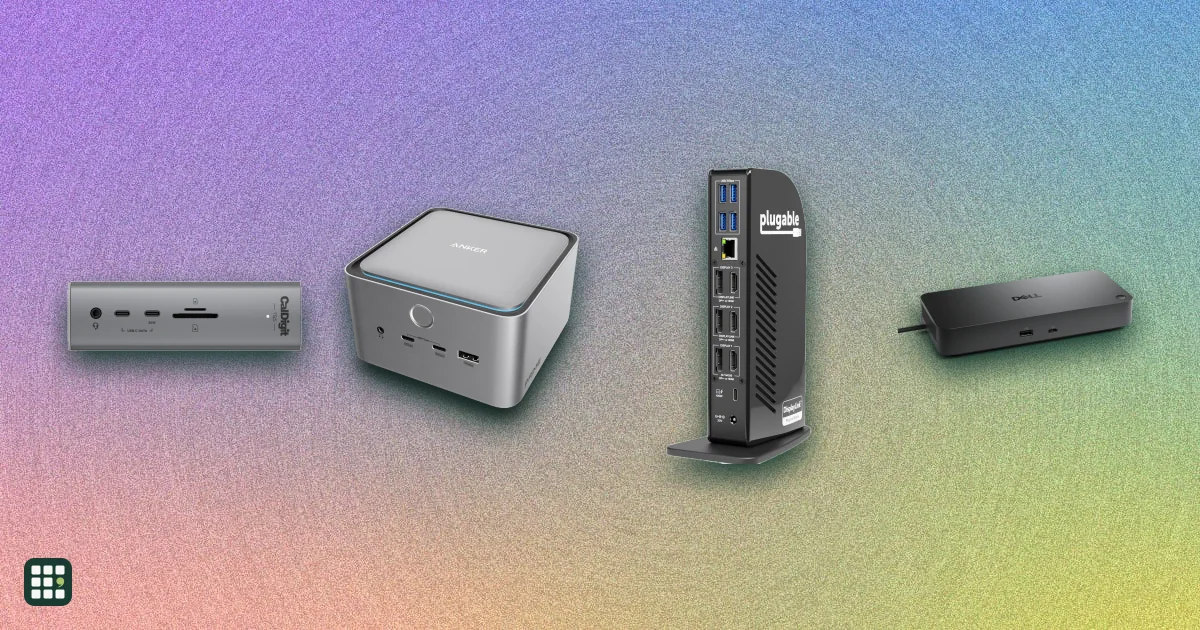 USB-C docking stations
17 products · Updated Nov 9, 2026
A USB-C dock turns one cable into monitors, charging, and the ports a laptop left off. The split that matters is Thunderbolt versus plain USB-C: Thunderbolt drives more screens and faster drives, and plain USB-C is cheaper when you only need one or two displays.