



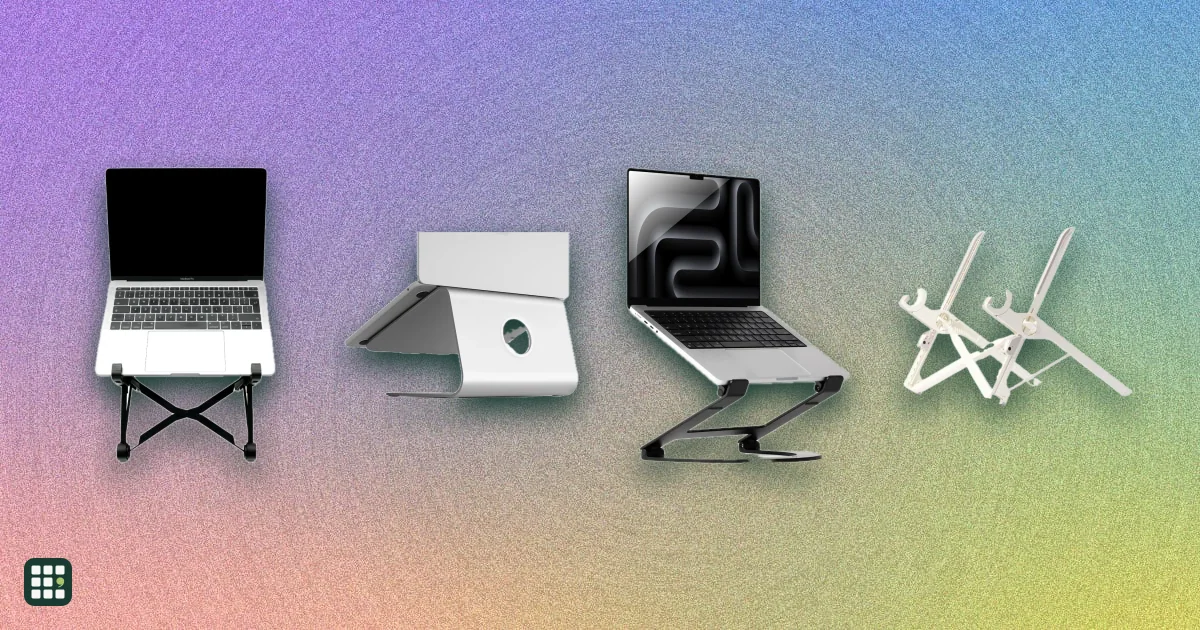
Laptop stands
Compare fixed, adjustable, and folding laptop stands by how high they lift the screen, how they adjust, what they weigh and fold down to, what size laptop they hold, and the warranty. The trade-off is between solid desk stands that stay put and light folding stands you can carry, and between a fixed height and one you can tune.
Last updated
How to choose
A laptop stand lifts the screen toward eye level so you look ahead instead of down. Because the keyboard rises with it, plan on a separate keyboard and mouse for long sessions.
Decide where you will use it
- One desk: a heavier fixed or adjustable stand is steadier when you type on a separate keyboard and tap the screen.
- Travel or several places: a folding stand that weighs well under a pound and comes with a pouch is easier to carry. Light stands can wobble more.
Get the height right
- Aim for the top of the screen at or slightly below eye level. Check the stand's maximum height against your desk, chair, and laptop screen size.
- A fixed stand works if its height suits you. Stepped or stepless adjustment helps if you share the desk, switch between sitting and standing, or use different laptops.
- Separate tilt adjustment lets you angle the screen to cut glare.
Check fit and stability
- Make sure your laptop's size and weight are within the stand's limits; big 16 to 17 in laptops need a wide, sturdy base.
- Stands that grip only the back of the laptop or stick to it (like adhesive stands) change how the laptop sits in a bag or on your lap.
- An open design lets air reach the bottom of the laptop; solid platforms can trap heat.
Small things that matter daily
- Space underneath to slide a keyboard away clears the desk.
- A swivel base helps when you show the screen to someone beside you.
- Look at the warranty: they range from 6 months to a lifetime claim, and some makers cover only purchases from their own store.
Answer
Browse the table. Filter to what matters.
Use the filters below, then sign in if you want to shortlist and decide with friends.
Sign in to vote, hide products and features, and reorder.
Verified: hover a cell and click its green dot for the source Estimate: no cited source Not stated: the maker doesn't publish it
| Feature | ⠿ | ⠿ | ⠿ | ⠿ | ⠿ | ⠿ | ⠿ | ⠿ | ⠿ | ⠿ | ⠿ | ⠿ | ⠿ | ⠿ | ⠿ |
|---|---|---|---|---|---|---|---|---|---|---|---|---|---|---|---|
|
⠿
Price
|
|||||||||||||||
|
⠿
Adjustable height
|
|
|
|
||||||||||||
|
⠿
Max height
|
|||||||||||||||
|
⠿
Height settings
|
Fixed
|
Fixed
|
Fixed
|
Continuous (friction hinges)
|
Continuous (friction hinges)
|
Continuous (friction hinges)
|
Continuous (friction hinges)
|
4 positions (25 to 50 degree tilt)
|
|||||||
|
⠿
Tilt adjustment
|
|
|
|
|
|
|
|
||||||||
|
⠿
Max laptop size
|
16 in
|
16 in
|
18 in
|
||||||||||||
|
⠿
Max load
|
|||||||||||||||
|
⠿
Stand weight
|
1.43 lb
|
||||||||||||||
|
⠿
Foldable
|
|
|
|
|
|
|
|
||||||||
|
⠿
Attaches to laptop
|
|
|
|
|
|
|
|
|
|||||||
|
⠿
Folded size
|
Doesn't apply
|
Doesn't apply
|
Doesn't apply
|
Doesn't apply
|
5.6 x 5.5 x 0.07 in (stays on the laptop)
|
Doesn't apply
|
11.7 x 10.9 x 1.4 in
|
||||||||
|
⠿
Carry case included
|
|
|
|
|
|
|
|||||||||
|
⠿
Material
|
Plastic (glass-filled nylon)
|
Plastic (glass-filled nylon)
|
|||||||||||||
|
⠿
Keyboard storage underneath
|
|
|
|
|
|
|
|
|
|
|
|
||||
|
⠿
Swivel base
|
|
|
|
|
|
|
|
|
|
|
|
|
|
|
|
|
⠿
Cable management
|
|
|
|
|
|
|
|
|
|
|
|
|
|
||
|
⠿
Warranty
|
Why these features matter
-
Price ($)
Laptop stands run from under $30 to well over $100. Paying more usually buys sturdier materials, finer adjustment, or a lighter folding design; a simple fixed stand often does the job.
-
Adjustable height
Adjustable stands let you match the screen to your eye level, chair, and desk, and suit people who share a desk or move between sitting and standing. A fixed stand is simpler and often steadier.
-
Max height (in)
Higher stands bring the screen closer to eye level, which matters most for tall people and for small laptops. Too much height can make tapping the trackpad or screen awkward.
-
Height settings
Set positions are quick to repeat and lock firmly; stepless adjustment lets you fine-tune but may need tightening. Fixed means no adjustment at all.
-
Tilt adjustment
Separate tilt helps cut glare and lets you angle the keyboard if you type on the laptop itself.
-
Max laptop size (in)
Large 16 to 17 in laptops need a wider base and a stand rated for them; small travel stands may not support them safely.
-
Max load (lb)
Gaming and workstation laptops can weigh 5 to 8 lb; make sure the stand is rated for yours with room to spare.
-
Stand weight (lb)
Heavier stands are steadier on a desk; lighter ones are easier to carry. Under 0.5 lb is genuinely pocketable.
-
Foldable
Folding stands go in a laptop bag for travel, coworking, or cafes. Desk-bound users can skip this and get a steadier fixed stand.
-
Attaches to laptop
A stand that stays on the laptop is always with you and needs no packing, but it adds thickness, can change how the laptop sits in a bag or on a lap, and adhesive mounts are hard to move to another laptop.
-
Folded size
Matters if you carry the stand: a long thin stick slides into a laptop sleeve pocket, while a flat plate needs bag space the size of the laptop. Irrelevant for a stand that stays on one desk.
-
Carry case included
A case keeps a folding stand from scratching the laptop in your bag.
-
Material
Aluminum is light, rigid, and helps draw heat away; steel is heavier and sturdier; wood looks warmer; plastic is cheapest and lightest.
-
Keyboard storage underneath
Sliding the keyboard under the stand when you are done frees up the desk.
-
Swivel base
Swivelling helps when you turn the screen to share it with someone or reach ports at the back.
-
Cable management
Keeps the charger and other cables tidy and stops them dragging the laptop.
-
Warranty
Longer warranties signal confidence in hinges and joints, which are what wear out on adjustable and folding stands.
About the products
-
mStand · Rain Design
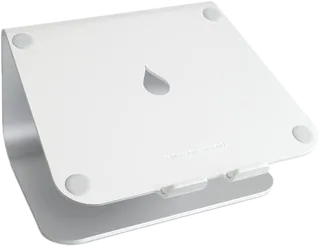
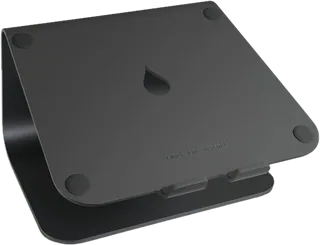
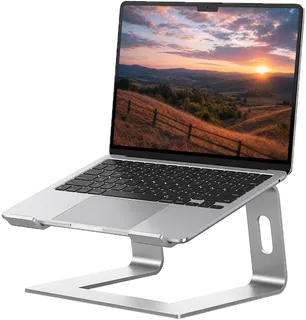
A one-piece aluminum desk stand that lifts the laptop to a fixed 5.9 in, with space to slide a keyboard underneath and a rear cable hole. Very steady (3 lb) but not adjustable or portable.
-
mStand360 · Rain Design
The mStand with a hidden 360-degree swivel base, so you can turn the screen to share it. Same fixed 5.9 in height and solid aluminum build, slightly heavier at 3.6 lb.
-
iLevel · Rain Design
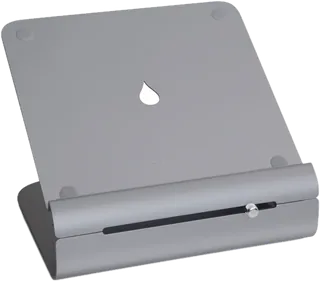
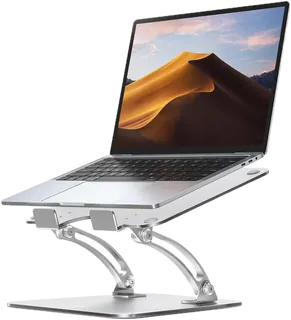
An aluminum desk stand whose height (5.4 to 7.9 in) and angle change with one front slider, with keyboard space underneath. Adjustable but not built for travel.
-
Roost V3 · Roost
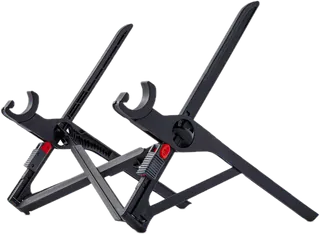
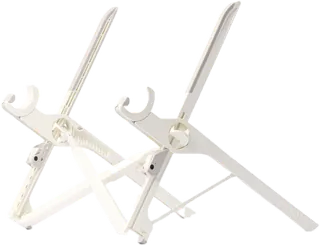
A 6 oz folding travel stand that lifts the screen 6.5 to 12.5 in in 7 steps and fits nearly any laptop. Very high lift for its weight; you lift the laptop off to change height. Roost often runs a sale below the $89.95 list price.
-
Roost V3 Plus · Roost
The V3 with quick-release height changes without removing the laptop, more lift (5 to 14 in, 11 settings) and support for 12 to 18 in laptops, still at 6 oz, with a carry sleeve. Often on sale below its list price.
-
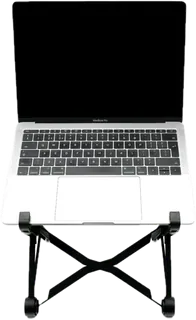
K2 Laptop Stand · Nexstand
A budget folding travel stand in reinforced nylon: 8 heights from 5.5 to 11.8 in, holds up to 20 lb, weighs half a pound, and folds to 14 x 1.5 x 1.5 in in its carry sleeve.
-
Curve · Twelve South
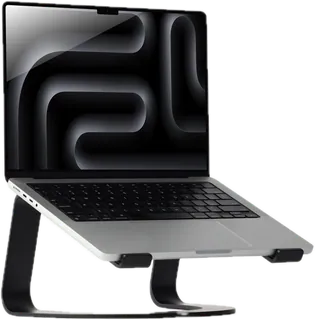
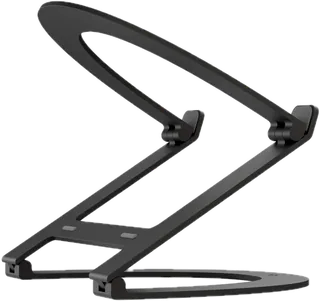
A fixed aluminum desk stand that lifts a MacBook 6.5 in and leaves most of the base open for airflow. Holds up to 7 lb; not adjustable or foldable.
-
Curve Flex · Twelve South
An aluminum stand with adjustable height (up to about 10.8 in) and angle that folds flat to 1.18 in, with a travel sleeve. Heavier than travel-only stands at 1.75 lb; holds laptops up to 7 lb.
-
Invisible Stand · MOFT
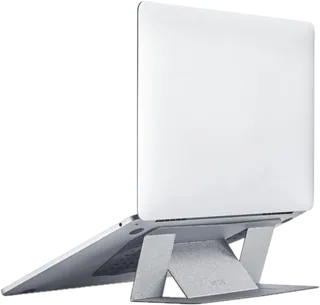
A thin folding stand you set under the laptop (no adhesive) that opens to two angles, 15 and 25 degrees. Very light and slips into a bag, but it tilts the laptop rather than raising it to eye level. MOFT's 6-month warranty covers only purchases from MOFT itself.
-
Majextand · Majextand
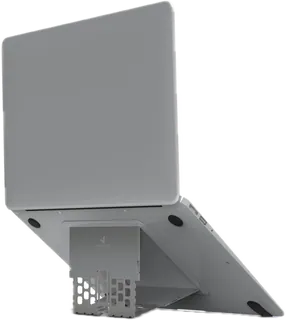
An ultra-thin (1.7 mm) stand that sticks to the bottom of the laptop and unfolds to 6 positions from about 2.8 to 4.7 in. Always attached, but the lift is modest and it is designed around MacBooks.
-
LN09 Foldable Aluminum Laptop Stand · Lamicall
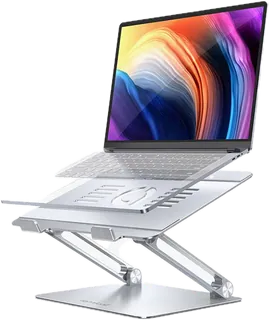
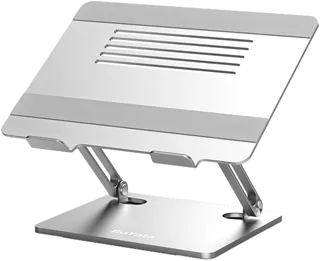
A budget folding aluminum stand with adjustable height and tilt for 10 to 17.3 in laptops. Lamicall's store often sells it on sale ($39.99) below its $52.99 regular price.
-
C1 Ergonomic Adjustable Laptop Stand · Nulaxy
A low-cost aluminum folding stand with two adjustable hinges for height and angle, rated for laptops up to 17 in and 44 lb.
-
LS1 · Soundance
A fixed 6 in aluminum riser for 10 to 15.6 in laptops, with room underneath to slide a keyboard away. It comes apart into three pieces without tools but does not fold or adjust.
-
N21 Adjustable Laptop Stand · BoYata
A low-cost aluminum stand on two hinged arms that adjust both height and angle, for laptops up to 17 in and rated to 20 kg (44 lb). It folds down, but at about 2.5 lb it is heavier than travel stands.
-
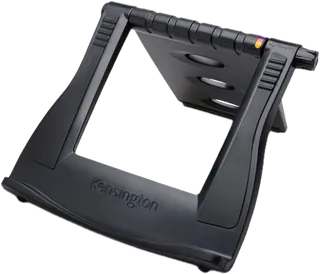
SmartFit Easy Riser Laptop Cooling Stand · Kensington · Discontinued
An adjustable riser with up to 50 degrees of tilt for 12 to 17 in laptops that folds flat. Kensington lists it as discontinued.
Suggest a change
Related comparisons
-
 KVM switches
Compare desktop KVM switches for sharing one desk between two computers, such as a work laptop and a personal PC. The real choices are how many monitors you need, which video connections your computers have (HDMI, DisplayPort or USB-C), refresh rate, EDID emulation so windows stay put, USB speed, and whether the switch can charge a laptop.
-
 Ergonomic keyboards
 change the angle of your hands and wrists to reduce strain from long typing sessions. They range from gently curved one-piece boards that feel familiar on day one to fully split, tented, programmable keyboards that take weeks to learn. This grid compares layout, split and tenting adjustment, key switches, compatibility, and the learning curve, so you can match the amount of change to your needs and budget.
-
 USB-C docking stations
A USB-C dock turns one cable into monitors, charging, and the ports a laptop left off. The split that matters is Thunderbolt versus plain USB-C: Thunderbolt drives more screens and faster drives, and plain USB-C is cheaper when you only need one or two displays.
-
 Uninterruptible power supplies
Compare desktop and tower uninterruptible power supplies (UPS) from CyberPower, APC and Eaton for a home office, home network or small business. A UPS keeps your computer, monitor, router and modem running through short outages and gives you time to save work and shut down. The real trade-offs are output power, pure sine wave versus simulated output, runtime at your actual load, and how easily you can replace the battery when it wears out.
-
 Desk lamps
A good desk lamp puts enough light on your work without glare in your eyes or on your screen. Options range from classic spring-balanced arm lamps to LED lamps with adjustable color temperature and automatic brightness, and monitor light bars that take no desk space. This grid compares brightness, color temperature, glare control, adjustability, mounting and price.
-
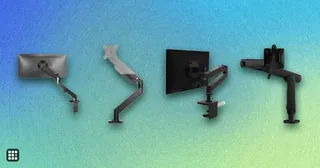 Monitor arms
Compare single, dual, and heavy-duty monitor arms by the weight and screen size they hold, how far they reach and lift, how they attach to a desk, and the warranty. The real trade-off is between cheap gas-spring arms that work well within a narrow weight band and premium arms with longer reach, wider weight ranges, and longer warranties.