



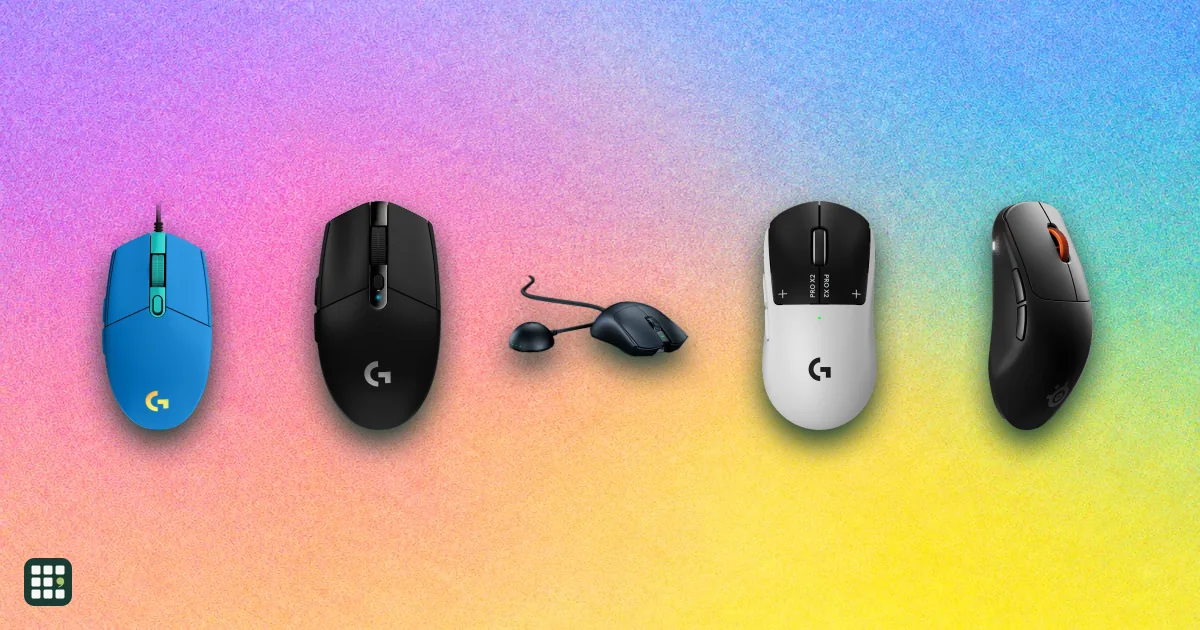
Gaming mice
Gaming mice differ mostly in weight, sensor, connection and shape rather than raw DPI. This grid compares popular wired and wireless models side by side so you can match a mouse to your grip, game type and budget.
Last updated
How to choose
Start with how you hold the mouse and what you play.
Pick the shape first
Palm, claw and fingertip grips favor different shapes. Symmetrical mice suit claw and fingertip grips; ergonomic ones suit palm grips. Hand size matters more than any spec.
Weight
- Under 65 g: competitive shooters who flick a lot.
- 65 to 85 g: a good all-rounder.
- Over 100 g: MMO, strategy and macro play, where extra buttons matter more.
Wired or wireless
Modern 2.4 GHz wireless is as quick as a cable. Check battery life, and note that the highest polling rates usually need a separate dongle and drain the battery faster.
Specs that matter less
Max DPI is rarely a deciding factor: most players use 400 to 1600 DPI. Look at button count, switch type and warranty instead.
Check the full cost
Listed prices are regular US prices; sales are common. Estimates in this grid are marked.
Answer
Browse the table. Filter to what matters.
Use the filters below, then sign in if you want to shortlist and decide with friends.
Sign in to vote, hide products and features, and reorder.
Verified: hover a cell and click its green dot for the source Estimate: no cited source Not stated: the maker doesn't publish it
| Feature | ⠿ | ⠿ | ⠿ | ⠿ | ⠿ | ⠿ | ⠿ | ⠿ | ⠿ | ⠿ | ⠿ | ⠿ | ⠿ | ⠿ | ⠿ | ⠿ | ⠿ | ⠿ |
|---|---|---|---|---|---|---|---|---|---|---|---|---|---|---|---|---|---|---|
|
⠿
Price
|
$69.99
|
$169.99
|
$99.99
|
$99.99
|
||||||||||||||
|
⠿
Weight
|
||||||||||||||||||
|
⠿
Connection
|
||||||||||||||||||
|
⠿
Max DPI
|
||||||||||||||||||
|
⠿
Sensor
|
Corsair Marksman 26K optical
|
|||||||||||||||||
|
⠿
Max polling rate
|
1,000 Hz
|
1,000 Hz
|
1,000 Hz
|
2,000 Hz
|
||||||||||||||
|
⠿
Battery life
|
Doesn't apply
|
Doesn't apply
|
Doesn't apply
|
|||||||||||||||
|
⠿
Buttons
|
5, programmable
|
6, programmable
|
5
|
|||||||||||||||
|
⠿
Shape
|
Symmetrical, right-handed
|
Ergonomic, right-handed
|
Symmetrical, right-handed
|
Symmetrical, right-handed
|
Symmetrical, right-handed
|
|||||||||||||
|
⠿
Switch type
|
Mechanical
|
Mechanical (Glorious switches)
|
Mechanical (Omron)
|
|||||||||||||||
|
⠿
Onboard memory
|
|
|
|
|||||||||||||||
|
⠿
Bluetooth
|
|
|
|
|
|
|
|
|
|
|
|
|
|
|
|
Why these features matter
-
Price ($)
Sets what you pay up front. Pricier mice mainly buy lower weight and wireless polish, not better aim.
-
Weight (g)
Lighter mice are easier to flick, popular for competitive shooters. Some players prefer a heavier, more planted feel.
-
Connection
Wireless dongles are as fast as a cable on modern mice; Bluetooth is for laptops and travel.
-
Max DPI (dpi)
Most players use 400-1600 DPI, so the maximum matters less than the sensor's accuracy.
-
Sensor
The sensor affects tracking accuracy; recent flagship sensors all track well, budget ones may skip at extremes.
-
Max polling rate (Hz)
Higher polling means a more frequent position report, which helps on high-refresh monitors; it costs battery life.
-
Battery life (hr)
Longer life means less charging; RGB and a high polling rate shorten it a lot.
-
Buttons
More buttons help MMO, MOBA and macro play; shooters need few.
-
Shape
Shape decides comfort over long sessions and which grip (palm, claw, fingertip) it suits.
-
Switch type
Optical switches avoid double-click wear; mechanical switches feel familiar and are cheaper.
-
Onboard memory
Saved profiles travel with the mouse to tournaments or friends' PCs without installing software.
-
Bluetooth
Bluetooth lets you use the mouse with a laptop or tablet without a dongle or a free USB port, but it adds latency, so competitive play still uses the dongle.
About the products
-
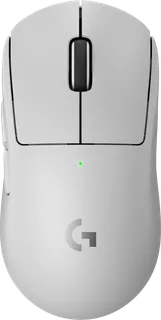
G Pro X Superlight 2 · Logitech
A 60 g wireless esports mouse with an 8 kHz option and hybrid optical-mechanical switches; priced at the top of the range, with a shape built for fast, low-sensitivity aim.
-
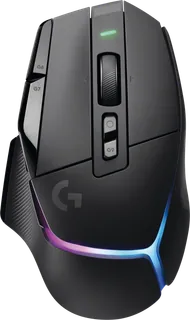
G502 X Plus · Logitech
A heavier (106 g) wireless mouse with 13 programmable controls and RGB. Suits MMO, strategy and macro-heavy play more than twitch shooters.
-
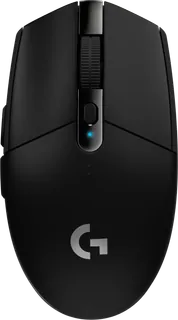
G305 Lightspeed · Logitech
A budget wireless mouse that runs on a single AA battery for up to 250 hours. Lower DPI and a 99 g body, but reliable for casual and everyday gaming.
-
G203 Lightsync · Logitech
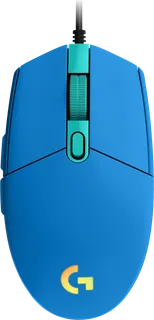
An inexpensive wired 6-button mouse with RGB. A good first gaming mouse; no wireless and a modest sensor.
-
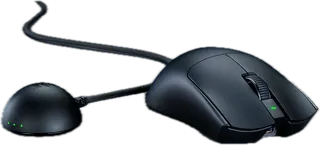
Viper V3 Pro · Razer
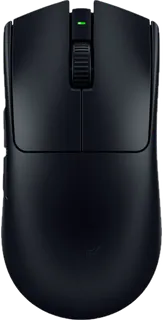
A 54 g symmetrical wireless esports mouse with an 8 kHz option (separate dongle). Premium price for competitive shooter players.
-
DeathAdder V3 Pro · Razer
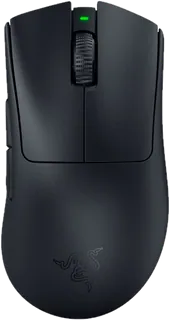
A 63 g ergonomic right-handed wireless mouse built on the classic DeathAdder shape. 8 kHz needs a separate dongle.
-
Basilisk V3 · Razer
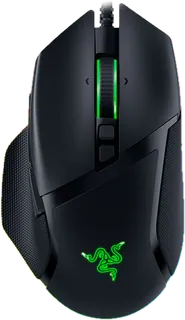
A wired ergonomic mouse with 11 programmable buttons, a tilt wheel and 11-zone RGB. Heavy (101 g), aimed at all-round and MMO play.
-
Cobra · Razer
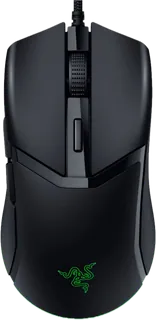
A 58 g wired, compact symmetrical mouse with optical switches at a low price; the budget route to a light mouse.
-
Aerox 5 Wireless · SteelSeries
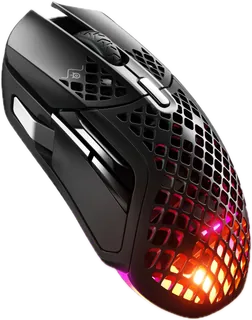
A 66 g wireless mouse with 9 programmable buttons, an IP54 rating, and long battery life; suits MMO and MOBA players who want a light body.
-
Model O 2 Wireless · Glorious
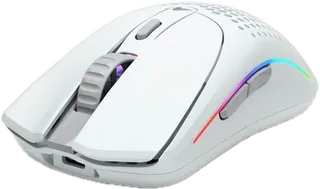
A 68 g symmetrical wireless mouse with Bluetooth, 26,000 DPI and a two-year warranty, at a mid-range price.
-
Sabre RGB Pro Wireless · Corsair
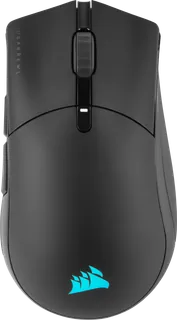
A 79 g ergonomic wireless mouse with Bluetooth and 7 programmable buttons; heavier than the lightest rivals but comfortable for palm and claw grips.
-
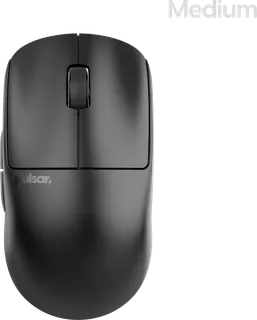
X2 V2 (medium) · Pulsar
A 53 g symmetrical wireless enthusiast mouse with optical switches and a PAW3395 sensor at under $100. 4 kHz needs a separate dongle.
-
Viper V4 Pro · Razer
A sub-49 g symmetrical wireless esports mouse with a 50K sensor and true 8 kHz polling over wireless or wired. Top-tier price for competitive shooter players.
-
DeathAdder V4 Pro · Razer
A 56 g ergonomic right-handed wireless mouse with 8 kHz polling and optical switches; the classic DeathAdder shape for palm and claw grips.
-
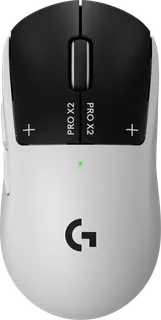
G Pro X2 Superstrike · Logitech
A 61 g wireless esports mouse that replaces microswitches with haptic inductive triggers, with adjustable actuation and rapid-trigger reset. Premium price for click-speed obsessives.
-
Rival Pro · SteelSeries
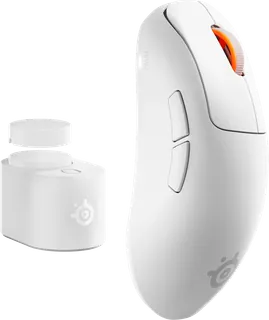
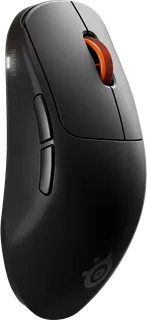
A 53 g ergonomic right-handed mouse using ultra-wideband wireless with true 8 kHz polling and two hot-swappable batteries. Suits competitive players who want unlimited play time at 8 kHz.
-
Sensei Pro · SteelSeries
The symmetrical sibling of the Rival Pro: 53 g, ultra-wideband wireless, true 8 kHz polling and two hot-swappable batteries. Suits claw and fingertip players who want an ambidextrous shape.
-
Sabre V2 Pro · Corsair
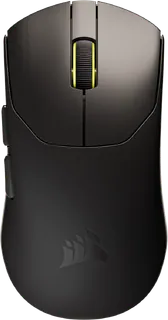
A 36 g symmetrical wireless mouse with 8 kHz polling at a price well below other ultralight flagships; light and small, so best for fingertip and claw grips.
Suggest a change
Related comparisons
-
 PC power supplies
A PC power supply converts wall power to the steady voltages every part in a desktop needs. This grid compares popular ATX and SFX units on wattage, efficiency, connectors, noise features and warranty.
-
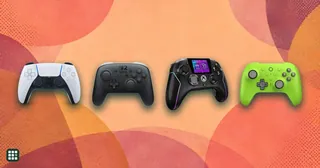 Game controllers
Compare game controllers by platform support, wired and wireless connections, stick sensing, rear controls, triggers, battery life, and US price. The best fit depends on what you play and which features matter to you.
-
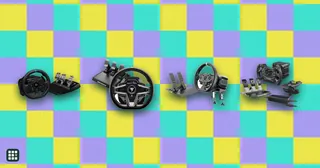 Racing wheels
 range from $130 gear-driven sets to premium direct-drive bases. This grid compares popular wheel kits for PC, PlayStation and Xbox on torque, drive type, pedals, platform support and full cost, so you can match a wheel to how you race and what you already own.
-
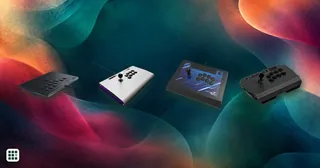 Arcade sticks
 let you play fighting games like Street Fighter 6 and Tekken 8 with a lever and buttons, or with a leverless all-button layout, instead of a pad. The main choices are lever or leverless, which consoles it works on, and how much you pay for build and parts.
-
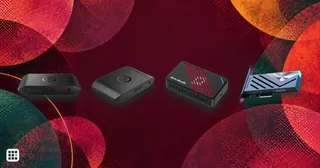 Capture cards
A capture card sends console or PC video to a computer for recording or streaming while passing gameplay to a display. Compare recording limits separately from passthrough: a card can let you play at a higher resolution or refresh rate than it captures.
-
 Gaming monitors
A gaming monitor decides how smooth, sharp and colorful your games look. This grid compares popular OLED, IPS and VA gaming monitors by resolution, refresh rate, HDR, ports and price, so you can match a screen to your PC or console and your budget.