



Accessibility
Airport transfers, ergonomic keyboards and medical alert devices, compared on the access details that decide whether they work for you.
Accessibility means a product or service works for the person using it, whatever their age, mobility, strength or health. Often the difference between a good choice and a frustrating one is a small detail that a headline spec never mentions: whether a train has step-free access, whether a device calls for help without being pressed, whether a keyboard spares sore wrists.
The grids here share a few questions. What do you need it to do, specifically? Needs differ widely between people, so match features to your own situation, not to an average user. Is the detail stated, not assumed? Look for wheelchair space, luggage handling, child seats and similar items listed outright, since "accessible" on its own can mean very little. How does it work when something goes wrong? Delays, cancellations and emergencies are when accessibility matters most, so check what help is available and how quickly. And what does it ask of you? Learning curve, setup and ongoing effort count, especially for older users or anyone with limited dexterity or energy.
When your needs are specific, contact the provider and ask before you commit, and treat what a company says about accessibility as its own statement.
Where to start
- Arriving in Chicago with luggage or a wheelchair? Airport transfers in Chicago
- Landing near Washington DC? Airport transfers in Washington DC
- Typing causing strain? Ergonomic keyboards
- Living alone or caring for someone who does? Personal emergency response systems
-
 Airport transfers in Boston, US
11 services · Updated Nov 16, 2026
Getting between Boston Logan and the city ranges from the free Silver Line bus and Back Bay Logan Express to the Blue Line, ferries, a water taxi, metered taxis, Uber and Lyft, and pre-booked private cars. Compare fares to Downtown and Back Bay, travel times, where each picks you up at Logan, hours, luggage, child seats, accessibility, waiting time and cancellation.
-
 Airport transfers in Chicago, US
9 services · Updated Nov 9, 2026
Getting from O'Hare or Midway to downtown Chicago can cost $2.50 or over $100, and take 20 minutes or more than an hour, depending on what you pick. This grid compares the main options side by side, from the CTA Blue and Orange Line trains and Metra to taxis, Uber and Lyft, the Airport Express shuttle company and pre-booked chauffeur cars: the real one-way fare to the Loop from each airport, whether the price is fixed, where you pick it up, and how each handles luggage, child seats, wheelchairs, delays and cancellations.
-
 Airport transfers in Seattle, US
6 services · Updated Nov 12, 2026
Seattle-Tacoma International Airport (SEA) is in the City of SeaTac, about 14 miles south of downtown Seattle. Link light rail is the cheap, traffic-proof choice at $3 and about 38 minutes, with a night bus when trains stop; taxis, Uber and Lyft cost roughly $50 to $75 but take you door to door, and Premier Airport Shuttle runs shared and private vans. Compare fares, travel time, where to meet your ride, hours, luggage, child seats, accessibility, waiting and cancellation rules.
-
 Airport transfers in Washington DC, US
8 services · Updated Nov 11, 2026
Washington DC is served by three airports, all outside the District: Reagan National (DCA) in Arlington, Dulles (IAD) in northern Virginia and BWI in Maryland. Getting into the city ranges from a few dollars on Metro or the MARC train to $25 to $90 or more by taxi, Uber or Lyft. Compare fares and times from each airport, where you’re picked up, hours, luggage, child seats, accessibility, waiting time and cancellation.
-
 Audiobook services
11 services · Updated Nov 15, 2026
Audiobook services range from monthly credits and subscription catalogs to pay-per-title stores and free library borrowing. Compare how you pay, which titles you can reach, and whether a book stays available after your access ends.
-
 Ergonomic keyboards
19 products · Updated Nov 9, 2026
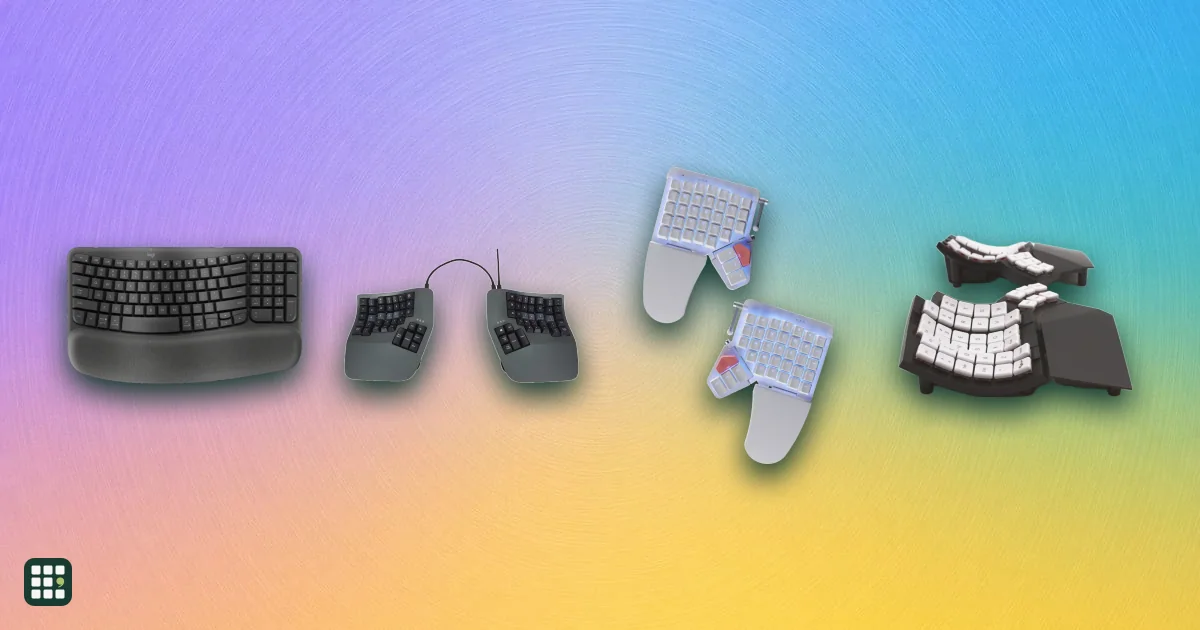
Ergonomic keyboards change the angle of your hands and wrists to reduce strain from long typing sessions. They range from gently curved one-piece boards that feel familiar on day one to fully split, tented, programmable keyboards that take weeks to learn. This grid compares layout, split and tenting adjustment, key switches, compatibility, and the learning curve, so you can match the amount of change to your needs and budget.
-
 Museums in Mexico City, Mexico
16 services · Updated Nov 13, 2026
Mexico City has one of the densest museum scenes in the Americas, from the National Anthropology Museum in Chapultepec to house museums in Coyoacán and Xochimilco. This grid compares major museums inside the city's 16 boroughs: what a regular adult ticket costs in pesos (and what Mexican residents pay), when entry is free, whether you must book, opening days, Metro access, wheelchair access and family facilities.
-
 Museums in Sao Paulo, Brazil
9 services · Updated Nov 14, 2026
São Paulo has major art museums on Paulista and in Luz, science museums downtown and in Ipiranga, and specialized collections in Ibirapuera and Pacaembu. This draft grid compares nine city museums on adult and half-price tickets in reais, free days, booking rules, hours, addresses, metro access, accessibility and family facilities.
-
 OTC hearing aids
19 products · Updated Nov 16, 2026
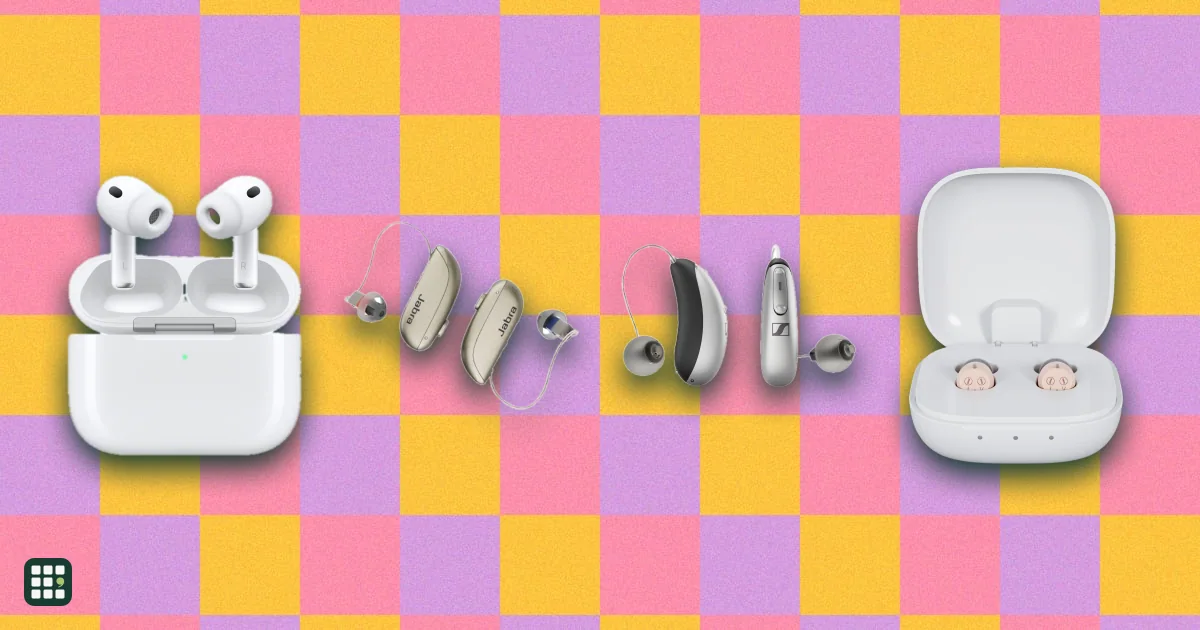
Over-the-counter hearing aids side by side, from earbuds with a built-in hearing aid mode to nearly invisible in-canal aids and models with remote audiologist care. Since 2022, US adults with mild to moderate hearing loss can buy hearing aids without a prescription; the choice is between price, how well the sound is fitted to your hearing, comfort and visibility, and how much help you get afterwards.
-
 Personal emergency response systems
25 products · Updated Nov 13, 2026
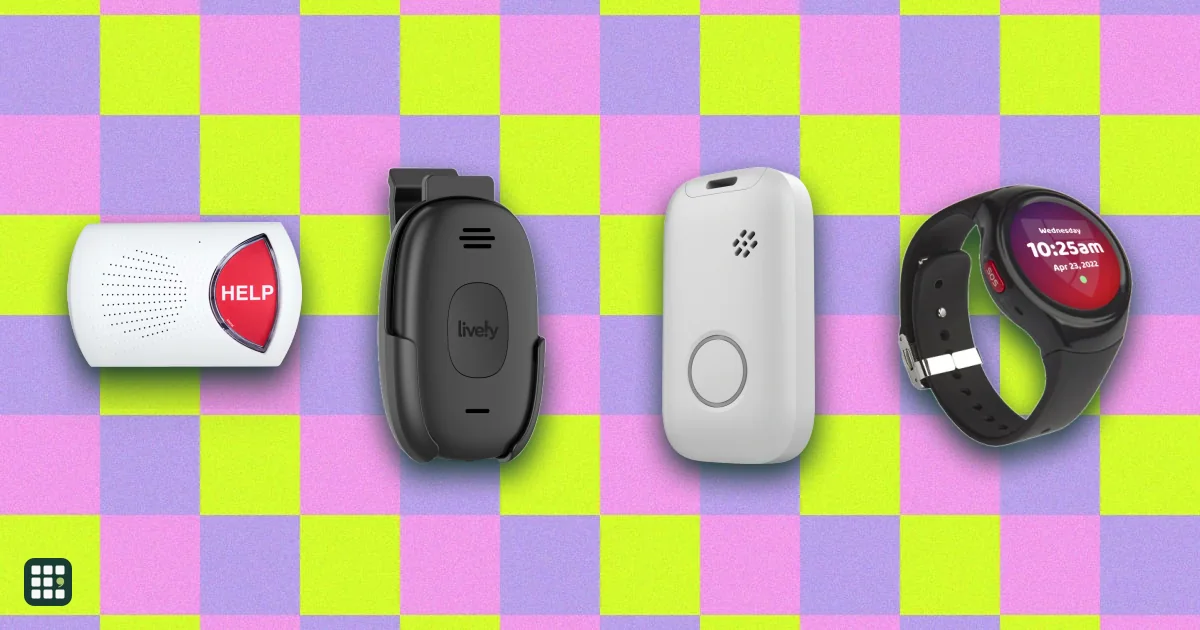
Personal emergency response systems, or medical alert devices, let an older adult or someone living alone press a button (or have a fall detected) to reach a 24/7 monitoring center that sends help. The choices are in-home versus mobile, whether fall detection is included, what network it uses, and what it costs each month. This grid compares current devices from the major US providers.
-
 Reusable earplugs
15 products · Updated Nov 13, 2026
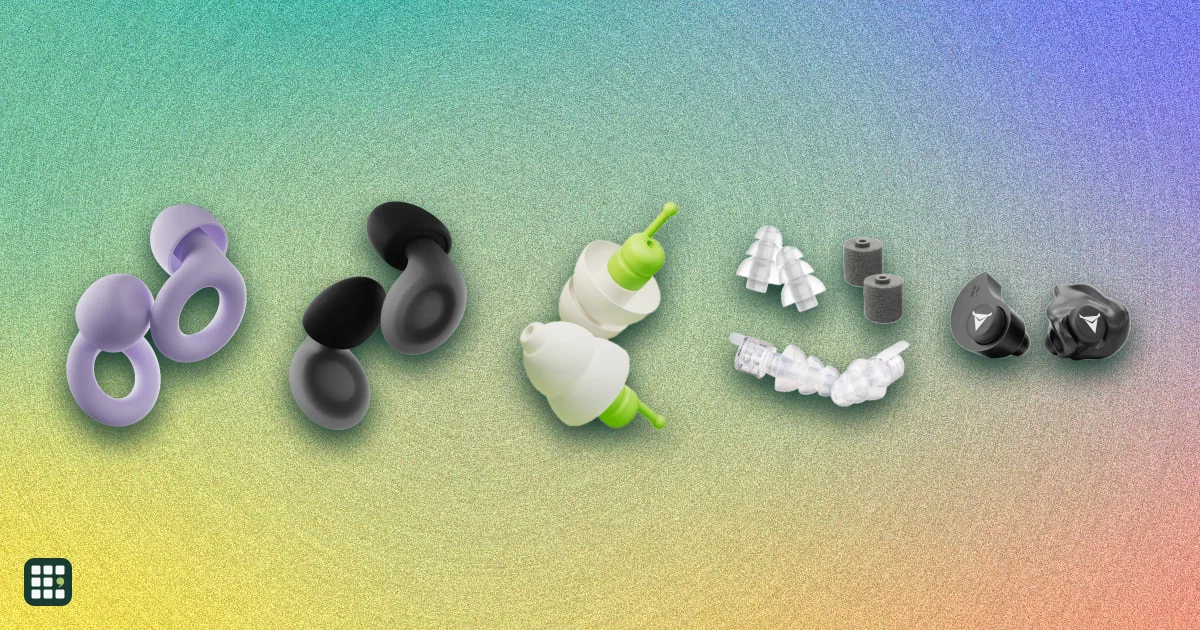
Reusable earplugs replace boxes of foam plugs with a washable pair you can use for years. They are built for different jobs: sleep plugs block as much as possible and sit flat for side sleepers, music plugs turn volume down evenly so concerts still sound clear, and travel plugs ease cabin pressure. The choice comes down to how much noise you need to block, how they fit your ears, and how you will keep them clean.
-
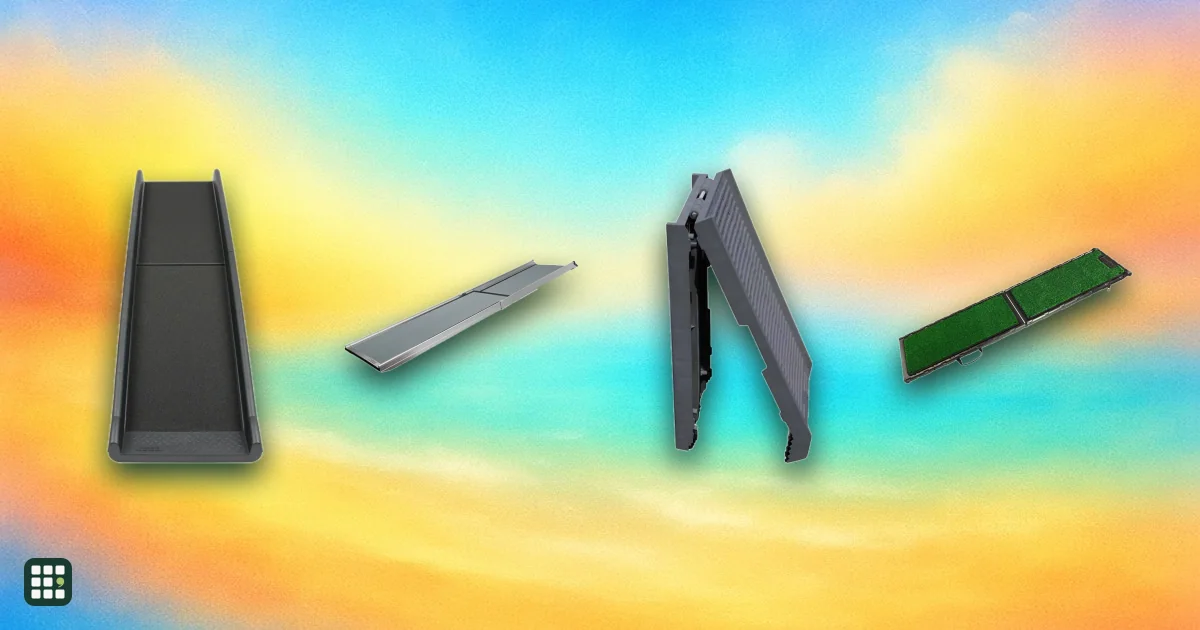 Senior dog ramps
6 products · Updated Nov 17, 2026
Compare senior dog ramps for cars, beds, and home use by length, carrying weight, and current price, with vehicle-specific folding and telescoping designs alongside ramps suited to home use.
-
 Website accessibility tools
10 services · Updated Nov 17, 2026
Website accessibility tools range from automated scanners and monitoring platforms to widgets that alter a page in a visitor’s browser. Compare what each service actually tests, tracks, or changes, and treat automated findings as a starting point for accessible design, code fixes, and human testing.