



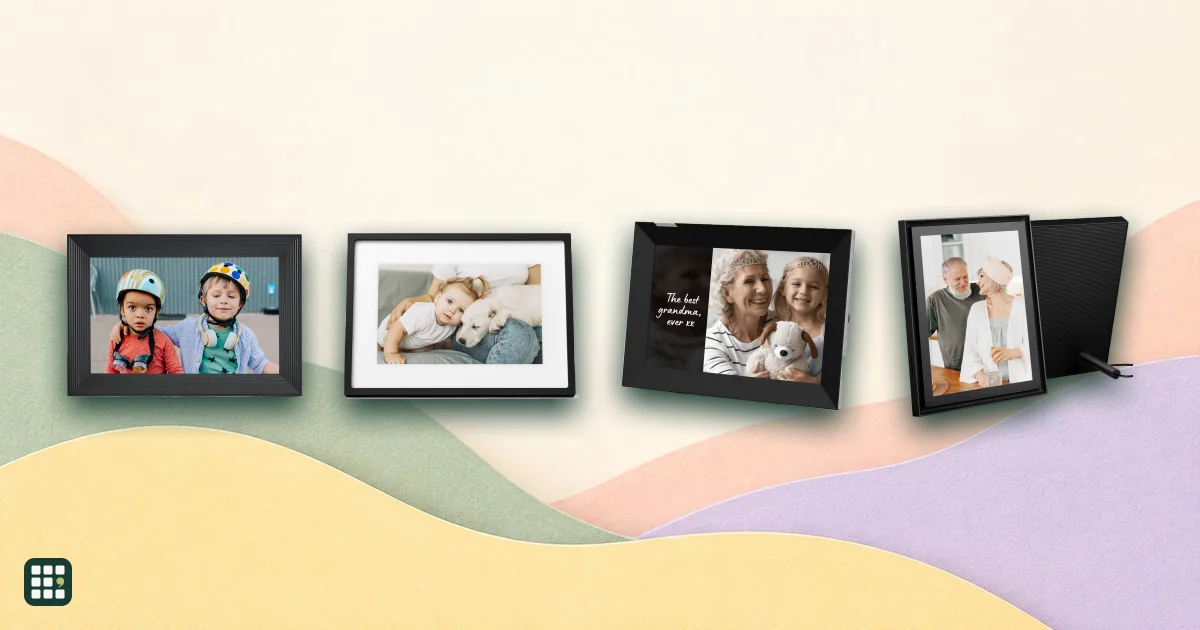
Digital photo frames
Digital photo frames compared: Aura, Skylight, Nixplay and Pix-Star Wi-Fi frames, budget Frameo-based frames, and simple memory-card frames. The real differences are what keeps working without a subscription, how easily the whole family can send photos and videos, how much storage you get, whether it works without Wi-Fi, and how each maker protects your family photos.
Last updated
How to choose
Who will send the photos?
Wi-Fi frames let relatives send photos from a phone app, email or a shared Google Photos or iCloud album. Check how many contributors are allowed and whether less tech-savvy family members can use email instead of an app.
Check the subscription before you buy
Some frames include everything for free; others charge yearly for video, cloud storage, web uploads or more contributors. Over five years a $50-a-year plan can double the cost of the frame. Read exactly what stops working if you cancel.
Storage and video
Unlimited free cloud storage means you never have to manage space. Frames with small local memory fill up fast with video. Check video length limits and whether sound plays.
Think about where it will live
- Grandparents without Wi-Fi: pick a frame that can load photos from a USB stick or SD card, or that keeps showing cached photos offline.
- Across a room: 13 to 15-inch screens are easier to see; check resolution so photos stay sharp.
- Bedrooms: look for a sleep schedule or ambient light sensor that dims the screen at night.
Privacy
Your family photos are stored on the maker's servers. Prefer makers that encrypt photos, share only by invitation, and state they never sell photos or use them for advertising. Budget no-name frames often use third-party apps with less clear privacy terms.
Gifting tips
Many frames can be preloaded with photos before you wrap them, and some can be set up and managed remotely, which is ideal for relatives who would rather not touch settings.
Answer
Browse the table. Filter to what matters.
Use the filters below, then sign in if you want to shortlist and decide with friends.
Sign in to vote, hide products and features, and reorder.
Verified: hover a cell and click its green dot for the source Estimate: no cited source Not stated: the maker doesn't publish it
| Feature | ⠿ | ⠿ | ⠿ | ⠿ | ⠿ | ⠿ | ⠿ | ⠿ | ⠿ | ⠿ | ⠿ | ⠿ | ⠿ |
|---|---|---|---|---|---|---|---|---|---|---|---|---|---|
|
⠿
Price
|
|||||||||||||
|
⠿
Screen size
|
|||||||||||||
|
⠿
Resolution
|
|||||||||||||
|
⠿
Touchscreen
|
|
|
|||||||||||
|
⠿
Subscription required
|
No subscription needed
|
||||||||||||
|
⠿
Optional plan price
|
None
|
None
|
|||||||||||
|
⠿
Photo storage
|
|||||||||||||
|
⠿
Upload methods
|
|||||||||||||
|
⠿
Family contributors
|
Doesn't apply
|
||||||||||||
|
⠿
Video support
|
|||||||||||||
|
⠿
Google Photos or iCloud sync
|
None
|
None
|
None
|
None
|
|||||||||
|
⠿
Works without WiFi
|
|
||||||||||||
|
⠿
Account required
|
|
|
|||||||||||
|
⠿
Privacy protections
|
Local storage only; no cloud upload
|
||||||||||||
|
⠿
Built in battery
|
|
|
|
|
|
|
|||||||
|
⠿
Warranty
|





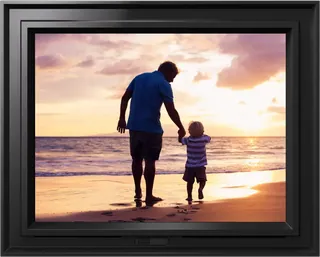
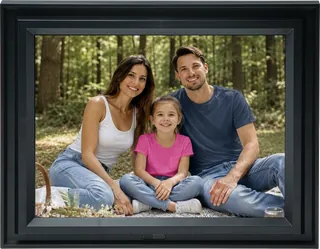

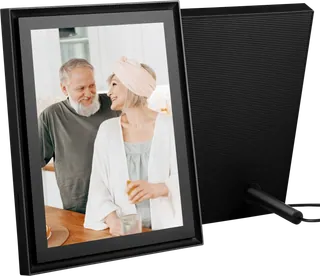
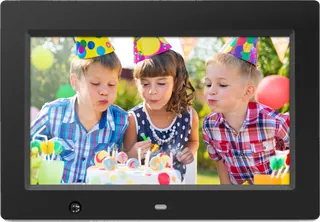
Why these features matter
-
Price ($)
Basic frames cost $50 to $100; premium Wi-Fi frames run $150 to $300.
-
Screen size (in)
Bigger screens are easier to see across a room but cost more and need more wall or shelf space.
-
Resolution
Higher resolution makes photos sharper, especially on larger screens and up close.
-
Touchscreen
Touch lets grandparents swipe and like photos easily; non-touch frames keep fingerprints off the glass.
-
Subscription required
Some frames are fully usable for free; others lock video, cloud storage or extra features behind a monthly plan.
-
Optional plan price
A yearly plan can add $30 to $70 a year, more than the frame over its life.
-
Photo storage
Unlimited cloud storage means you never have to delete; small local storage fills up with video.
-
Upload methods
Email uploads help less tech-savvy relatives; Google Photos or iCloud albums automate it.
-
Family contributors
The magic of a frame is the whole family adding photos; limits frustrate big families.
-
Video support
Short videos with sound bring frames to life; some makers charge for video.
-
Google Photos or iCloud sync
Linking a shared album updates the frame automatically with no manual uploads.
-
Works without WiFi
Grandparents without Wi-Fi need a frame that can be loaded by USB or SD card or set up elsewhere.
-
Account required
Account-free frames share less data but usually give up app uploads.
-
Privacy protections
Family photos are personal; look for encryption, invitation-only sharing and a promise not to use photos for ads.
-
Built in battery
A battery lets you pass the frame around, but most frames stay plugged in.
-
Warranty
Frames run for years; a longer warranty covers screens and power supplies.
About the products
-
Carver 10" · Aura Frames
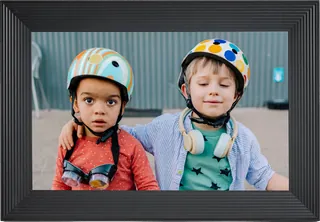
Aura's best-selling 10.1" landscape frame: free unlimited cloud storage, no subscription, and easy app or email uploads from the whole family. It needs Wi-Fi to work, has no touchscreen (a touch bar on top), and its 1280 x 800 screen is the lowest-resolution in Aura's line.
-
Carver Mat 10" · Aura Frames
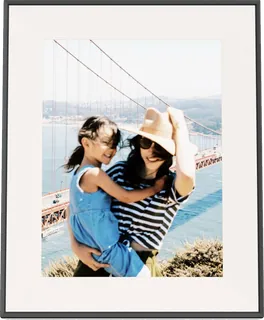
The same 10.1" Carver frame with a paper-like matted border that looks more like a traditional picture frame, for $30 more. Same limits: Wi-Fi required, touch bar instead of a touchscreen, landscape only.
-
Aspen 12" · Aura Frames
A slim 12" (11.8" diagonal) matted frame with a sharper 1600 x 1200 anti-glare screen in the 4:3 shape of phone photos, usable in portrait or landscape. No subscription and unlimited storage, but it needs Wi-Fi and has no touchscreen.
-
Walden 15" · Aura Frames
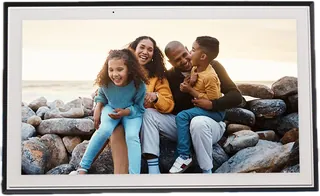
Aura's largest HD frame: a 15" matted, anti-glare 1600 x 1200 screen that can hang on a wall (mount included) or sit on a shelf. Free unlimited storage with no subscription, but Wi-Fi is required, there is no touchscreen, and 1600 x 1200 is modest for 15".
-
Skylight Frame 2 (10") · Skylight
Skylight's current touchscreen frame: a sharp 10" 1920 x 1200 anti-glare screen, swappable magnetic Snap Frames, and photos by app or the frame's own email address, so even non-app relatives can send. It keeps showing loaded photos without Wi-Fi; remote settings and albums need the $39/year Plus plan.
-
Skylight Frame 15" · Skylight
The original Skylight Frame in a 15" 1920 x 1080 touchscreen size, for a bigger, easy-to-use frame that relatives can email photos to. It is older than Frame 2: video and captions need the $39/year Plus plan, and it has no auto-brightness.
-
Nixplay Modern 10.1" HD Touch Screen (W10K) · Nixplay
Nixplay's current 10.1" touchscreen smart frame with auto-rotation, a speaker and Alexa support; photos arrive by app, email or web. The free plan is tight (500 MB of cloud photo storage, 15-second videos), so most families will want the $29.99/year Plus plan, and the 720p screen is modest.
-
Nixplay Big Classic 15.6" HD Touch Screen (W15P) · Nixplay
A large 15.6" 1080p touchscreen frame with a matted black border and VESA wall mounting, for showing photos across a room. Like other Nixplay frames, the free plan limits storage to 500 MB and video to 15 seconds; Google Photos sync and unlimited storage need a paid plan.
-
Pix-Star LUX 10" Wi-Fi & Cloud Digital Photo Frame (10.4 in) · Pix-Star
A remote-controlled (not touch) 4:3 frame that suits families sending photos by email, app or web to a less tech-savvy relative, with free unlimited cloud and no subscription. The 1024 x 768 screen is lower resolution than many rivals, and it has no Google Photos or iCloud sync.
-
Pix-Star LUX 15" Wi-Fi & Cloud Digital Photo Frame · Pix-Star
The larger Pix-Star for a living room, with the same free cloud, email/app sending and remote control as the 10-inch. It is a pre-order shipping mid-November 2026, and its 1024 x 768 resolution is low for a 15-inch screen.
-
Dragon Touch Classic 10 Elite Digital Picture Frame · Dragon Touch
A budget 10-inch touchscreen frame with 16 GB of storage and a motion sensor, loaded through the OurPhoto app, email or FTP. It has no USB or SD slots, so it can't be loaded offline from a card.
-
AEEZO 10.1 Inch Digital Picture Frame (AiMOR app, 32GB) · AEEZO
An inexpensive 10.1-inch 1280 x 800 touchscreen frame with 32 GB of storage, where family members you invite send photos and videos through the AiMOR app. It only joins 2.4 GHz Wi-Fi, and photos on an SD card must be imported before they play.
-
Aluratek 10" Digital Photo Frame with Motion Sensor and 4GB Built-in Memory (ADMSF310F) · Aluratek
A simple no-Wi-Fi frame for someone without internet: load photos and videos from an SD card, USB stick or computer and control it with buttons or the remote. Its 1024 x 600 screen is low resolution, and nobody can send photos to it remotely.
Suggest a change
Related comparisons
-
 Personal emergency response systems
, or medical alert devices, let an older adult or someone living alone press a button (or have a fall detected) to reach a 24/7 monitoring center that sends help. The choices are in-home versus mobile, whether fall detection is included, what network it uses, and what it costs each month. This grid compares current devices from the major US providers.
-
 High-yield savings accounts
A high-yield savings account pays several times the interest of a typical bank savings account, and most are FDIC insured. Rates are variable, so the details matter: whether the advertised rate applies to everyone or needs deposits, which fees or minimums apply, how quickly you can move money, and who actually holds your money. This grid compares popular online savings accounts side by side. The real trade-offs are a few tenths of a percent of rate against convenience, bonuses that need big deposits, and fintech programs that spread money across partner banks.
-
 Brokerage accounts
A brokerage account lets you buy stocks, ETFs and other investments on your own. Most US brokers now charge nothing to trade stocks and ETFs, so the choice depends on the details: cash interest, margin rates, fractional shares, retirement accounts, research tools, extended-hours trading, and what it costs to leave. This grid compares popular US online brokers side by side on those points. The real trade-offs are low cost against tools and service, and a simple app against depth for active traders.
-
 Countries to live in
Thirty-four popular countries compared for Americans who want to live abroad: how long you can stay without a visa, the easiest route to a long stay, the path to permanent residence and citizenship, what rent and daily life cost, and how safe, healthy and easy to live in each place is. Rules and thresholds change, so confirm the details with the country's government before you commit.
-
 Multifocal contact lenses
 let people over 40 see near and far without reading glasses. Designs, add powers and materials differ, and the right one is often found by trying a few. This grid compares the main US multifocal lenses on yearly cost, replacement schedule, optical design, add powers, prescription range, astigmatism correction and lens material.
-
 Smart displays
 put a voice assistant behind a touchscreen: a kitchen hub for recipes, calendars and video calls, a wall panel for the smart home, or a bedside clock. This grid compares every Amazon Echo Show, Echo Hub and Echo screen clock sold in the US with Google's Nest Hub and Apple's new HomeView. The real choices are which assistant (Alexa+, Gemini or Siri) fits your phone and smart home, how big a screen you need, and whether you want a camera at all.