



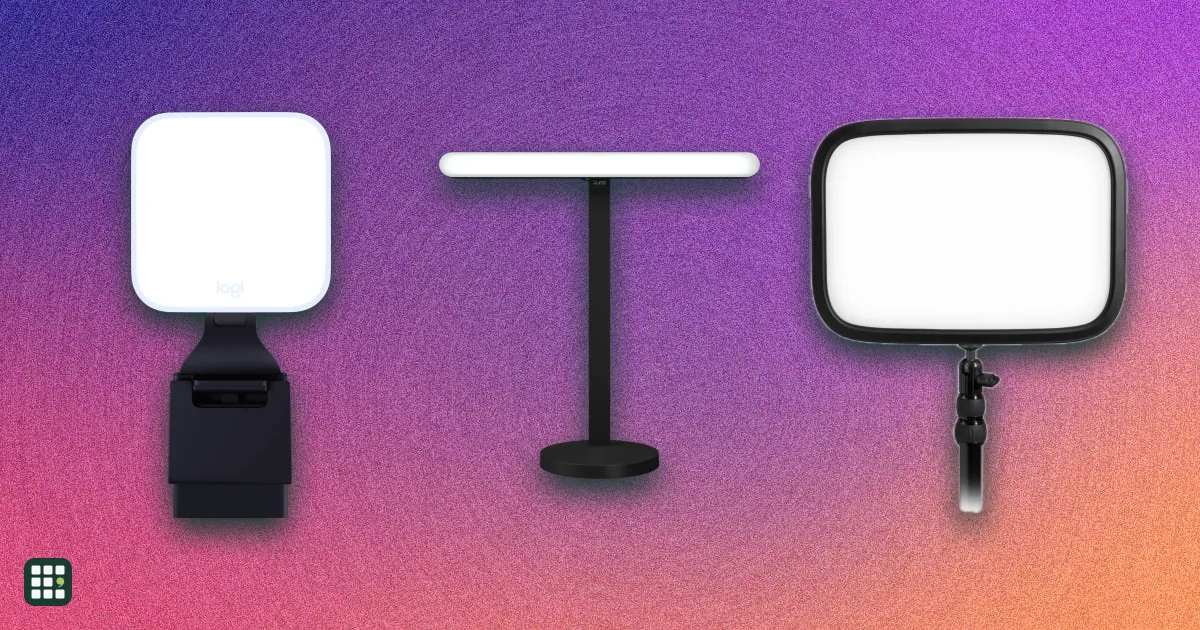
Video-call lights
Compare lights for video calls and desk streaming, from compact laptop clips and monitor light bars to desk-clamp key lights and small ring lights. The grid focuses on the light quality, mounting, power, and controls that affect a real webcam setup.
Last updated
How to choose
1. Start with your room
Look at your camera image first. If a window is behind you, you need a brighter light in front; if your room is dim at night, even a small light makes a big difference. A light placed off to one side and slightly above eye level, angled down, looks more natural than one straight on.
2. Pick a form that fits your desk
- Monitor-clip lights and light bars take no desk space and are quick to set up, but sit close to the camera and can reflect in glasses.
- Key lights on a desk clamp or stand can be placed farther away and to the side for softer, more flattering light.
- Ring lights are cheap and even, but the ring often shows up as a circle in eyes and glasses.
3. Check the light quality, not just brightness
- Diffusion matters most: a larger, frosted surface gives softer shadows and less glare.
- CRI of 90 or more keeps skin tones natural.
- An adjustable color temperature (roughly 2,700 K to 6,500 K) lets you match warm lamps or daylight from a window.
- Brightness in lumens matters more for lights placed farther away; close-up clip lights rarely need full power.
4. Power and controls
USB-powered lights are simplest at a desk but can be dimmer; AC-powered key lights get brighter. Battery lights work with laptops anywhere. On-device buttons are handy mid-call; an app helps with presets and syncing more than one light. Wi-Fi lights need setup on your network.
5. Before you buy
Check that the mount fits your monitor's thickness or your desk edge, that the cable reaches a USB port or outlet, and that the control app supports your computer. If you wear glasses, a larger, diffused light placed to the side reduces reflections.
Answer
Browse the table. Filter to what matters.
Use the filters below, then sign in if you want to shortlist and decide with friends.
Sign in to vote, hide products and features, and reorder.
Verified: hover a cell and click its green dot for the source Estimate: no cited source Not stated: the maker doesn't publish it
| Feature | ⠿ | ⠿ | ⠿ | ⠿ | ⠿ | ⠿ |
⠿
Discontinued Jun 2025
|
⠿ | ⠿ | ⠿ | ⠿ | ⠿ | ⠿ | ⠿ | ⠿ | ⠿ | ⠿ | ⠿ | ⠿ | ⠿ | ⠿ | ⠿ | ⠿ |
|---|---|---|---|---|---|---|---|---|---|---|---|---|---|---|---|---|---|---|---|---|---|---|---|
|
⠿
Price
|
|||||||||||||||||||||||
|
⠿
Light type
|
Small square panel
|
Light bar
|
Light bar, dual-sided
|
Small square panel (edge-lit)
|
Small square panel
|
Large square panel
|
|||||||||||||||||
|
⠿
Mounting
|
Desk stand (included)
|
||||||||||||||||||||||
|
⠿
Max brightness
|
|||||||||||||||||||||||
|
⠿
Color temp min
|
|||||||||||||||||||||||
|
⠿
Color temp max
|
|||||||||||||||||||||||
|
⠿
CRI
|
93 Ra
|
||||||||||||||||||||||
|
⠿
RGB color
|
|
|
|
|
|
|
|
||||||||||||||||
|
⠿
Diffuser
|
|||||||||||||||||||||||
|
⠿
Power
|
|||||||||||||||||||||||
|
⠿
Battery life
|
No battery
|
No battery
|
No battery
|
No battery
|
No battery
|
No battery
|
No battery
|
No battery
|
No battery
|
No battery
|
|||||||||||||
|
⠿
Controls
|
Buttons for power, brightness and color temperature
|
Power button only; adjust in app
|
|||||||||||||||||||||
|
⠿
App control
|
|
|
|
|
|
|
|
|
|
|
|
|
|
||||||||||
|
⠿
Connection
|
None
|
None
|
None
|
None
|
None
|
None
|
None
|
None
|
None
|
None
|
None
|
None
|
None
|
||||||||||
|
⠿
Supported apps
|
Elgato Control Center
|
None
|
None
|
None
|
None
|
None
|
None
|
None
|
None
|
None
|
None
|
None
|
None
|
None
|
|||||||||
|
⠿
Weight
|
|||||||||||||||||||||||
|
⠿
Warranty
|
2 years
|
2 years
|
2 years
|
Why these features matter
-
Price ($)
Prices run from about $30 for basic clip lights to $200 for large Wi-Fi key lights. A cheap light is fine for occasional calls; daily on-camera work rewards brighter, better-diffused lights.
-
Light type
Panels and bars give soft, even light from a distance; ring lights sit close around the camera and can leave ring reflections in glasses.
-
Mounting
A monitor clip is quick and takes no desk space; a desk clamp or stand lets you move the light off to the side and above eye level, which looks more natural.
-
Max brightness (lm)
More lumens let you light your face in a bright room or from farther away. For a light at arm's length, 250 lumens is plenty; 1,000+ suits lights placed farther back or rooms with windows.
-
Color temp min (K)
A warmer minimum (around 2,700 to 3,000 K) lets you match warm room lamps at night.
-
Color temp max (K)
A cooler maximum (6,500 K or more) lets you match daylight from a window.
-
CRI (Ra)
Higher CRI renders skin tones more naturally; 90+ is good, 95+ is excellent. Cheap LEDs can make skin look greenish or flat.
-
RGB color
Colored light is mostly for streaming and background accents; for calls, good white light matters more.
-
Diffuser
Better diffusion means softer shadows and less glare in glasses; a small bright point of light is harsh and squint-inducing.
-
Power
USB power is simplest at a desk; AC power usually allows more brightness; a battery frees you from cables and lets you take it to a laptop on the go.
-
Battery life (hr)
Matters only if you want to use the light without a cable; maker figures are often at low brightness.
-
Controls
On-device buttons let you adjust quickly without opening an app mid-call.
-
App control
App control lets you save presets and change brightness without reaching up to the light, and sync several lights.
-
Connection
Wi-Fi lights can be controlled from any device on your network but need setup and a stable network; USB control works only from the connected computer.
-
Supported apps
The app decides whether you can save presets, sync with other gear, or control the light from a Stream Deck.
-
Weight (g)
A heavy light needs a sturdy mount; on a monitor clip, lighter is better so the monitor doesn't tip.
-
Warranty (years)
Lights run for hours a day; a longer warranty covers LED and power failures.
About the products
-
Litra Glow · Logitech
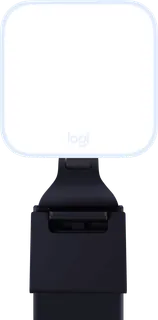
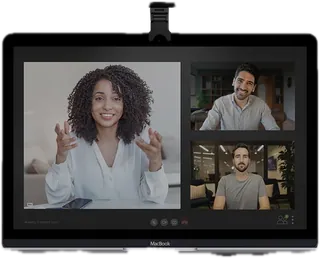
A small USB-powered light that clips on top of a monitor, with soft, frameless diffusion and G HUB app control. Good value for everyday calls; at 250 lumens it is meant for close range.
-
Litra Beam · Logitech
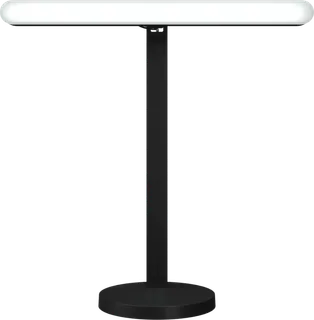
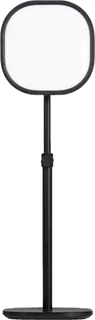
A slim USB-powered light bar on an adjustable desk stand, with on-board buttons and control over USB or Bluetooth. Easy to place beside a monitor; modest brightness at 320 lumens.
-
Litra Beam LX · Logitech
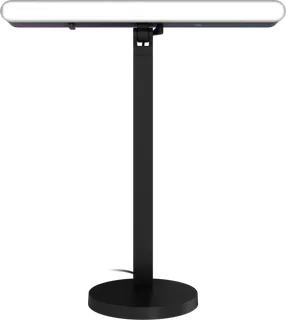
A dual-sided light bar: a bi-color key light on the front and an RGB accent light on the back, on a desk stand with a plug-in adapter. Aimed at streamers who want background color too.
-
Elgato Key Light · Elgato
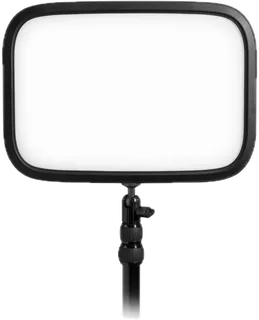
A large 2,800-lumen edge-lit panel on a tall desk clamp pole, controlled over Wi-Fi. The brightest and best-diffused option here for a permanent desk setup; it needs an outlet, has no RGB, and is heavy.
-
Elgato Key Light Air MK.2 · Elgato
A mid-sized edge-lit panel on a desk clamp that runs on USB-C power, with touch controls on the light and optional Wi-Fi app control. Full 2,100-lumen output needs a 30 W+ USB-C power adapter, sold separately.
-
Elgato Key Light Neo · Elgato
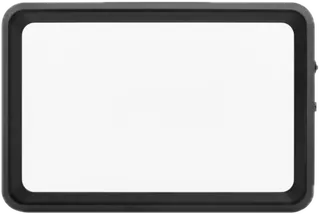
A compact USB-powered panel that clips to the top of a monitor, with Wi-Fi app control. Cheap entry into Elgato's system; brightness depends on the USB power available (1,000 lumens needs a 3 A supply).
-
Elgato Key Light Mini · Elgato · Discontinued Jun 2025
A pocket-sized battery panel with Wi-Fi app control and onboard buttons. Elgato has discontinued it with no direct replacement; you may still find it used or in old stock.
-
Lume Cube Edge Light 2.0 · Lume Cube
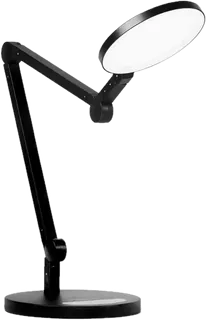
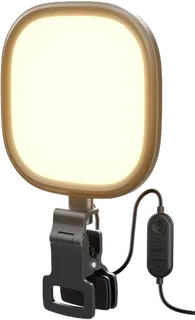
A clamp-on LED desk lamp with a round, edge-lit head that turns to face you for calls, plus USB-A and USB-C charging ports. Doubles as a task lamp; heavy, and controlled only by buttons.
-
Lume Cube Video Conference Lighting Kit · Lume Cube
A pocket-sized Panel Mini battery light with a laptop clip and silicone diffuser, for laptop calls anywhere. Small and portable, but close-range only and the battery is short at full power.
-
Razer Key Light Chroma · Razer
A large 2,800-lumen Wi-Fi key light on a desk clamp that can also produce RGB color, controlled from Razer Synapse or its phone app. Expensive; Razer publishes no CRI figure.
-
NEEWER BASICS NL10 · NEEWER
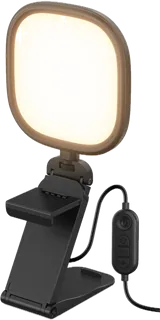
A budget 5-inch USB-powered panel that stands on a monitor, with high CRI for the price. Bi-color only, no app, and only five preset color temperatures.
-
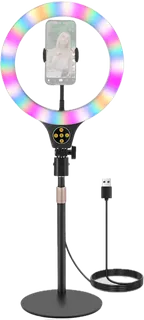
NEEWER N37 10.5" RGB Ring Light · NEEWER
A budget 10.5-inch RGB ring light on a telescoping desk stand with a phone holder. Cheap and colorful, but a lower CRI and ring reflections in glasses.
-
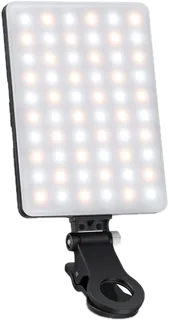
NL-60AI Selfie Light with Phone Clip · NEEWER
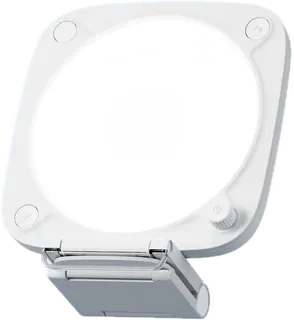
A rechargeable webcam light with a clip that fits phones, tablets, and laptops, plus a phone-holder accessory. It offers adjustable warm, cool, and neutral light for calls and streaming.
-
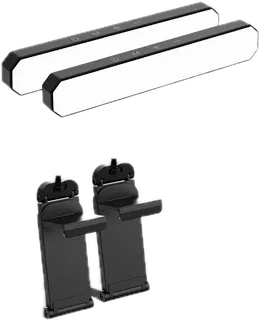
L10 Bi-Color Monitor Light Bar Kit · NEEWER
A bi-color monitor light bar kit sold as one or two lights, with a remote and stand. The 1-pack is a simple USB-powered option for video calls and streaming.
-
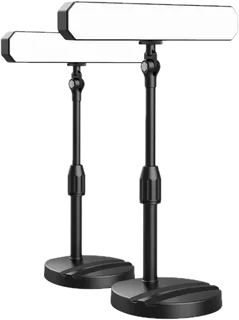
L10 Bi-Color Desk Light Kit · NEEWER
A two-light desktop kit with monitor clamps, stands, and a remote. The panels can also be mounted vertically or horizontally for webcam and video-call lighting.
-
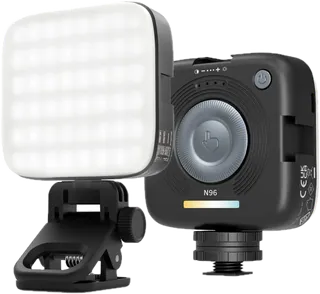
N96 Magnetic LED Video Light · NEEWER
A compact rechargeable panel that can clip onto a laptop or mount to a camera or stand. Its small diffuser and battery make it portable, though the stated color-rendering rating is lower than larger lights.
-
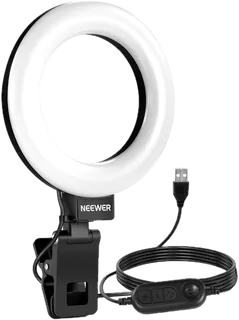
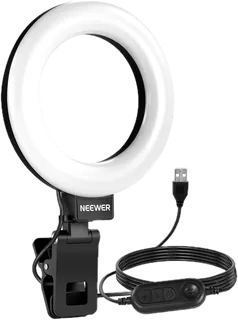
BR60 Bi-Color Mini Ring Light with Clip & Mini Tripod · NEEWER
A 5-inch ring light with a monitor/laptop clip and mini tripod. The small head is easy to position near a webcam, but its published output is given in lux rather than lumens.
-
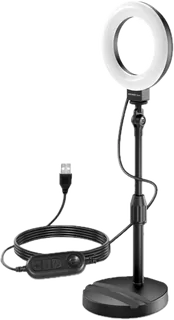
BR60 Desk Ring Light with Stand · NEEWER
A 5-inch ring light on an adjustable desk stand for video calls, with a phone-holder base. It uses USB power and has five color-temperature modes and ten brightness levels.
-
BR60 Desk Ring Light with Stand & Monitor Clamp · NEEWER
A 5-inch ring light bundled with a height-adjustable stand and monitor clamp. The added clamp gives it more placement options than the stand-only BR60 package.
-
PL81 PRO Professional LED Streaming Light · NEEWER
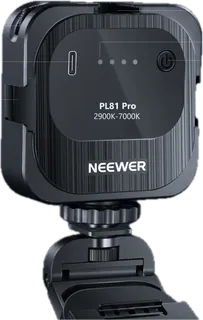
A compact monitor-clip light for video calls and streaming, with a detachable silicone diffuser and PC/Mac app control. It is USB-powered and includes an adjustable stand.
-
GL25B 12.9-inch Streaming Key Light · NEEWER
A 12.9-inch edge-lit panel with a desk clamp, stand, and wireless remote. It offers higher output than the clip lights and computer control via a USB transmitter.
-
Broadcast Lighting Kit · Lume Cube
A portable bi-color panel with a silicone diffuser and adjustable desktop stand. It has a built-in battery for short unplugged sessions and is marketed specifically for video calls and streaming.
-
NL10 5-inch 10W LED Streaming Light · NEEWER
A 5-inch edge-lit monitor panel that includes a clip for monitors or laptops and can also attach to a webcam thread. The bundled clip and USB adapter distinguish it from the NL10 full-screen light listing already in the grid.
Suggest a change
Related comparisons
-
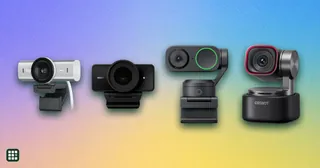 Webcams
A webcam is the camera on your calls and streams. The choice is how sharp the picture stays in ordinary room light, whether it follows you, and whether the built-in microphones are enough.
-
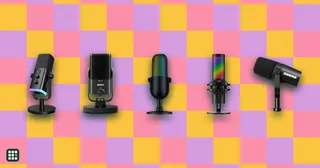 Streaming microphones
Microphones for live streaming, gaming, podcasting and video, from plug-and-play USB mics to XLR studio dynamics. The choice comes down to how quiet your room is, whether you want to plug in by USB or grow into an audio interface, and which on-mic controls and software you need while live.
-
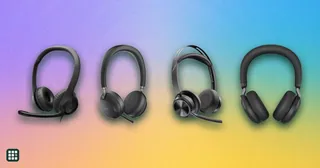 Office headsets
 are built for clear calls: a microphone that picks up your voice and not the room, controls for muting, and comfort for hours of meetings. They range from $30 wired USB models to wireless headsets with noise cancellation, busy lights and long-range DECT bases. This grid compares mic design and noise reduction, connection, battery, mute controls, certifications and comfort.
-
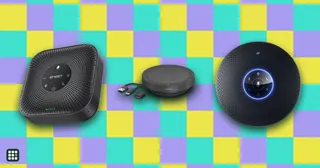 Conference speakerphones
A conference speakerphone puts a speaker and several microphones in one puck-shaped device, so you can take calls hands-free or let a small group join a meeting around a table. This grid compares personal and small-room models by microphone pickup, echo control, noise reduction, connectivity, battery, certifications and price.
-
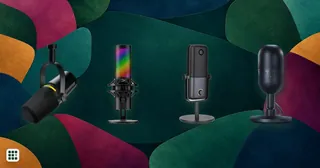 USB microphones
 compared for calls, streaming, podcasting and voiceover: Shure, RØDE, Audio-Technica, Logitech G (Yeti), HyperX, Elgato, Razer and budget picks, including hybrid USB and XLR models. The choice comes down to dynamic or condenser for your room, the pickup patterns you need, monitoring and on-mic controls, and whether you want an XLR output to grow into later.
-
 Design tools
 range from collaborative interface design apps to template-driven graphic makers and free desktop illustration software. This grid compares six current picks on price, free access, collaboration, open-source and self-hosting options, and AI and developer integrations, so you can see the real trade-offs between them.