



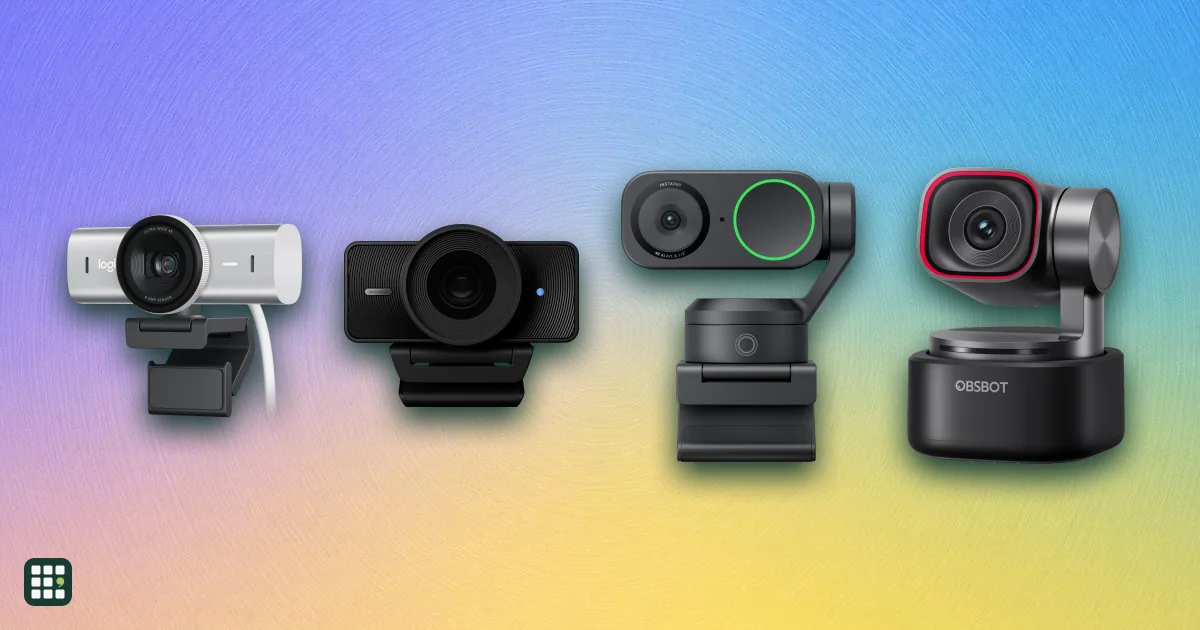
Webcams
A webcam is the camera on your calls and streams. The choice is how sharp the picture stays in ordinary room light, whether it follows you, and whether the built-in microphones are enough.
Last updated
How to choose
Start with the call or the stream you actually run. A meeting app often sends 720p or 1080p, so a 4K camera does not make coworkers see more detail. It can still look better, because a larger sensor and better light handling survive a dim room and a bright window.
Picture
1080p at 30 fps is enough for most calls. 60 fps matters when you move, or when you record. Field of view is diagonal: about 65 to 78 degrees frames one person, and 90 degrees or more shows a second person or more of the room. Autofocus holds a face that leans in. Fixed focus is sharp only at the distance the lens was set for.
Framing and light
Auto-framing crops or turns to keep you centered. A motorized camera physically turns, which helps if you stand up or walk to a whiteboard. Digital framing only crops, so a higher resolution leaves a sharper picture after the crop. Low light correction and HDR are what keep a face visible when the lamp is behind you. A ring light still beats either one.
Sound, privacy, and the plug
- Microphones. A stereo pair is fine in a quiet room. Noise reduction helps a keyboard or a fan. A camera with no microphone needs a headset or a separate mic. For a noisy room, a mic near your mouth still wins.
- Privacy shutter. A built-in shutter blocks the lens without unplugging the camera.
- Connection. Match the plug to a free port. USB 3.0 is what 4K and 1080p at 60 fps usually need. A monitor clip is the normal mount; a 1/4-inch thread is for a tripod.
- Price. Use the regular price. A sale on the maker's site changes often.
Answer
Browse the table. Filter to what matters.
Use the filters below, then sign in if you want to shortlist and decide with friends.
Sign in to vote, hide products and features, and reorder.
Verified: hover a cell and click its green dot for the source Estimate: no cited source Not stated: the maker doesn't publish it
| Feature | ⠿ | ⠿ | ⠿ | ⠿ | ⠿ | ⠿ | ⠿ | ⠿ | ⠿ | ⠿ | ⠿ | ⠿ | ⠿ | ⠿ | ⠿ | ⠿ | ⠿ | ⠿ | ⠿ | ⠿ | ⠿ | ⠿ | ⠿ | ⠿ | ⠿ | ⠿ | ⠿ | ⠿ | ⠿ | ⠿ | ⠿ | ⠿ | ⠿ | ⠿ | ⠿ | ⠿ | ⠿ | ⠿ | ⠿ | ⠿ | ⠿ | ⠿ | ⠿ | ⠿ | ⠿ | ⠿ | ⠿ | ⠿ | ⠿ | ⠿ | ⠿ | ⠿ | ⠿ | ⠿ |
|---|---|---|---|---|---|---|---|---|---|---|---|---|---|---|---|---|---|---|---|---|---|---|---|---|---|---|---|---|---|---|---|---|---|---|---|---|---|---|---|---|---|---|---|---|---|---|---|---|---|---|---|---|---|---|
|
⠿
Price
|
$114
|
$219
|
$114.99
|
$49.99
|
||||||||||||||||||||||||||||||||||||||||||||||||||
|
⠿
Max resolution
|
1440p
|
|||||||||||||||||||||||||||||||||||||||||||||||||||||
|
⠿
Max resolution frame rate
|
||||||||||||||||||||||||||||||||||||||||||||||||||||||
|
⠿
1080p frame rate
|
Doesn't apply
|
30 fps
|
30 fps
|
30 fps
|
||||||||||||||||||||||||||||||||||||||||||||||||||
|
⠿
Field of view
|
||||||||||||||||||||||||||||||||||||||||||||||||||||||
|
⠿
Autofocus
|
||||||||||||||||||||||||||||||||||||||||||||||||||||||
|
⠿
Auto framing
|
|
|||||||||||||||||||||||||||||||||||||||||||||||||||||
|
⠿
Motorized pan tilt
|
|
|
|
|
|
|
|
|
|
|||||||||||||||||||||||||||||||||||||||||||||
|
⠿
Low light correction
|
||||||||||||||||||||||||||||||||||||||||||||||||||||||
|
⠿
Microphones
|
mono
|
|||||||||||||||||||||||||||||||||||||||||||||||||||||
|
⠿
Noise reduction
|
||||||||||||||||||||||||||||||||||||||||||||||||||||||
|
⠿
Privacy shutter
|
|
|
||||||||||||||||||||||||||||||||||||||||||||||||||||
|
⠿
Connection
|
USB-A
|
USB-A
|
USB-A
|
USB-A
|
USB-A
|
USB-C with USB-A adapter
|
USB-A
|
USB-A
|
||||||||||||||||||||||||||||||||||||||||||||||
|
⠿
Digital zoom
|
|
|
Why these features matter
-
Price ($)
The purchase price is the first cut. A sale changes often, so the number is the regular price and any current discount is in the product description.
-
Max resolution
1080p is what most calls can send. 1440p and 4K matter when you record or stream, and when auto-framing crops the picture.
-
Max resolution frame rate (fps)
Many 4K cameras drop to 30 fps at 4K. Motion looks smoother at 60 fps, which may only be available at 1080p.
-
1080p frame rate (fps)
This is the mode most calls and streams actually use. A camera can be 30 fps at 4K and 60 fps at 1080p.
-
Field of view (°)
A narrow view frames one person and hides the room. A wide view fits two people and shows more background. Adjustable is the flexible choice.
-
Autofocus
Autofocus stays sharp when you lean toward the screen or hold something up. Fixed focus is sharp only at one distance.
-
Auto framing
Auto-framing keeps you in shot when you shift in the chair. Digital framing crops the image, so resolution matters more.
-
Motorized pan tilt
A motor can follow you to a whiteboard. A fixed camera cannot, unless you turn it by hand.
-
Low light correction
A dim room or a window behind you is the usual webcam failure. Correction helps. A lamp in front of you helps more.
-
Microphones
Calls need a microphone. Stereo is fine in a quiet room. A camera with none needs a headset or a separate mic.
-
Noise reduction
Noise reduction makes a keyboard, a fan, or a roommate quieter on a call. It is not a substitute for a mic close to your mouth.
-
Privacy shutter
A shutter blocks the lens when you are not on a call, without unplugging the camera.
-
Connection
The camera is useless for a call if you do not have a matching port. An included adapter solves a USB-C cable on an older PC.
-
Digital zoom
Digital zoom tightens the frame without moving the camera. It crops, so the picture gets softer as you zoom in.
About the products
-
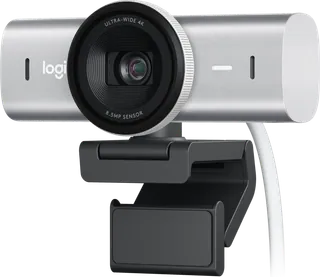
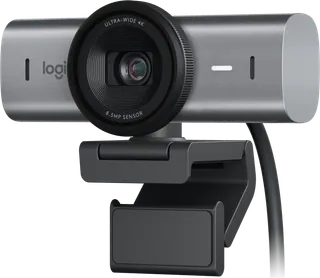
MX Brio · Logitech
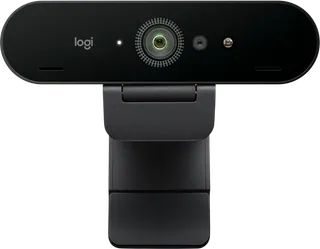
For someone who wants the sharpest personal Logitech image on calls and streams. It shoots 4K at 30 fps and 1080p at 60 fps, with a 90-degree view that can narrow, Show Mode to tilt toward the desk, and a USB-C cable. It does not auto-frame, and the US warranty is one year. Logitech lists it at $199.99 and is selling it for $169.99.
-
MX Brio 705 for Business · Logitech
The business MX Brio, for offices that want the same 4K sensor plus RightSight auto-framing and Logitech Sync. 4K is 30 fps, 1080p can run at 60 fps, and framing needs Logi Tune, which the page says is not available on ChromeOS. The US warranty is three years.
-
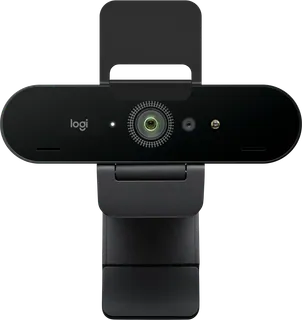
Brio 4K · Logitech
The 4K Pro webcam for people who also want Windows Hello face sign-in and 5x digital zoom. 4K is 30 fps and needs a USB 3.0 port. The included cable is USB-A to USB-C, and the US warranty is one year.
-
Brio 4K for Business · Logitech
The business Brio 4K, with Windows Hello, RightLight 3, HDR, and Logitech Sync, plus a three-year US warranty. 4K still needs USB 3.0. The included cable plugs into USB-A, and the page says a USB-C computer needs a third-party adapter that is not in the box.
-
StreamCam · Logitech
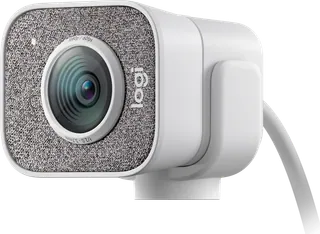
For a 1080p60 stream over USB-C, with auto-framing and an f/2.0 glass lens. There is no privacy shutter. Graphite is out of stock; white is in stock. Logitech lists it at $169.99 and is selling it for $99.99.
-
Brio 500 · Logitech
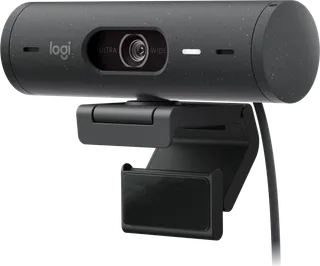
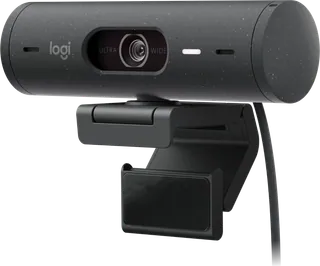
A 1080p call camera with RightSight auto-framing, HDR, and Show Mode for the desk. 60 fps is only at 720p. Framing needs Logi Tune, which the page says is not available on ChromeOS, and the US warranty is one year.
-
Brio 505 · Logitech
The business Brio 500, with the same 1080p at 30 fps picture, RightSight auto-framing, Show Mode, and Logitech Sync. 60 fps is only at 720p, Logi Tune is not available on ChromeOS, and the US warranty is three years.
-
C922 Pro Stream · Logitech
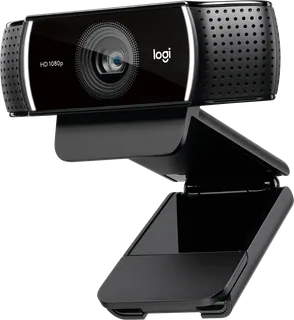
For a stream at 1080p/30 or 720p/60, with stereo mics, autofocus, and a tripod in the box. There is no privacy shutter, and 60 fps is not available at 1080p. The US warranty is one year.
-
C920s Pro · Logitech
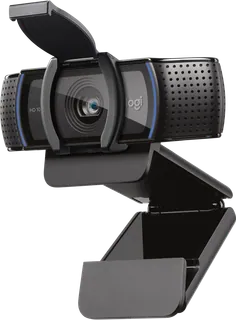
A straightforward 1080p call camera with a privacy shutter, stereo mics, and autofocus. It stays at 30 fps at 1080p and at 720p. Logitech lists it at $69.99 and is selling it for $59.99.
-
Brio 300 · Logitech
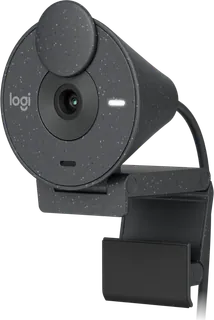
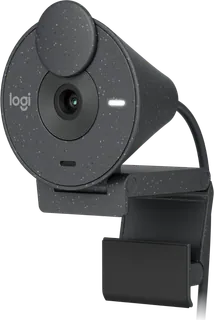
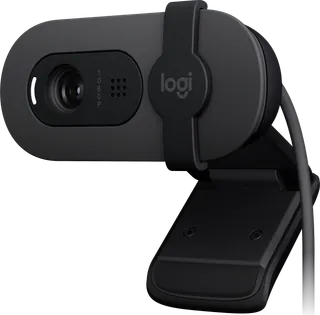
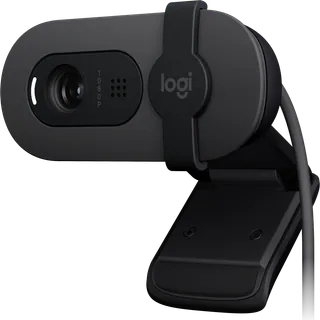
A small USB-C camera for a simple 1080p call, with a privacy shutter, a mono noise-reducing mic, and RightLight 2. Focus is fixed, so it stays sharp at one distance. The page lists digital zoom as 1x, and the published weight includes the clip and cable.
-
Brio 305 · Logitech
The business Brio 300, with the same fixed-focus 1080p/30 image, privacy shutter, and USB-C cable, plus Logitech Sync. Digital zoom is listed as 1x. Logi Tune is not available on ChromeOS, and the US warranty is three years.
-
Brio 100 · Logitech
The inexpensive 1080p camera for a basic call, with a privacy shutter, a single microphone, and a narrow 58-degree view. Focus is fixed. Logitech lists it at $39.99 and is selling it for $24.99.
-
Brio 105 · Logitech
The business Brio 100, with the same 1080p/30 fixed-focus picture, a 58-degree view, an attached USB-A cable, and a three-year US warranty. It is the webcam an office can deploy in volume.
-
C270 · Logitech
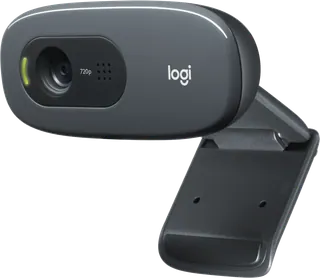
A 720p camera for the cheapest workable call, with a noise-reducing mono mic and a two-year US warranty. It cannot do 1080p, and focus is fixed. Logitech lists it at $29.99 and is selling it for $21.99.
-
Facecam Neo · Elgato
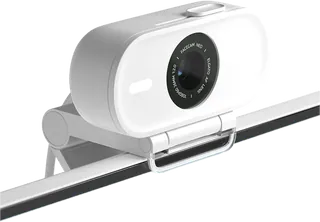
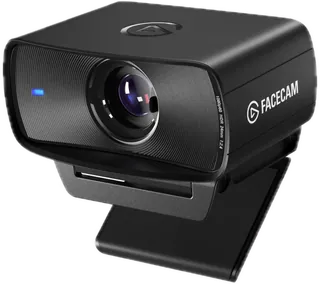
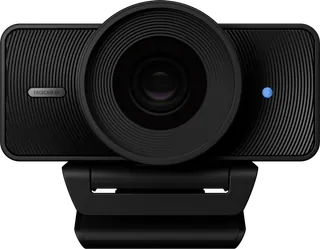
A plug-and-play 1080p60 webcam with autofocus and a USB-C cable fixed to the body. It has no built-in microphone, so a call needs a headset or a separate mic. Elgato's US shop lists it out of stock.
-
Facecam MK.2 · Elgato
The US shop sells this 1080p60 model as Facecam. Focus is fixed from 30 to 120 cm, HDR only reaches 1080p30, and there is no built-in microphone.
-
Facecam 4K · Elgato
Records 4K at 60 fps, but HDR stops at 30 fps and the lens is fixed-focus. There is no microphone, the privacy cover is an accessory, and Elgato says it works best with good lighting.
-
Kiyo V2 Pro · Razer
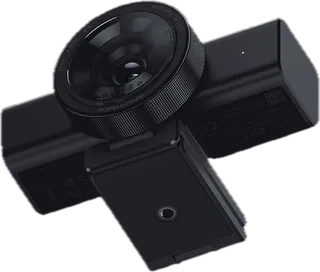
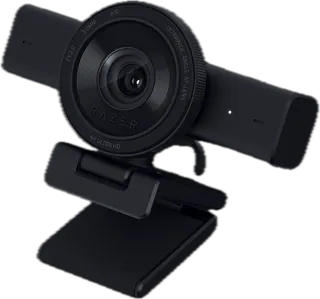
A 4K60 webcam with auto-framing and a privacy shutter, and no built-in microphone. HDR is available only at 30 fps, and the top video modes need USB 3.0.
-
Kiyo V2 · Razer
4K video is limited to 30 fps, while 1080p goes to 60. It has stereo microphones with noise cancellation. HDR is available only at 30 fps.
-
Kiyo V2 X · Razer
A 1440p60 webcam that connects with a USB-A plug on USB 2.0. The stereo microphones do not cancel noise, and the spec list gives HDR support as none.
-
Dell Webcam WB3023 2K QHD · Dell
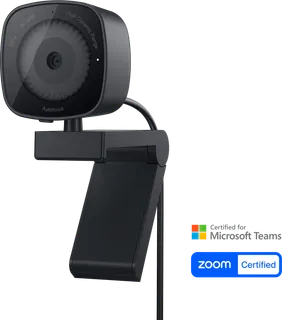
A compact 1440p webcam for everyday desk or laptop calls, with a sliding privacy shutter, a clip, and a noise-reduction microphone. Dell lists it at $69.99 and is selling it for $65.99. It does not support Windows Hello, and the page does not state a frame rate at 1440p.
-
Dell Pro 5 Webcam 2K WB526 · Dell
A 1440p webcam for people who want autofocus, auto framing, Windows Hello, and gesture controls. 1440p and 1080p are 30 fps; 60 fps is only at 720p. The clip is not compatible with Alienware gaming monitors.
-
Dell Pro 7 Webcam 4K WB726 · Dell
Dell’s 4K desk webcam for people who want 4K at 60 fps, dual beamforming microphones, auto framing, and Windows Hello. It needs a USB-C port or the included USB-A converter, and the clip is not compatible with Alienware gaming monitors.
-
HP 435 FHD Webcam · HP
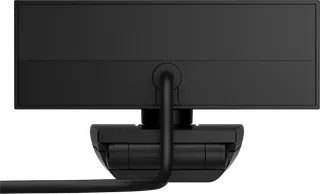
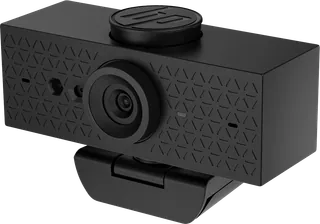
A portable 1080p webcam for calls, with autofocus, dual noise-reducing microphones, and an 85-degree diagonal view. 60 fps is only at 720p, the box has a travel pouch instead of a monitor clip, and the warranty is one year. The list price is $114.
-
HP 625 FHD Webcam · HP
A 1080p business webcam with Windows Hello, an adjustable field of view, and dual noise-reducing microphones. Hello and Poly Lens need Windows 10 or later. HP lists it at $219 and is selling it for $175.20. 60 fps is at 720p, not 1080p.
-
Lenovo QHD Webcam · Lenovo
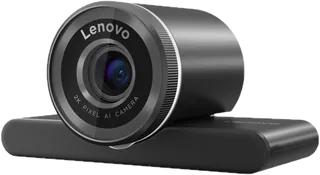
A 1440p webcam for Teams calls, with autofocus, auto framing, and a diagonal view that can narrow from 90 degrees. It has one microphone, the included cable is USB 2.0, and the list price is $114.99.
-
Lenovo 4K Pro Webcam · Lenovo
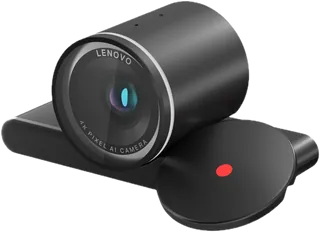
Lenovo’s 4K webcam for sharper recorded calls, with autofocus, auto framing, and a view that narrows from 90 degrees. 4K is 30 fps and it needs USB 3.0. The estimated value is $194.99 and it is on sale for $128.99.
-
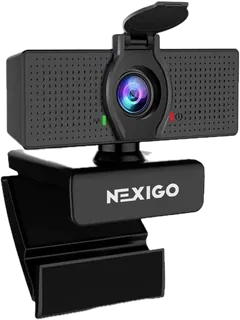
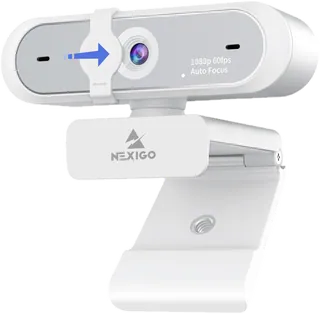
NexiGo N60 · NexiGo
A $39.99 fixed-focus 1080p webcam with a 110-degree diagonal view, a lens cover, and a noise-canceling microphone. It runs at 30 fps only.
-
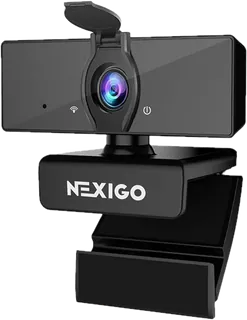
NexiGo N660 · NexiGo
A $39.99 fixed-focus 1080p webcam that shares the N60’s 30 fps spec, 110-degree diagonal view, and lens cover. The shop states 1920 x 1080 at 30 fps and one noise-canceling microphone.
-
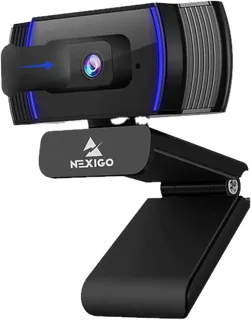
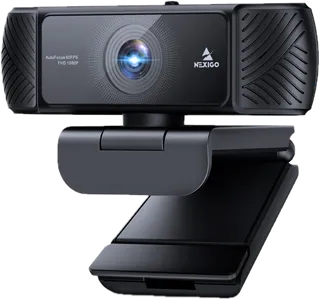
NexiGo N930AF · NexiGo
A $49.99 autofocus 1080p webcam for a person who sits at one distance and wants light correction. It is 30 fps, and the diagonal view is a narrow 74 degrees.
-
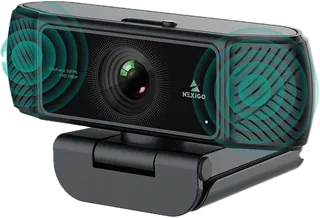
NexiGo N680 · NexiGo
A $54.99 autofocus 1080p webcam with stereo microphones, a privacy shutter, and an adjustable mounting clip. It is 30 fps, and the shop says extra drivers are needed.
-
NexiGo N660P · NexiGo
A 1080p 60 fps autofocus webcam for smoother calls, with a privacy shutter and noise-reduction microphones. Gray and white are $64.99; pink is $68.99. It is USB 2.0, and the diagonal view is 78 degrees.
-
NexiGo N680P · NexiGo
A $79.99 1080p webcam at 60 fps, with stereo microphones, a privacy shutter, and low-light correction, and no extra drivers. NexiGo’s comparison table lists no digital zoom.
-
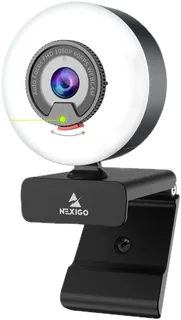
NexiGo N960E · NexiGo
A $79.99 1080p 60 fps autofocus webcam with a built-in ring light and a privacy cover. The diagonal view is 78 degrees, so it frames one person more tightly than a 90-degree camera.
-
NexiGo N950P · NexiGo
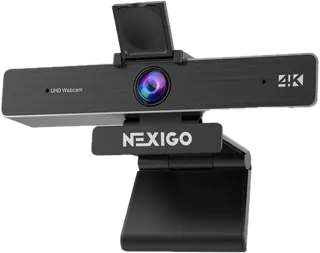
A $129.99 4K webcam with 5x digital zoom and dual noise-canceling microphones. Focus is fixed, 4K is 30 fps, and the diagonal view is adjustable from 35 to 90 degrees. The shop card mentions a remote, while the comparison table marks remote control as unavailable.
-
NexiGo N990 · NexiGo
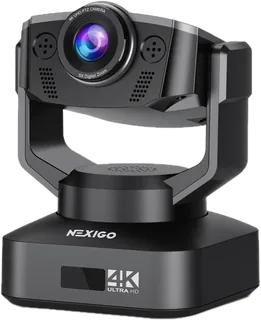
A $249.99 motorized 4K desk camera with pan, tilt, 5x digital zoom, and two noise-canceling microphones. Focus is fixed and 4K is 30 fps. The shop card mentions a remote, while the comparison table marks remote control as unavailable.
-
Live! Cam Sync V3 · Creative
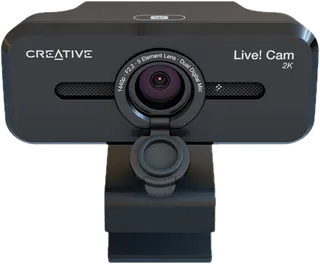
A 1440p webcam with 4x digital zoom and dual microphones, for people who want a tighter crop on calls. 1440p needs a third-party app such as OBS, and both 1440p and 1080p are 30 fps. The store shows a $49.99 list price and a $47.49 promo. SmartComms needs the Creative app on Windows.
-
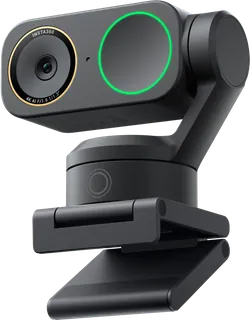
Link 2 · Insta360
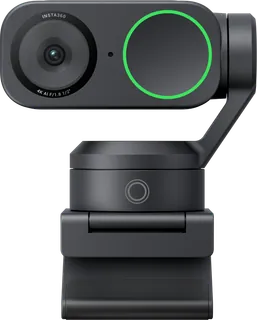
A 4K webcam with a 2-axis gimbal that physically turns to follow you. 4K tops out at 30 fps, and the included cable is USB 2.0. Natural bokeh needs a capable NVIDIA or Apple GPU.
-
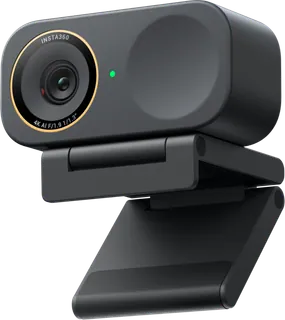
Link 2C · Insta360
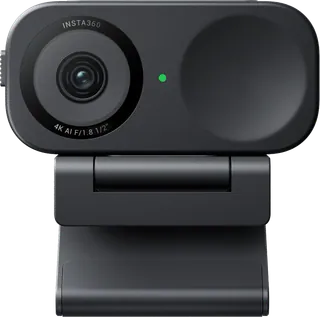
The same 4K sensor in a fixed body that crops to frame you instead of turning. It has one microphone and a privacy switch. 4K is 30 fps on USB 2.0.
-
Link 2 Pro · Insta360
A larger 1/1.3-inch sensor, dual microphones, and a 2-axis gimbal. 4K is still 30 fps on USB 2.0, and privacy is a sleep pose rather than a lens cover.
-
Link 2C Pro · Insta360
The same flagship sensor in a 48.5 g body with a physical shutter and no motor, so framing is a crop. 4K is 30 fps on USB 2.0.
-
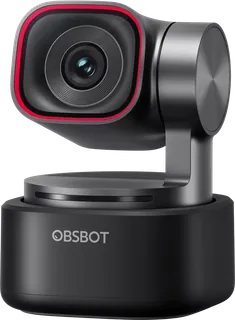
OBSBOT Tiny 3 · OBSBOT
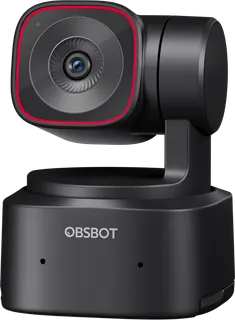
A small 4K PTZ webcam with gesture control, listed at US$349. The pack has no privacy cover, and 4K is 30 fps.
-
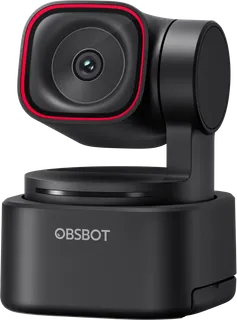
OBSBOT Tiny 3 Lite · OBSBOT
The Tiny 3 with a smaller 1/2-inch sensor, still a 4K PTZ webcam with gesture control, at US$199. The pack has no privacy cover, and the page does not state a USB version.
-
OBSBOT Tiny SE · OBSBOT
A 1080p PTZ webcam that runs up to 100 fps, at US$129. It is not 4K, and it has a single built-in microphone.
-
OBSBOT Tiny 2 · OBSBOT
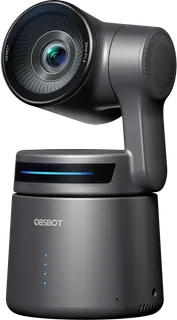
A 4K PTZ webcam with a 1/1.5-inch sensor and a USB 3.0 cable, at US$329. The pack does not include a privacy cover, and 4K is 30 fps.
-
OBSBOT Tiny 2 Lite · OBSBOT
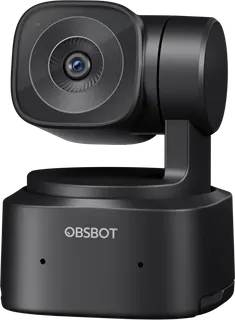
A 4K PTZ webcam with gesture control, at US$179. 4K is 30 fps, and the spec page does not state a USB version.
-
OBSBOT Meet 2 · OBSBOT
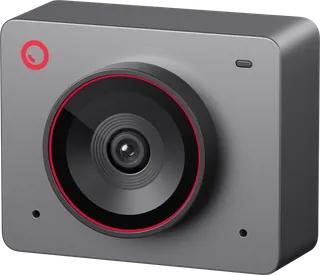
A fixed 4K webcam with a privacy cover and dual microphones, at US$129. It cannot turn, and 4K is 30 fps on USB 2.0.
-
OBSBOT Meet SE · OBSBOT
A fixed 1080p webcam that runs up to 100 fps, at US$79, with a privacy cover and one microphone. It is not 4K, and it cannot turn.
-
OBSBOT Meet Flip · OBSBOT
A 4K webcam that folds over its own lens, weighing 37.7 g, at US$119. 4K is 30 fps on USB 2.0, and AI Magic Notes needs a subscription after 120 free minutes.
-
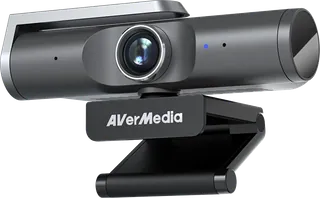
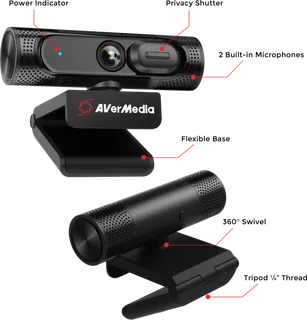
Live Streamer CAM 513 · AVerMedia
A fixed-focus 4K webcam with a privacy shutter. The regular price is $199.99, and the US shop is selling it for $99.99. Fixed focus stays sharp only around the set distance.
-
AVerMedia PW515 · AVerMedia
A 4K autofocus webcam with gesture framing and a privacy shutter. The regular price is $219.99. The US shop lists a $179.99 sale price and shows zero units in stock.
-
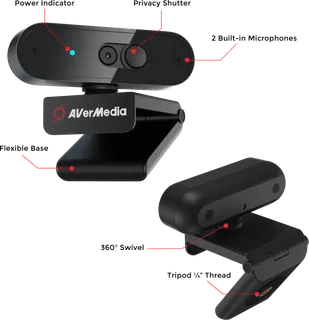
AVerMedia PW315 · AVerMedia
A fixed-focus 1080p webcam at 60 fps, with a wide diagonal view and a privacy shutter. The regular price is $119.99. The US shop lists it at $99.99 with zero units in stock.
-
AVerMedia PW310P · AVerMedia
A 1080p30 autofocus webcam that can focus from 7 cm, with a privacy shutter. The US shop lists it at $69.99 with zero units in stock.
-
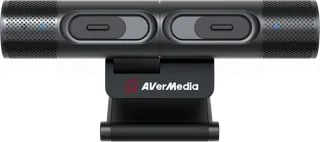
DualCam PW313D · AVerMedia
Two cameras in one body: one 1080p and one 2592x1944, which is neither 4K nor 1440p. The regular price is $149.99. It plugs into a USB 2.0 port.
Suggest a change
Related comparisons
-
 Video-call lights
Compare lights for video calls and desk streaming, from compact laptop clips and monitor light bars to desk-clamp key lights and small ring lights. The grid focuses on the light quality, mounting, power, and controls that affect a real webcam setup.
-
 Streaming microphones
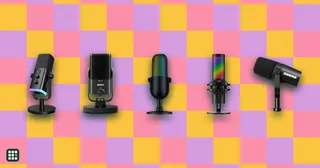
Microphones for live streaming, gaming, podcasting and video, from plug-and-play USB mics to XLR studio dynamics. The choice comes down to how quiet your room is, whether you want to plug in by USB or grow into an audio interface, and which on-mic controls and software you need while live.
-
 USB microphones
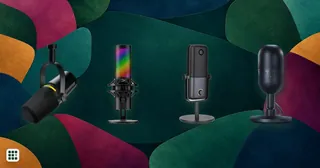
 compared for calls, streaming, podcasting and voiceover: Shure, RØDE, Audio-Technica, Logitech G (Yeti), HyperX, Elgato, Razer and budget picks, including hybrid USB and XLR models. The choice comes down to dynamic or condenser for your room, the pickup patterns you need, monitoring and on-mic controls, and whether you want an XLR output to grow into later.
-
 Desk lamps
A good desk lamp puts enough light on your work without glare in your eyes or on your screen. Options range from classic spring-balanced arm lamps to LED lamps with adjustable color temperature and automatic brightness, and monitor light bars that take no desk space. This grid compares brightness, color temperature, glare control, adjustability, mounting and price.
-
 USB-C docking stations
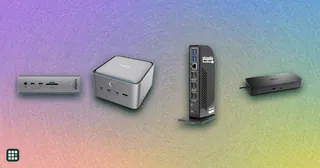
A USB-C dock turns one cable into monitors, charging, and the ports a laptop left off. The split that matters is Thunderbolt versus plain USB-C: Thunderbolt drives more screens and faster drives, and plain USB-C is cheaper when you only need one or two displays.
-
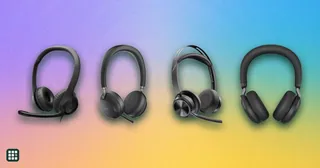 Office headsets
 are built for clear calls: a microphone that picks up your voice and not the room, controls for muting, and comfort for hours of meetings. They range from $30 wired USB models to wireless headsets with noise cancellation, busy lights and long-range DECT bases. This grid compares mic design and noise reduction, connection, battery, mute controls, certifications and comfort.